
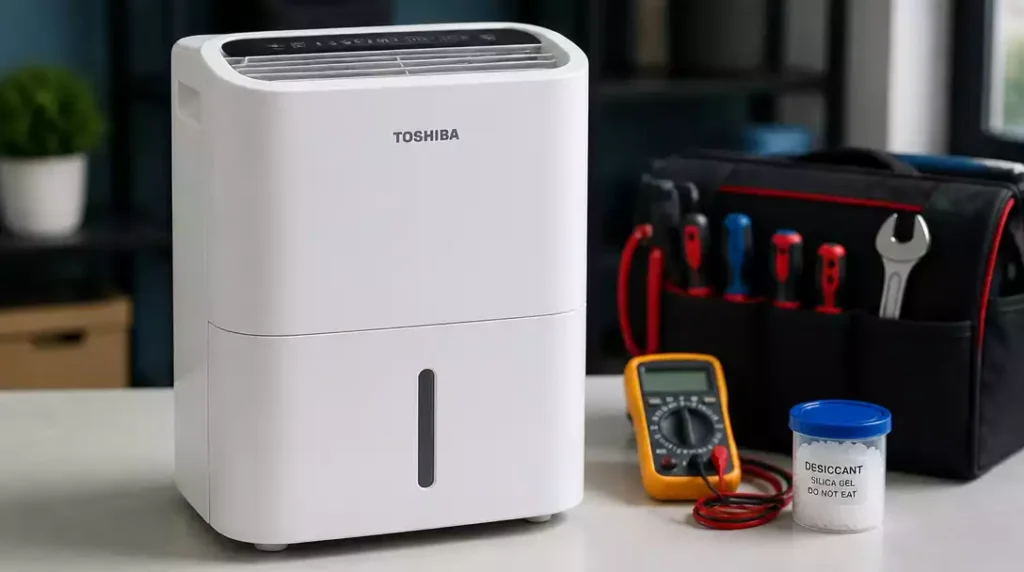
Have you ever faced a situation where your dehumidifier just won’t cooperate? Understanding common troubleshooting techniques can help you regain control and restore comfort in your home. Let’s uncover some essential insights!
What You Will Learn
- Recognize the significance of error codes like AS, P2, ES, and Eb for effective troubleshooting.
- Implement basic repair steps, including resetting the unit and checking power connections, to resolve minor issues.
- Identify signs that indicate it’s time to seek professional help, such as persistent error codes and unusual noises.
- Understand the importance of safety and warranty claims in ensuring efficient repairs and maintaining your unit’s longevity.
Troubleshooting Common Issues with Your Toshiba Dehumidifier
When your Toshiba dehumidifier starts acting up, it can be quite frustrating! However, understanding how to troubleshoot common issues can help you get it back to working order in no time. Let’s dive into some key areas, starting with the error codes that may pop up.
Error Codes and Their Implications
Error codes like AS, P2, ES, and Eb can give you insight into what’s wrong with your unit. For instance, the AS code indicates a problem with the humidity sensor, while P2 usually points to a full tank. Knowing these codes can simplify your troubleshooting process.
- AS: Humidity sensor issue
- P2: Water tank is full
- ES: Sensor failure
- Eb: Low temperature operation error
Each of these error codes has a specific action you can take to resolve it, which often includes resetting the unit or checking for clogs. If you’re seeing these codes, don’t panic; they’re just your Toshiba trying to tell you something!
Basic Repair Steps for Your Toshiba Dehumidifier
Before reaching out for professional help, try these essential troubleshooting tips. First, reset your unit by unplugging it for a few minutes. This can often clear minor issues. Next, check your power connections to ensure everything is plugged in correctly and there are no faulty outlets.
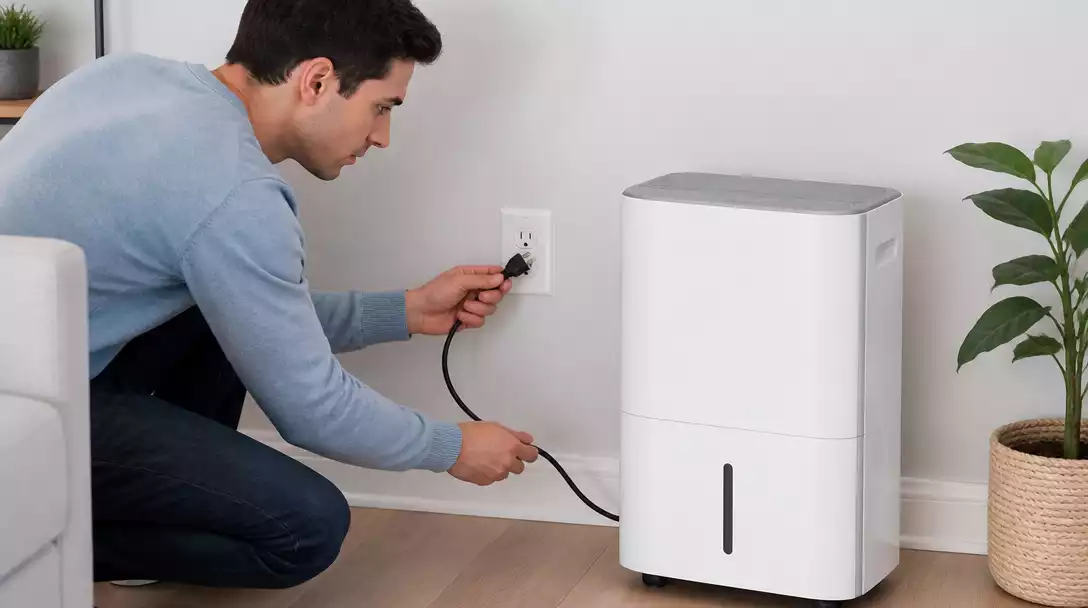
- Reset the unit by unplugging it for a few minutes.
- Inspect all power connections thoroughly.
- Clean or replace the filters regularly.
- Ensure that the water tank is properly seated.
Cleaning the filters is also crucial; dirty filters can significantly reduce efficiency. By following these simple steps, you may solve many common problems without needing to call in an expert! For more detailed guidance on fixing common issues, you might find our article on how to fix a humidifier helpful.
When to Seek Professional Help
While DIY repairs can be effective, there are times when it’s best to call in the pros. If your Toshiba dehumidifier is making unusual noises, not extracting moisture, or if you’ve tried basic troubleshooting without success, these are signs that you might need professional service.
- Unusual noises or vibrations
- Continuous error codes after troubleshooting
- Failure to remove moisture from the air
- Frequent power issues
Recognizing these symptoms early can save you time and potentially costly repairs down the road. It’s always better to be safe than sorry!
Pro Tip
Did you know? Regular maintenance, such as cleaning the water tank and checking the filters, can extend the lifespan of your Toshiba dehumidifier significantly. Make it a habit to perform these checks monthly to ensure optimal performance!
Frequently Asked Questions About Toshiba Dehumidifier Troubleshooting
Here are some common questions users have about troubleshooting their Toshiba dehumidifiers:
- What do error codes like AS, P2, ES, and Eb mean?
- These codes indicate specific issues: AS for humidity sensor problems, P2 for a full water tank, ES for general sensor failure, and Eb for low temperature operation errors.
- What are the basic repair steps I can try for my Toshiba dehumidifier?
- You can try resetting the unit by unplugging it for a few minutes, checking all power connections, cleaning or replacing filters, and ensuring the water tank is properly seated.
- When should I consider calling a professional for my dehumidifier?
- You should seek professional help if your unit makes unusual noises, fails to remove moisture despite troubleshooting, or displays persistent error codes.
- How can I maintain my Toshiba dehumidifier to prevent future issues?
- Regular maintenance, such as cleaning the water tank and checking the filters monthly, can significantly extend the lifespan and ensure optimal performance of your unit.
- How do I initiate a warranty claim for my Toshiba dehumidifier?
- Locate your warranty information and proof of purchase, then contact Toshiba customer support to initiate the claim and follow their instructions for repair or replacement.
Summarizing Key Takeaways for Toshiba Dehumidifier Repair
When it comes to troubleshooting your Toshiba dehumidifier, having a clear plan can make all the difference! Here are the essential steps you should remember:
- Check and reset error codes.
- Inspect power connections and filters.
- Monitor for unusual noises or performance issues.
- Know when to seek professional help.
By following these steps, you can confidently tackle many common issues that may arise with your unit. Remember, if you ever feel unsure, it’s completely okay to call for help! For issues specific to other brands, you might find our guide on Hisense dehumidifier repair helpful as well.
Encouraging Safe and Efficient Repairs
Safety should always be your top priority when performing any repairs on your dehumidifier. It’s crucial to follow all safety guidelines to prevent accidents or further damage to your unit. Whenever you’re in doubt about a repair, I recommend contacting a professional technician who is authorized by Toshiba. They have the expertise to handle more complex issues safely!
Contacting Customer Support for Further Assistance
If you find yourself stuck or confused, don’t hesitate to reach out to Toshiba’s customer support. Their team is equipped to help you with any questions or concerns you may have. You can contact them at:
- Phone: 1-800-XYZ-1234
- Email: support@toshiba.com
- Website: www.toshiba.com/support
Utilizing customer support can save you time and give you peace of mind!
Understanding Warranty Claims and Service Options
If your dehumidifier is still under warranty, make sure to take advantage of that! The warranty process can be straightforward, and it’s an excellent way to get repairs or replacements covered. Here’s how to navigate it:
- Locate your warranty information and proof of purchase.
- Contact Toshiba support to initiate the claim.
- Follow their instructions to send the unit for repair or replacement.
Using authorized technicians for repairs not only ensures quality service, but it also helps maintain your warranty coverage! If you encounter similar issues with other brands, our article on Honeywell dehumidifier repair offers valuable insights.
Finding Local Repair Services and Parts Suppliers
For those hands-on DIYers, finding reliable local repair services and parts suppliers is key! Here are some tips to help you locate the best options:
- Search online directories for appliance repair services.
- Check community boards or local listings for trusted technicians.
- Visit local appliance stores for parts and repair service recommendations.
Having the right support can make your Toshiba dehumidifier maintenance efforts much smoother and more effective!
Recap of Key Points
Here is a quick recap of the important points discussed in the article:
- Understand error codes like AS, P2, ES, and Eb to diagnose issues effectively.
- Perform basic troubleshooting steps: reset the unit, check power connections, and clean filters.
- Monitor for unusual noises and persistent issues, which may require professional help.
- Utilize Toshiba customer support for guidance and warranty claims to ensure proper repairs.
- Seek local repair services and parts suppliers to facilitate DIY maintenance and repairs.

Pingback: Whirlpool Dehumidifier Repair