
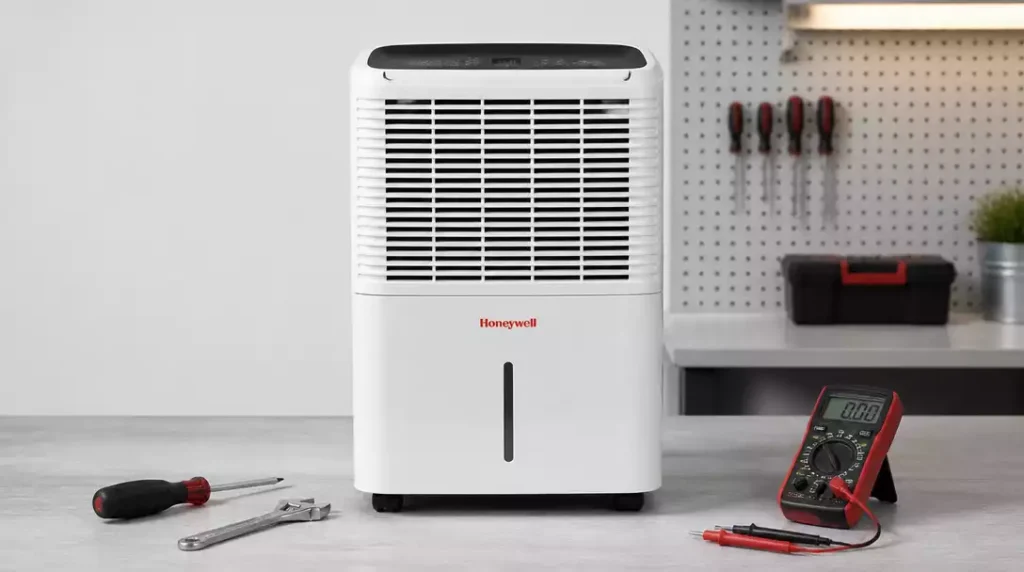
Did you know that regular maintenance can significantly extend the life of your Honeywell dehumidifier? Understanding common issues and their solutions could save you time and money while ensuring a comfortable indoor environment.
What You Will Learn
- Recognize common issues like unit failure, inadequate cooling, and leaking water.
- Identify troubleshooting steps, including checking power supply and adjusting humidity settings.
- Understand the importance of maintaining your dehumidifier to prevent future problems.
- Learn effective humidity control techniques and mold prevention strategies.
Honeywell Dehumidifier Repair Needs
When it comes to maintaining a comfortable and healthy indoor environment, your Honeywell dehumidifier plays a crucial role. However, like any appliance, it can encounter issues over time. In this section, we’ll dive into some common problems and help you identify what might be going wrong with your unit.
As someone who has worked with Honeywell dehumidifiers for years, I’ve seen a range of issues that can pop up. It’s essential to be proactive and know the typical signs that indicate your dehumidifier needs some TLC.
Common Issues with Honeywell Dehumidifiers
There are several frequent problems that users experience with their Honeywell dehumidifiers. By knowing what these issues are, you can pinpoint the cause quickly and take appropriate action. Here are some of the most common:
- Unit fails to start
- Inadequate cooling or humidity control
- Leaking water
- Drain and tank issues
Identifying these problems early can save you both time and money in the long run. Let’s take a closer look at a few specific concerns.
Why Won’t My Honeywell Dehumidifier Start?
If your Honeywell dehumidifier isn’t starting, it can be frustrating. One of the first things to check is whether it’s plugged in properly. Sometimes, a loose connection can be the culprit! If the power cord seems fine, look into the safety switch, as it might be tripped.
Another common reason for a non-starting unit is a full water tank. Make sure to empty it out before trying to restart the dehumidifier. If none of these fixes work, it may be time to look deeper into the issue. For more specific troubleshooting, you can refer to our guide on humidifier won’t turn on after cleaning.
Troubleshooting Dehumidifier Cooling and Humidity Problems
If your unit is running but not effectively cooling the air or controlling humidity, several factors could be at play. First, ensure that the humidity settings are adjusted correctly for your environment. Sometimes, users unknowingly set it too low!
- Check the humidity setting
- Inspect the filter for clogs
- Evaluate room temperature—too cold can affect performance
These steps often resolve the cooling and humidity control issues. If your dehumidifier still doesn’t perform as expected, further troubleshooting may be needed.
Identifying Signs of a Faulty Unit
Recognizing the signs of a faulty dehumidifier can help you address problems before they become severe. If your unit is showing any of the following symptoms, it might be time for a closer inspection.
- Unexpected water leaks
- Unusual noises during operation
- Inconsistent humidity levels
Being on the lookout for these signs can save you from larger issues down the line!
Leaking Water: Causes and Solutions
Water leaks are one of the most common issues with dehumidifiers. These leaks can arise from various sources, including a clogged drain hose or a malfunctioning tank. Addressing the problem quickly can prevent water damage in your home.
To fix a leaking dehumidifier, start by checking the drain hose for kinks or clogs. If the tank is the source, ensure it’s properly seated and not cracked or damaged. Most often, a simple adjustment can solve the problem.
Common Drain and Tank Issues
Tank-related issues are prevalent in Honeywell dehumidifiers. A full tank may cause the unit to shut down, while a broken seal can lead to leaks. Regular maintenance is key to avoiding these problems.
- Regularly empty the tank to prevent overflow
- Inspect seals and hoses for wear and tear
- Clean filters to keep airflow optimal
Taking these preventative measures can extend the life of your dehumidifier and keep your indoor air quality in check!
Humidity Control Problems and Solutions
Effective humidity control is crucial for your home’s comfort. If you’re facing issues in this area, it’s essential to identify the root cause. Let’s explore some common solutions.
- Adjust humidity settings as necessary
- Ensure the air intake is unobstructed
- Consider your home’s insulation and sealing
Each of these elements can impact how well your dehumidifier operates. With the right adjustments, you can significantly improve your unit’s performance!
How to Address Excess Humidity in Your Home
Excess humidity can lead to discomfort and even mold growth. To combat this, ensure your dehumidifier is sized correctly for the space it serves. A unit that’s too small may struggle to keep up!
In addition to using your dehumidifier, consider enhancing ventilation and using exhaust fans in high-moisture areas like kitchens and bathrooms. These steps can make a noticeable difference in your home’s humidity levels. If you’re looking for alternative methods, explore how to dehumidify a room without a dehumidifier.
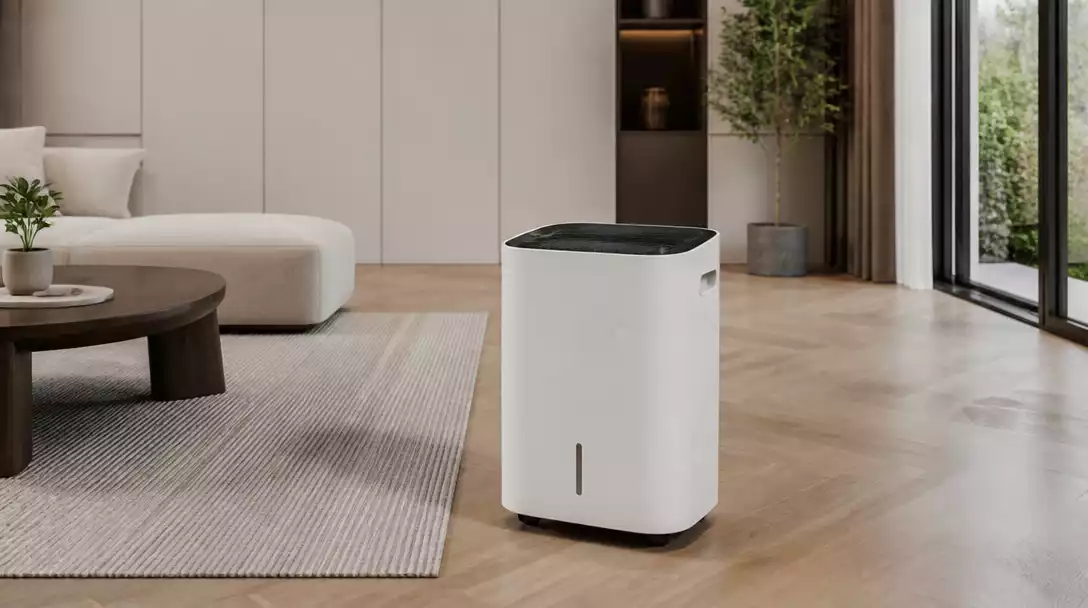
Mold Prevention Techniques for Dehumidifiers
Mold can thrive in damp environments, making your dehumidifier essential for prevention. Regular cleaning and maintenance are your best defenses!
- Clean the tank and filter monthly
- Keep the area around the dehumidifier dry
- Use a mold-resistant spray in high-risk areas
By implementing these techniques, you not only maintain your dehumidifier’s efficiency but also protect your home from mold growth.
Pro Tip
Did you know? Regularly checking and cleaning the filter in your Honeywell dehumidifier can significantly improve its efficiency? A clogged filter restricts airflow, making your unit work harder and less effectively. Aim to clean or replace the filter every few months to keep your dehumidifier running smoothly!
Frequently Asked Questions (FAQs)
Q1: What are the most common issues with Honeywell dehumidifiers?
A1: The most common issues include the unit failing to start, inadequate cooling or humidity control, leaking water, and problems with the drain and water tank.
Q2: What should I do if my Honeywell dehumidifier won’t start?
A2: First, check if it’s properly plugged in and that the power cord is secure. Inspect the safety switch for any trips and ensure the water tank is empty, as a full tank can prevent the unit from starting.
Q3: How can I improve my dehumidifier’s cooling and humidity control?
A3: Ensure your humidity settings are correctly adjusted for your environment. Check the air filter for clogs and clean it if necessary. Also, confirm that the room temperature isn’t too cold, as this can affect performance.
Q4: What causes water leaks in a Honeywell dehumidifier and how can I fix them?
A4: Water leaks can be caused by a clogged or kinked drain hose, or a malfunctioning or improperly seated water tank. Check the drain hose for obstructions and ensure the tank is correctly seated and undamaged. A simple adjustment often resolves the issue.
Q5: How often should I clean my Honeywell dehumidifier to prevent mold?
A5: It is recommended to clean the water tank and filter monthly to prevent mold growth. Keeping the area around the dehumidifier dry and using a mold-resistant spray in high-risk areas also helps.
Wrapping Up Your Honeywell Dehumidifier Repair Journey
As we come to the end of our troubleshooting guide, it’s essential to recap the key steps you can take for a successful repair of your Honeywell dehumidifier. Every unit comes with its unique quirks, but following these steps can help you tackle most common issues without too much hassle. Here are some critical troubleshooting actions to remember:
- Check the power supply and ensure the unit is plugged in.
- Inspect the safety switch and ensure it’s functioning correctly.
- Adjust the humidity settings according to your specific needs.
- Examine the drain hose for blockages or kinks.
- Listen for any unusual sounds that may indicate mechanical issues.
By following these steps, you can confidently address many problems that might arise with your Honeywell dehumidifier. Remember, the goal is not only to repair but also to prevent future issues!
Encouragement to Seek Professional Repair When Necessary
While you may feel empowered to fix many issues yourself, there are times when it’s best to call in the pros! If you find yourself stuck or the problem seems beyond your expertise, don’t hesitate to reach out for professional help. Knowing when to seek assistance can save you time, stress, and potentially costly repairs down the line.
For instance, if you’re dealing with internal components like the compressor or fan, a qualified technician will have the right tools and experience to diagnose and fix these issues safely. It’s better to be proactive than risk further damage to your dehumidifier. If you’re experiencing issues with the fan, our guide on Honeywell humidifier fan not working might offer additional insights.
Get Your Honeywell Dehumidifier Running Smoothly Again
Final Tips for Maintenance and Longevity
To ensure that your Honeywell dehumidifier remains in excellent working condition, regular maintenance is essential. Here are some final tips to help you keep your unit running smoothly:
- Clean or replace the filter every few months to improve efficiency.
- Empty the water tank regularly to avoid overflow.
- Inspect the drain hose periodically for clogs.
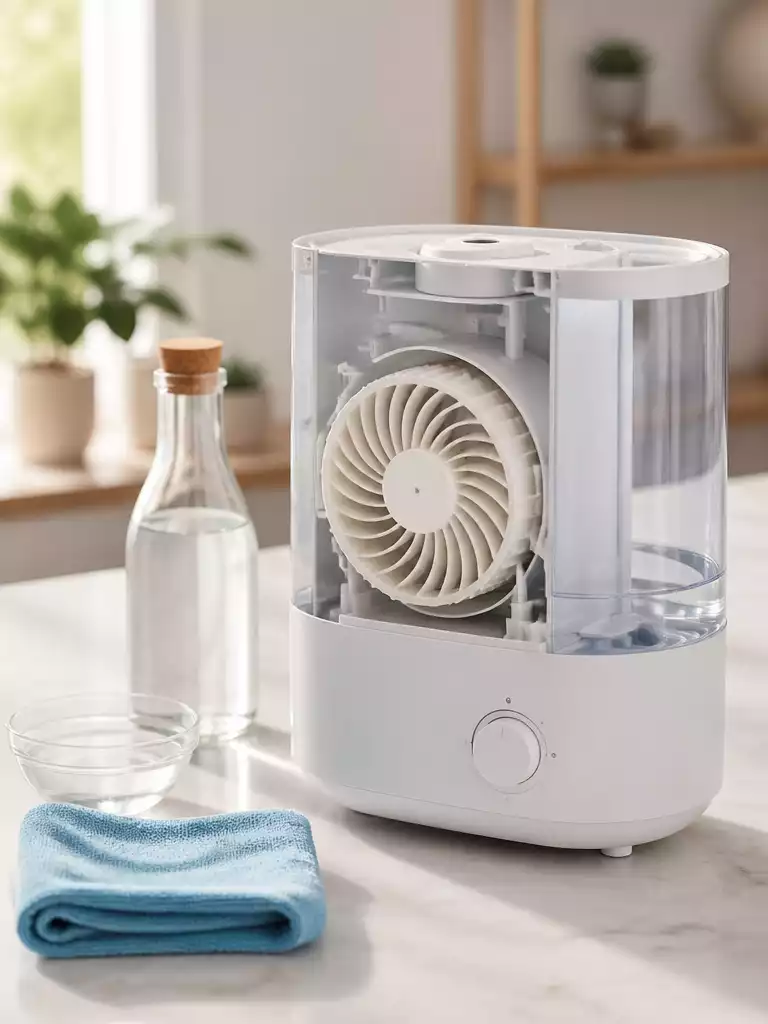
- Keep the unit dust-free by wiping it down with a soft cloth.
- Store the dehumidifier in a dry place when not in use.
These simple maintenance tasks can greatly extend the life of your dehumidifier and enhance its performance. Trust me; a little effort goes a long way!
Understanding Energy Efficiency and Environmental Impact
As we become more conscious of our environmental footprint, it’s crucial to consider the energy efficiency of our appliances. Honeywell dehumidifiers are designed to use less energy while providing powerful moisture control. By choosing an energy-efficient model, you not only help the environment but also save money on your utility bills!
Look for models with Energy Star ratings and consider using your dehumidifier during the optimal hours of the day to maximize efficiency. When you make informed choices, you contribute positively to both your home’s comfort and the planet’s health.
Invite Readers to Share Their Experiences and Questions
Finally, I’d love to hear from you! If you have questions or experiences to share about your Honeywell dehumidifier, please leave a comment below. Your insights can help others who are facing similar challenges. Together, we can create a supportive community of Honeywell dehumidifier owners eager to share tips and tricks! For more general repair information, you can always check our guide on how to fix a humidifier.
Remember, you’re not alone in your repair journey, and your feedback is invaluable. Let’s keep the conversation going!
Recap of Key Points
Here is a quick recap of the important points discussed in the article:
- Check the power supply and ensure the unit is plugged in properly.
- Inspect the safety switch and ensure it’s functioning correctly.
- Adjust the humidity settings according to your specific needs.
- Examine the drain hose for blockages or kinks.
- Listen for any unusual sounds that may indicate mechanical issues.
- Regularly clean or replace filters to maintain efficiency.
- Empty the water tank frequently to prevent overflow.
- Seek professional help for complex internal issues.
Pingback: How to Clean a Dehumidifier