
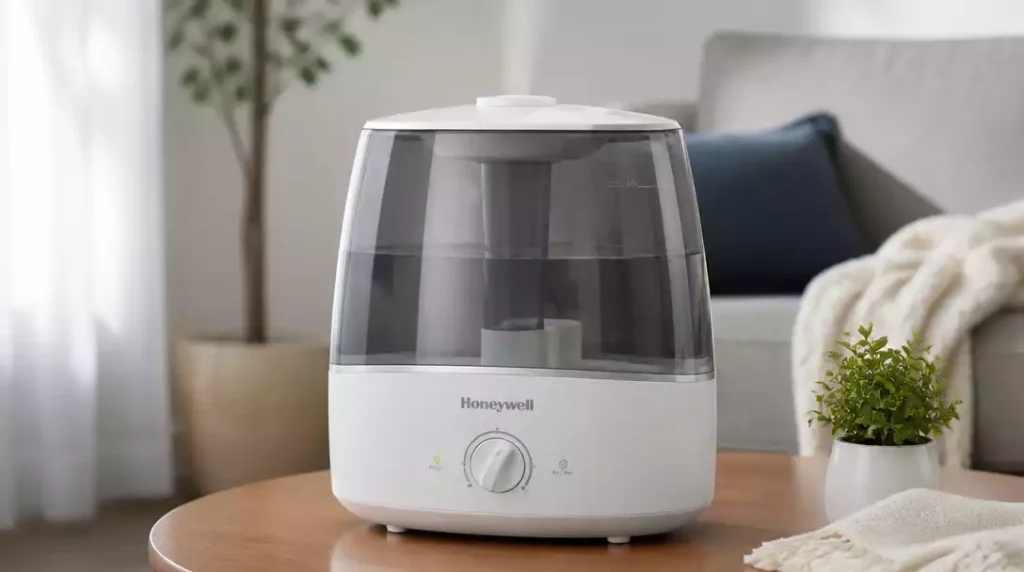
Have you ever wondered what to do when your humidifier fan suddenly stops working? Understanding the common signs and troubleshooting strategies can save you time and ensure your indoor environment remains comfortable.
What You Will Learn
- Recognize key symptoms indicating your Honeywell humidifier fan isn’t functioning properly.
- Perform essential checks to troubleshoot common fan issues quickly.
- Know when it’s time to seek professional help or consider replacement options.
- Access valuable resources for ongoing support and information related to your humidifier.
Why Your Honeywell Humidifier Fan Isn’t Working
If your Honeywell humidifier fan is acting up, you might notice a few telltale signs. Common symptoms include the fan not turning on at all, making unusual noises, or cycling on and off unexpectedly. These indicators can be frustrating, especially when you rely on your humidifier for a comfortable indoor environment.
It’s essential to observe these signs closely. For instance, if you hear a humming sound but the fan doesn’t move, there may be an internal issue. Recognizing these symptoms early can help you diagnose the problem more effectively!
Identifying Common Symptoms of Fan Issues
Here are some common symptoms that may indicate your Honeywell humidifier fan is experiencing issues:
- The fan does not activate when the humidifier is in operation.
- You notice strange noises, such as grinding or rattling, when the fan should be running.
- When on, the device seems to run intermittently, turning on and off without a clear pattern.
- There’s no air being released despite the humidifier’s lights indicating it’s on.
Noticing these symptoms can help you pinpoint the problem’s origin. Each of these signs may stem from different underlying issues that need addressing! For more general troubleshooting, refer to our guide on how to fix a humidifier.
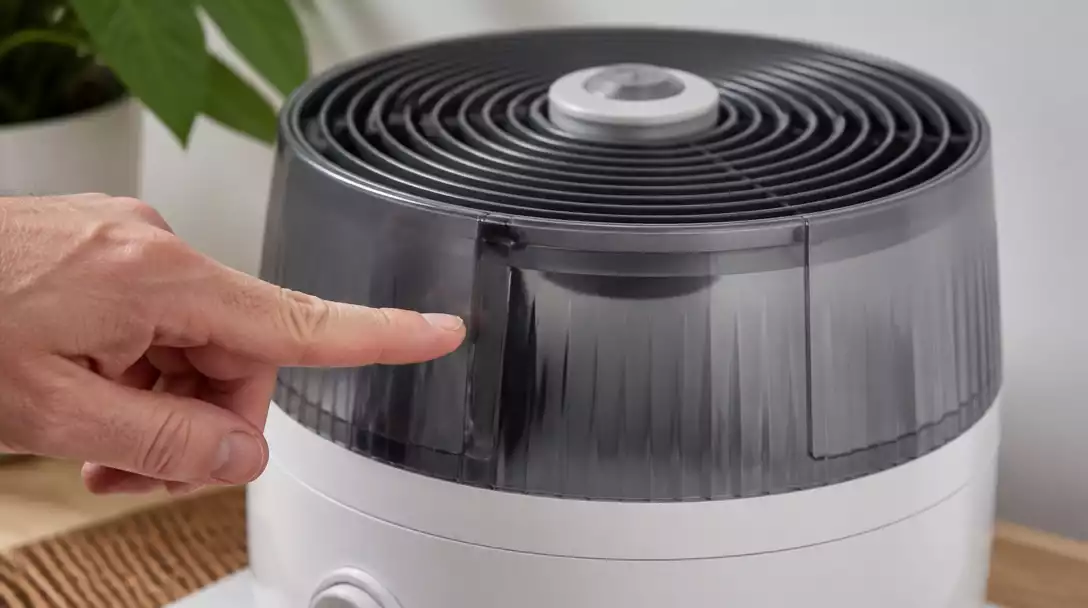
Quick Diagnosis: Five Essential Checks
To help you troubleshoot effectively, I’ve compiled a list of five essential checks you can perform quickly:
- Check the outlet for power—make sure it’s functioning correctly.
- Ensure the power switch is in the ‘on’ position.
- Inspect the humidistat to see if it’s set properly.
- Verify that the water tank is filled and properly seated in the unit.
- Look for any blockages in airflow, such as dust or debris.
By running through these checks, you can often identify the culprit behind the fan issues. If everything seems in order but the fan still won’t work, it might be time to investigate further! For specific fan maintenance, learn how to clean a humidifier fan.
Pro Tip
Did you know? Regularly cleaning the filters and water tank of your Honeywell humidifier can significantly enhance its performance and prolong its lifespan. A simple maintenance routine can prevent many common issues, including fan malfunctions!
Frequently Asked Questions (FAQs)
Here are some common questions about Honeywell humidifier fan issues:
- What are the most common signs of a Honeywell humidifier fan not working?
Common signs include the fan not turning on, making unusual noises (like grinding or rattling), or cycling on and off unexpectedly. - What should I check first if my humidifier fan isn’t working?
Start by checking the power outlet, ensuring the power switch is on, verifying the humidistat settings, confirming the water tank is filled and seated correctly, and looking for airflow blockages. - Can a dirty filter cause my humidifier fan to malfunction?
Yes, blockages from dust or debris can impede airflow and cause the fan to work inefficiently or stop altogether. Regular cleaning is crucial. - When should I consider professional help for my humidifier fan?
You should seek professional help if the fan fails to operate after performing basic checks, if you hear unusual noises suggesting motor failure, if persistent error codes appear, or if the unit shows signs of wear affecting safety. - Where can I find more support for my Honeywell humidifier?
You can visit the Honeywell Support Page for troubleshooting guides, find specific user manuals on their product pages, or connect with other users in the Honeywell Community Forums.
Conclusion: Taking the Next Steps for Your Honeywell Humidifier
In this guide, I’ve outlined several practical troubleshooting strategies to help you address issues with your Honeywell humidifier fan. From identifying common symptoms to performing quick diagnostics, understanding the root cause can make all the difference in restoring your humidifier’s functionality!
Remember, regular maintenance is key. Keeping an eye on things like the water tank, humidistat settings, and airflow can prevent many problems before they start. If you ever find yourself feeling stuck, don’t hesitate to revisit the steps discussed or take a deeper look at each potential issue.
When to Seek Professional Help or Replacement Options
Sometimes, despite our best efforts, we may hit a wall with our troubleshooting. If you notice persistent issues with your humidifier fan or if it completely stops working after following the steps provided, it might be time to consider professional help. Here are some indicators that suggest it’s time to consult an expert:
- The fan fails to operate even after checking power and connections.
- You hear unusual noises that could signal motor failure.
- Persistent error codes or warnings appear on your humidifier display. If your humidifier won’t turn on after cleaning, this could be a sign of a deeper issue, as discussed in our article on humidifier won’t turn on after cleaning.
- The unit shows signs of wear that could affect safety.
In situations like these, seeking assistance from a qualified technician can save you time and ensure your humidifier is in safe working order. Alternatively, it may be wise to explore replacement options if your unit is outdated or too costly to repair. Always weigh your options before making a decision!
Further Resources and Support for Honeywell Humidifier Users
For ongoing support, I recommend checking out the following resources to help you make the most of your Honeywell humidifier:
- Honeywell Support Page – Access troubleshooting guides and FAQs.
- User Manuals – Find specific user manuals for your model.
- Honeywell Community Forums – Connect with other users for tips and advice.
These resources can provide additional assistance and information to ensure your humidifier performs at its best. Remember, keeping your home comfortable and healthy is a priority for us all!
Recap of Key Points
Here is a quick recap of the important points discussed in the article:
- Identify common symptoms of fan issues, such as the fan not activating or making unusual noises.
- Perform essential checks, including verifying power output and ensuring the humidistat is set correctly.
- Regular maintenance can prevent many humidifier problems before they start.
- Seek professional help if the fan fails to operate or if there are persistent issues.
- Utilize available resources for support, including the Honeywell support page and community forums.




Pingback: how to clean honeywell humidifier
Pingback: How to Fix a Honeywell Humidifier: Troubleshooting Guide