
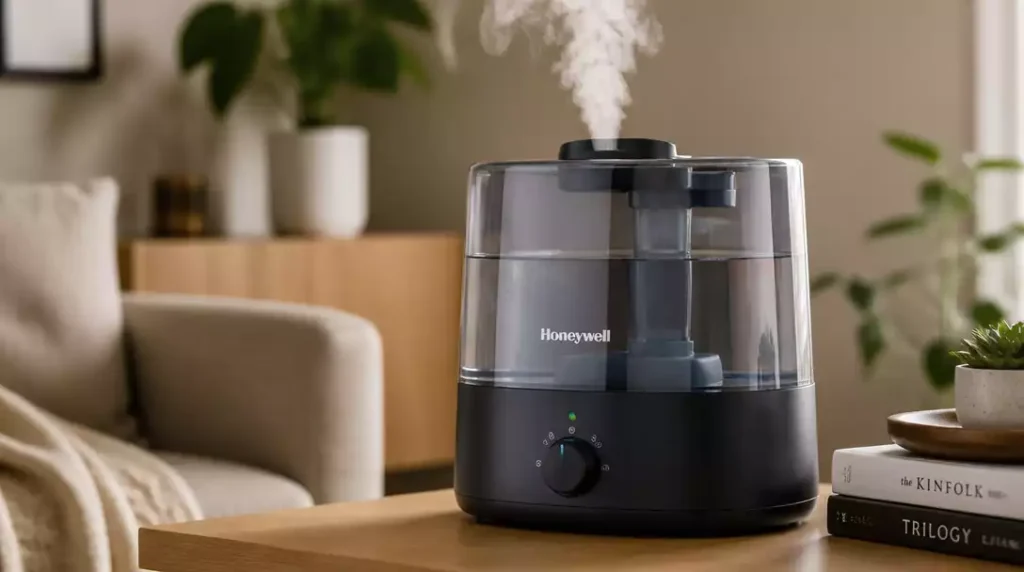
Have you ever wondered how a slight adjustment in maintenance can significantly enhance your humidifier’s performance? Understanding your device’s needs is crucial for optimal functioning.
What You Will Learn
- How to identify key symptoms of humidifier issues such as no mist production and unusual noises.
- Essential power and reset checks to ensure your unit is functioning properly.
- Common maintenance practices that can extend the lifespan of your Honeywell humidifier.
- DIY solutions for frequent humidifier problems, empowering you to troubleshoot effectively.
Common Honeywell Humidifier Issues
If your Honeywell humidifier isn’t performing as expected, it can be both frustrating and uncomfortable. Before you rush to call for repairs, let’s take a closer look at some common issues you might face. By identifying specific symptoms, you can often troubleshoot the problem yourself!
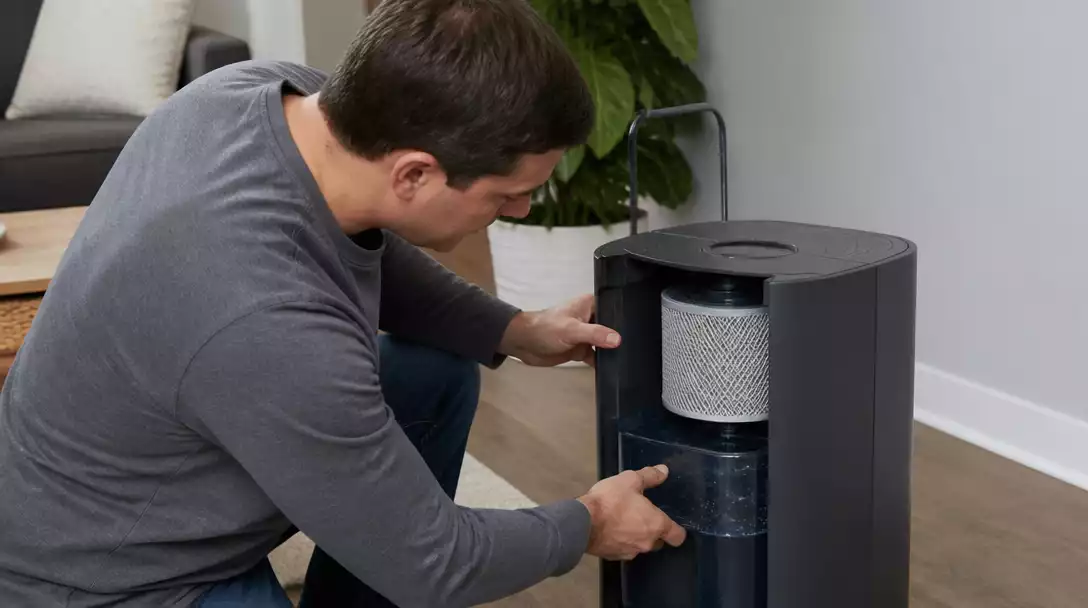
Many users report similar challenges, such as no mist production or unexpected noises. Knowing these symptoms can save you time and help you take the right steps toward a solution.
Identifying Symptoms: Why Your Humidifier Might Not Work
When your humidifier isn’t working, the first step is identifying what exactly is wrong. Here are some symptoms that might indicate issues with your unit:
- No mist or low humidity output
- Unusual noises or vibrations
- Water leaks or pooling
Recognizing these signs early can help prevent further damage. If you notice any of these symptoms, it’s time to take action!
Power and Reset Checks: Ensuring Your Unit is Ready
Before diving into more complex troubleshooting, it’s crucial to check the basics. Start by ensuring your humidifier is plugged in and the outlet is functioning. Then, look for any reset options your model might have.
- Check if the power cord is securely connected
- Look for a reset button (usually located on the back or underneath)
- Ensure that the water tank is properly seated
Resetting your unit can sometimes resolve issues that seem more severe. If these simple checks don’t work, don’t worry! We’ll explore more specific troubleshooting methods in the following sections. For more general troubleshooting advice, check out our guide on how to fix a humidifier.
Pro Tip
To maximize the performance of your Honeywell humidifier, consider using a hygrometer to monitor indoor humidity levels. Keeping humidity between 30% and 50% not only enhances comfort but also helps prevent mold and dust mites!
Summarizing Key Fixes and Maintenance Tips
When it comes to keeping your Honeywell humidifier in good working order, being aware of common fixes and maintenance tips can save you time and trouble. Below, I’ve compiled some essential information that can help you troubleshoot issues effectively.
Staying proactive with your humidifier maintenance not only enhances its performance but also extends its lifespan. Let’s dive into some quick-reference tips that are easy to follow!
Quick-Reference Table for Troubleshooting by Model Numbers
| Model Number | Common Issue | Quick Fix |
|---|---|---|
| HCM-350 | No mist output | Check water levels and ensure tank is properly seated |
| HE360A | Indicator light not working | Reset the unit following model-specific instructions |
| HUL520 | Low humidity levels | Inspect the wick for wear and replace if needed |
This table provides a handy reference that you can keep nearby, making troubleshooting a breeze when issues arise! If you notice your Honeywell humidifier fan not working, you might need to check for obstructions or motor issues.
Safety Precautions: Ensuring Safe Operation
Safety should always be your top priority when using a humidifier. Here are some key precautions to consider:
- Always place your humidifier on a flat, stable surface.
- Keep the unit out of reach of children and pets.
- Use distilled or demineralized water to reduce mineral buildup.
- Regularly check the power cord for any signs of wear.
By following these simple safety precautions, you can ensure that your Honeywell humidifier operates smoothly and safely.
Common Issues and Their DIY Solutions
Many humidifier problems can be addressed without needing professional help. Here are a few common issues you might encounter along with DIY solutions:
- No mist output: Ensure the tank is filled, properly seated, and the wick is not clogged.
- Unpleasant odors: Clean the tank and base with a solution of vinegar and water.
- Frequent error codes: Refer to the user manual for specific troubleshooting guidance.
- Low humidity levels: Check the humidistat settings and adjust accordingly.
These DIY solutions not only save you money but also empower you to troubleshoot problems effectively!
Frequently Asked Questions About Honeywell Humidifier Troubleshooting
To further assist you, here are some common questions about Honeywell humidifier issues and their answers:
- Q: What should I do if my Honeywell humidifier is not producing mist?
A: First, check the water level in the tank and ensure it’s properly seated. Next, inspect the wick filter for clogs or mineral buildup. If it’s dirty, cleaning or replacing it may resolve the issue. Also, ensure the power cord is securely plugged in and try resetting the unit. - Q: Why is my Honeywell humidifier making unusual noises?
A: Unusual noises can often be caused by mineral buildup on internal components, especially the fan or motor. Clean the unit thoroughly, particularly the water basin and any accessible fan parts. If the noise persists, it might indicate a mechanical issue, and you should consult the user manual or Honeywell support. - Q: How often should I clean my Honeywell humidifier?
A: For optimal performance and hygiene, it’s recommended to clean your humidifier weekly. This includes emptying and rinsing the water tank and base, and using a vinegar solution to remove mineral deposits. Replace wick filters as per the manufacturer’s recommendations, typically every 1-3 months. - Q: Can I use tap water in my Honeywell humidifier?
A: While you can use tap water, it often contains minerals that can lead to white dust and buildup within the unit, reducing its efficiency and lifespan. Using distilled or demineralized water is highly recommended to minimize mineral deposits and improve air quality. - Q: Where can I find my Honeywell humidifier’s reset button?
A: The reset button, if present, is usually located on the back or underneath the unit. Refer to your specific model’s user manual for its exact location and instructions on how to perform a reset.
Next Steps: Keeping Your Honeywell Humidifier in Top Shape
Now that you have a grasp of common fixes and maintenance tips, let’s look at how to keep your Honeywell humidifier performing at its best.
Encouraging Regular Maintenance Practices
Regular maintenance is crucial. I always recommend setting a schedule for cleaning and checking your humidifier. Here’s what to include in your routine:
- Check and refill the water tank every few days.
- Clean the humidifier weekly to prevent mineral buildup. You can find detailed steps on how to clean a humidifier here.
- Replace the wick filter as recommended by the manufacturer.
- Inspect the power cord and other components monthly.
Creating a maintenance schedule not only keeps your humidifier running efficiently but also prevents potential issues down the line!
Resources for Further Help: Honeywell Support and Community Forums
If you find yourself needing more assistance, there are excellent resources available. The Honeywell support website offers detailed manuals, FAQs, and a customer service hotline. Additionally, community forums can be a treasure trove of tips and advice from fellow users.
Understanding Warranty and Customer Support Options
Don’t forget to review your warranty details! Knowing what’s covered can help you make informed decisions about repairs or replacements. If you run into any persistent issues, reaching out to Honeywell’s customer support can provide additional solutions tailored to your specific model.
By utilizing these resources and maintaining a proactive approach, you can keep your Honeywell humidifier in top shape for years to come!
Recap of Key Points
Here is a quick recap of the important points discussed in the article:
- Identify symptoms of humidifier issues: no mist, unusual noises, and water leaks.
- Perform power and reset checks before troubleshooting further.
- Consult the quick-reference table for model-specific troubleshooting tips.
- Follow safety precautions to ensure safe operation of your humidifier.
- Address common issues with DIY solutions to save time and costs.
- Establish a regular maintenance routine to keep your humidifier in optimal condition.
- Utilize Honeywell support resources for additional help and warranty information.




Pingback: how to turn on and off honeywell humidifier
Pingback: How to Clean a Honeywell Humidifier Properly