
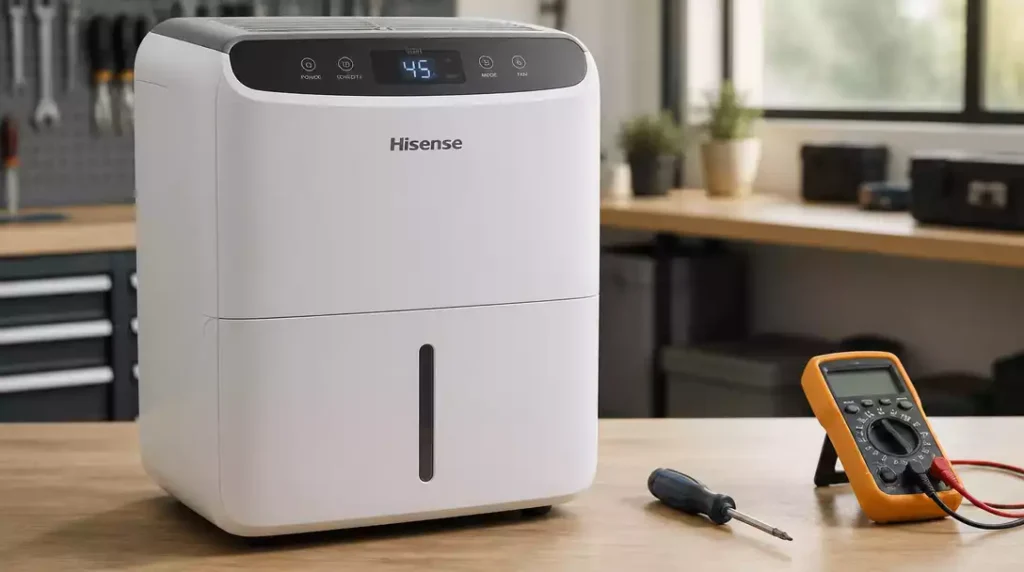
Did you know that regular maintenance can significantly extend the lifespan of your Hisense dehumidifier? Keeping an eye on common issues not only saves time but also ensures efficient performance. Here’s what you will learn about troubleshooting your Hisense dehumidifier effectively.
What You Will Learn
- How to troubleshoot when your Hisense dehumidifier won’t turn on, including checking the power supply and circuit breakers.
- Steps to address the “bucket full” warning even when the bucket is empty, focusing on float switch functionality.
- Identifying causes of noise in your dehumidifier and effective solutions to reduce it.
- Recognizing compressor issues that impact performance and when to seek professional help.
- Key troubleshooting steps like ensuring proper bucket placement and adjusting humidity settings for optimal operation.
- Understanding common operation error codes and their meanings for quick resolution of issues.
Hisense Dehumidifier Issues
Every now and then, even the best appliances can run into trouble. If you own a Hisense dehumidifier, you may have encountered some common problems that can interrupt its performance. In this section, I’ll walk you through typical issues you might face, from the unit not turning on to dealing with unexpected noises.
Being aware of these issues can help you troubleshoot effectively and keep your dehumidifier running smoothly. Let’s break down some common problems that I often see and how to address them!
Common Problems Encountered with Hisense Dehumidifiers
When Your Hisense Dehumidifier Won’t Turn On
It’s frustrating when your Hisense dehumidifier simply won’t turn on. This issue can stem from several factors, such as a faulty power supply or internal malfunction. Here are some quick checks to consider:
- Ensure it’s plugged in securely.
- Check if the outlet is working by testing another device.
- Look for tripped circuit breakers.
If none of these resolve the issue, it may be time to contact support or consider repairs, similar to troubleshooting a GE dehumidifier.
Addressing the “Bucket Full” Warning when the Bucket is Empty
Another common headache is when your unit displays a “bucket full” warning even when it’s empty. This might be due to a stuck float switch. Here are steps you can take to troubleshoot:
- Remove the bucket and clean it thoroughly.
- Inspect the float switch for any blockages.
- Reinsert the bucket carefully to ensure it sits correctly.
By following these steps, you can often resolve the issue and get your dehumidifier back in action!
Dealing with Noisy Units: Causes and Solutions
Noisy dehumidifiers can disrupt your peace, and it’s essential to identify the source of the noise. Sounds can come from the fan, compressor, or even vibrations. Here’s what you can check:
- Ensure the unit is on a level surface.
- Inspect for loose parts or debris in the fan area.
- Consider using vibration pads to minimize noise.
Addressing these factors can reduce noise levels significantly and enhance your comfort. For more specific fan-related issues, you might find our guide on dehumidifier fan motor repair helpful.
Identifying Compressor Issues and Their Impact on Performance
If your Hisense dehumidifier isn’t performing efficiently, it could be a compressor issue. A malfunctioning compressor not only affects humidity control but can also lead to higher energy bills. Keep an eye out for these signs:
- Unit running continuously without reducing humidity.
- Frequent cycling on and off.
- Unusual smells or heat coming from the unit.
If you suspect compressor issues, it’s often best to consult a professional for repairs.
Key Troubleshooting Steps to Take
Now that we’ve covered common problems, let’s look at some essential troubleshooting steps. Taking these actions can save you time and hassle down the line.
Checking the Power Supply and Circuit Breakers
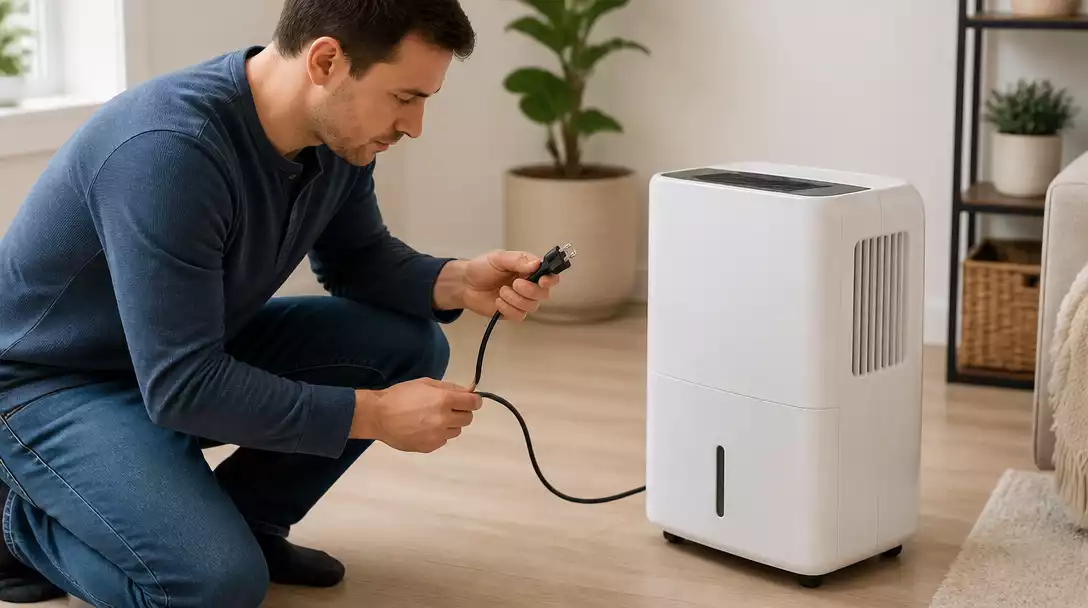
First and foremost, ensure your Hisense dehumidifier is receiving power. This involves checking the power supply and circuit breakers. If the unit is plugged in and the outlet works, but it still won’t turn on, you may need to dig deeper. Here’s what to do:
- Test with a different outlet.
- Inspect the power cord for wear and tear.
- Reset the circuit breaker if needed.
By following these simple checks, you can often pinpoint the issue quickly.
Ensuring Proper Bucket Placement and Float Switch Functionality
Next, let’s ensure your bucket is placed correctly and the float switch is functional. A misaligned bucket can trigger false alarms. Here’s how to check:
- Remove the bucket and inspect for any obstructions.
- Make sure the bucket fits snugly back into place.
- Test the float switch by manually checking its movement.
These steps can help resolve bucket issues and improve the unit’s performance.
Managing Temperature Limits and Humidity Settings
Lastly, managing the temperature and humidity settings is crucial. If your dehumidifier isn’t set correctly, it can affect efficiency. Consider these tips:
- Set humidity levels to an optimal range (30-50%).
- Avoid placing the unit in extremely low temperatures.
- Regularly adjust settings based on seasonal changes.
With these adjustments, your dehumidifier can function more effectively, allowing you to maintain a comfortable environment at home.
Understanding Common Operation Error Codes and Their Solutions
Lastly, it’s helpful to familiarize yourself with common error codes. These codes can give you insight into what might be going wrong. Here are a few to watch for:
- “E1” indicates a humidity sensor problem.
- “E2” may signal a temperature sensor issue.
- Refer to the user manual for specific troubleshooting steps.
Understanding these error codes can help you address issues quickly and efficiently.
Pro Tip
Did you know? Regularly cleaning the filter of your Hisense dehumidifier can significantly enhance its efficiency and prolong its lifespan. A clean filter allows for better airflow and improved moisture removal, ensuring your unit works effectively at all times.
Frequently Asked Questions About Hisense Dehumidifiers
Here are some common questions and answers about Hisense dehumidifier troubleshooting and maintenance:
- Q: What should I do if my Hisense dehumidifier won’t turn on?
- A: First, ensure it’s securely plugged into a working outlet. Check for tripped circuit breakers. If these steps don’t resolve the issue, contact customer support.
- Q: Why does my Hisense dehumidifier show “bucket full” even when the bucket is empty?
- A: This usually indicates a problem with the float switch. Remove and clean the bucket, then inspect the float switch for any obstructions. Reinsert the bucket carefully.
- Q: How can I reduce noise from my Hisense dehumidifier?
- A: Ensure the unit is on a level surface. Check for and tighten any loose parts, and clear any debris from the fan area. Consider using vibration-absorbing pads.
- Q: What are the signs of a compressor issue in my Hisense dehumidifier?
- A: Signs include the unit running continuously without reducing humidity, frequent on/off cycling, or unusual smells/heat. Professional help is usually recommended for compressor problems.
- Q: What is the optimal humidity setting for a Hisense dehumidifier?
- A: Generally, setting humidity levels between 30-50% is optimal for comfort and efficiency. Adjust settings based on seasonal changes and room temperature.
- Q: What does error code “E1” mean on a Hisense dehumidifier?
- A: “E1” typically indicates a humidity sensor problem. Refer to your user manual for specific troubleshooting steps or contact Hisense support.
Conclusion: Keeping Your Hisense Dehumidifier Running Smoothly
In wrapping up our discussion on Hisense dehumidifiers, it’s crucial to remember the key troubleshooting steps and maintenance tips we’ve covered. Addressing common issues early on can save you time and money. Regular maintenance not only extends the life of your unit but also ensures it operates efficiently.
Here’s a quick recap of the essential troubleshooting steps:
- Check the power supply and circuit breakers
- Ensure the bucket is properly placed and the float switch is functional
- Monitor temperature limits and humidity settings
- Understand common operation error codes
Incorporating these proactive measures will keep your Hisense dehumidifier working at its best. Remember, a little maintenance goes a long way!
Encouraging Proactive Maintenance and Seeking Help
While DIY solutions are helpful, there comes a time when it’s best to reach out for professional assistance. If you find yourself facing persistent issues that you can’t resolve, don’t hesitate to contact Hisense support. Their team is equipped to provide you with the guidance you need.
When should you consider contacting them? Here are a few scenarios:
- Frequent error codes that don’t resolve with basic troubleshooting
- Persistent noise issues that disrupt your environment
- Any signs of physical damage to the unit
In these cases, getting expert help ensures that your dehumidifier receives the right care! If you’re encountering issues where your unit won’t turn on after cleaning, professional assistance might be necessary.
Invitation for Reader Interaction
I genuinely want to hear from you! If you’ve had experiences with your Hisense dehumidifier—whether challenges or triumphs—please share them. Your insights may help others in similar situations. Additionally, if you have any questions or need further clarification, don’t hesitate to ask!
Your feedback is invaluable, and together we can create a community that supports each other in keeping our homes comfortable and dry.
Recap of Key Points
Here is a quick recap of the important points discussed in the article:
- Check the power supply and circuit breakers to ensure the unit is receiving power.
- Ensure the bucket is properly placed and the float switch is functional to avoid false alarms.
- Monitor temperature limits and humidity settings for optimal performance.
- Familiarize yourself with common operation error codes to troubleshoot effectively.

Pingback: Kenmore Dehumidifier Repair
Pingback: Midea Dehumidifier Repair