
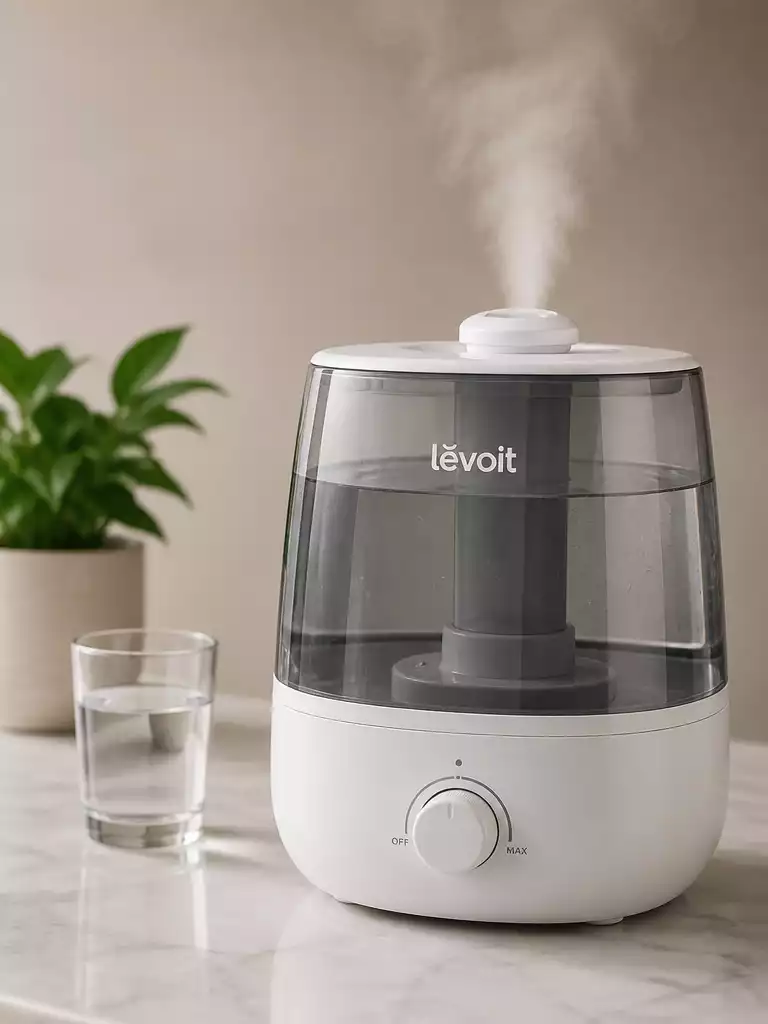
Are you struggling to keep your Levoit humidifier running smoothly? Understanding common issues and solutions can save you time and enhance your comfort at home.
What You Will Learn
- Identify common problems like the humidifier not turning on or producing mist.
- Check power sources and ensure the outlet is functioning properly.
- Maintain the correct water level and ensure the tank is properly placed.
- Review settings and modes to match your desired humidity levels.
- Regularly clean your humidifier to prevent mineral buildup.
- Use distilled water for better performance and air quality.
- Know when to reach out to customer support for persistent issues.
Troubleshooting Your Levoit Humidifier: Common Issues and Solutions
When it comes to keeping your home comfortable, Levoit humidifiers play an essential role. However, some users encounter issues such as their humidifier not turning on or not producing mist. Recognizing these symptoms is the first step in troubleshooting effectively. Knowing what might be wrong can save you time and frustration, so let’s dive into some common problems and their solutions.
The “Levoit Humidifier Not Working” Dilemma
One of the most common concerns users face is the humidifier simply not working. This can manifest in various ways, like the unit not powering up or failing to emit mist. It’s crucial to identify the cause to address it properly. Are you checking the right settings? Is there an issue with the water tank? Understanding the underlying problems can help you resolve the issue faster!
- Humidifier won’t turn on
- No mist or low mist output
- Unusual noises or smells
By pinpointing these symptoms, you can troubleshoot effectively. If your humidifier isn’t functioning as expected, don’t worry—many problems have straightforward solutions! For more general troubleshooting tips, check out our guide on how to fix a humidifier.
Quick Fixes for Common Problems
Power and Outlet Issues
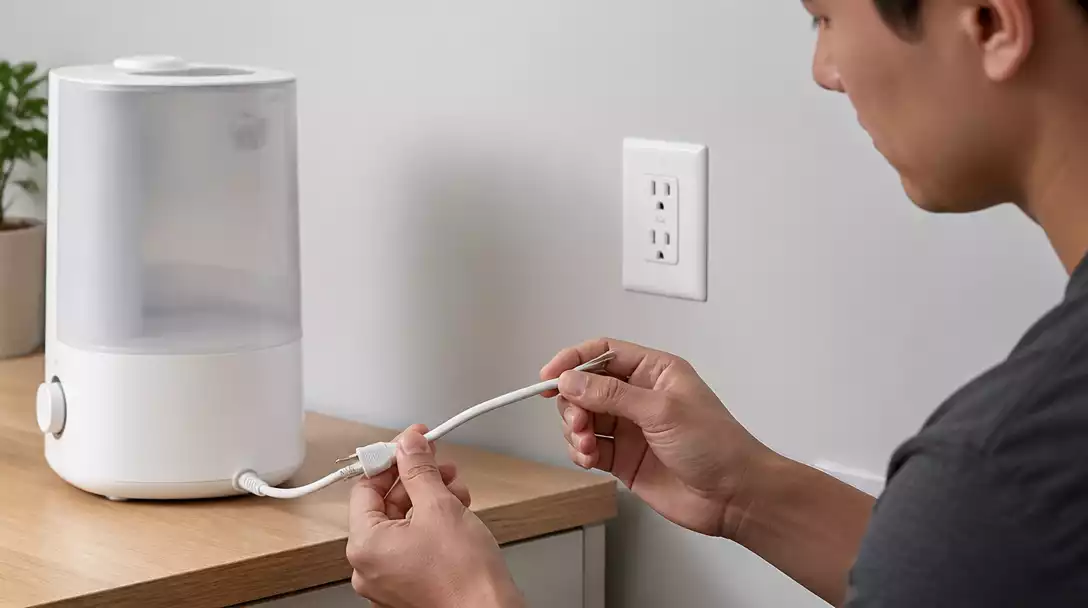
The first thing to check when your Levoit humidifier won’t start is the power supply. Ensure that the power outlet is functioning correctly. You can do this by plugging another device into the same outlet to test it. If the outlet works, inspect the humidifier’s cord for any damage. Sometimes, a simple circuit breaker tripping could be the culprit, so don’t forget to check that as well!
- Test the outlet with another device
- Inspect the power cord for damage
- Check the circuit breaker for tripped switches
Taking these steps can help you quickly determine if the issue is electrical or something else entirely. If you’re still having trouble, let’s move on to the next common issue.
Water Level and Tank Placement
Another important factor is the water level in your humidifier. Make sure the tank is filled to the recommended level for optimal functioning. If the water level is too low, the humidifier may not produce mist effectively. Additionally, proper placement of the water tank is essential; ensure it’s seated correctly in the base. For tips on maintaining your humidifier, consider reading about how to clean a humidifier tank.
- Fill the water tank to the designated level
- Check tank placement for secure fitting
- Look for any leaks or blockages
By maintaining the right water level and positioning, you can ensure your humidifier works efficiently. Let’s not forget to check the settings next!
Settings and Controls
Sometimes, the issue is as simple as an incorrect setting. Verify that you’ve selected the right mist settings and are using the appropriate modes, whether it’s auto or manual. If things still aren’t working, try using the reset function to restore factory settings. This can often resolve minor glitches and gets your humidifier back on track!
- Check mist level settings
- Verify mode selection (auto/manual)
- Utilize the reset function if necessary
These quick fixes can address many of the common issues you might encounter. It’s always a good idea to familiarize yourself with your humidifier’s features to troubleshoot effectively!
Understanding Humidity Levels and Their Impact
Maintaining proper humidity levels is vital for both your comfort and the efficiency of your humidifier. When humidity is too low, you may experience dry skin, respiratory issues, and static electricity. Conversely, too much humidity can lead to mold growth. Striking the right balance is key!
By regularly monitoring indoor humidity levels, you can achieve optimal comfort in your home. Your Levoit humidifier can help by adjusting its output based on the current conditions, ensuring a cozy environment all year round! To learn more about how humidifiers work, check out our article on how does a humidifier work.
Pro Tip
To maximize the efficiency of your Levoit humidifier, consider using a hygrometer to accurately monitor indoor humidity levels. This will help you set your humidifier to the optimal output, ensuring a comfortable living environment while preventing issues related to excess moisture.
Frequently Asked Questions (FAQs) about Levoit Humidifiers
Q: My Levoit humidifier isn’t turning on. What should I do first?
A: First, check the power supply. Ensure the power cord is securely plugged into a functional wall outlet. You can test the outlet by plugging in another appliance. Also, inspect the humidifier’s power cord for any visible damage and check your circuit breaker.
Q: Why is my Levoit humidifier producing no mist or very little mist?
A: This can often be due to a low water level. Make sure the water tank is filled to the recommended level. Ensure the water tank is properly seated on the base, as improper placement can prevent mist production. Mineral buildup from hard water can also restrict mist output, so regular cleaning is essential.
Q: How often should I clean my Levoit humidifier?
A: It is generally recommended to clean your Levoit humidifier at least once a week, especially if you use it frequently. Regular cleaning helps prevent mineral buildup, mold, and bacteria growth, ensuring optimal performance and healthy mist output.
Q: Can I use tap water in my Levoit humidifier?
A: While you can use tap water, it often contains minerals that can lead to white dust and mineral buildup inside the unit. For better performance and to reduce cleaning frequency, using distilled or demineralized water is highly recommended.
Q: What should I do if my Levoit humidifier still isn’t working after trying these solutions?
A: If you’ve tried all the troubleshooting steps and your humidifier still isn’t functioning correctly, it’s best to contact Levoit customer support. They can provide further assistance, diagnose more complex issues, or advise on warranty options.
Summary of Key Takeaways for Your Levoit Humidifier
In summary, troubleshooting your Levoit humidifier doesn’t have to be a daunting task! Here are the key steps to remember for effective maintenance:
- Check power sources and ensure proper outlet functionality.
- Maintain an appropriate water level and ensure the tank is correctly placed.
- Review and adjust settings to match your desired humidity levels.
- Regularly clean your humidifier to prevent buildup of minerals.
- Consider using distilled water to enhance performance and air quality.
- Be aware of when to reach out for customer support if issues persist.
By following these steps, you can enhance the lifespan and efficiency of your Levoit humidifier. Remember, keeping an eye on settings and performing regular checks can make all the difference!
Next Steps: Keeping Your Humidifier Functional
It’s time to take action! I encourage you to implement the maintenance tips we discussed to ensure your humidifier runs smoothly. Here are a few next steps to consider:
- Perform a quick inspection of your humidifier each week.
- Always monitor the humidity levels in your space for optimal comfort.
- If you notice any issues, don’t hesitate to reach out to Levoit customer support for guidance.
By integrating these practices into your routine, you’ll not only keep your humidifier functional but also improve your indoor air quality. Happy humidifying!
Recap of Key Points
Here is a quick recap of the important points discussed in the article:
- Check power sources and ensure proper outlet functionality.
- Maintain an appropriate water level and ensure the tank is correctly placed.
- Review and adjust settings to match your desired humidity levels.
- Regularly clean your humidifier to prevent buildup of minerals.
- Consider using distilled water to enhance performance and air quality.
- Be aware of when to reach out for customer support if issues persist.




Pingback: how to connect levoit humidifier to wifi
Pingback: megawise humidifier not working