
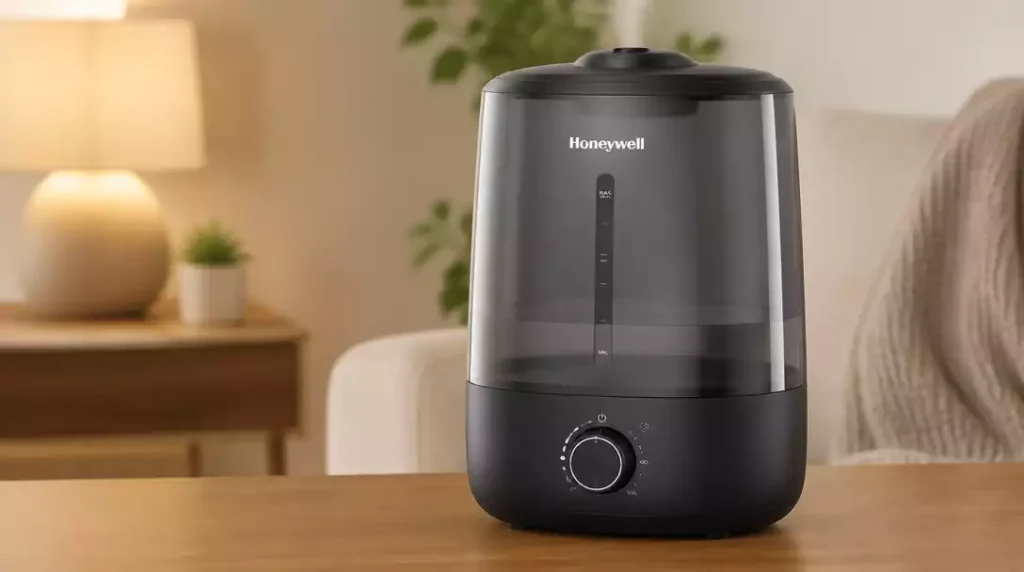
Did you know that the right humidity levels can significantly enhance your indoor air quality? By properly setting up your Honeywell humidifier, you can transform your living space into a more comfortable and healthier environment.
What You Will Learn
- Inspect all parts and accessories before starting the setup to ensure a smooth installation.
- Choose a safe, water-resistant location with ample clearance for optimal performance.
- Use cool or distilled water to minimize mineral buildup and ensure efficient operation.
- Follow model-specific instructions for assembly to guarantee proper setup.
- Adjust the humidistat to maintain a comfortable indoor humidity level between 30% and 50%.
- Perform regular maintenance, including cleaning and filter replacement, to extend the life of your humidifier.
Essential Steps for Setting Up Your Honeywell Humidifier
Setting up your Honeywell humidifier is an important step in ensuring that you create a comfortable environment in your home. Before diving into the setup, it’s crucial to check all the parts and accessories included in the box. This first step can save you time and frustration later on!
By inspecting everything before you start, you’ll ensure that you have all the necessary components for a smooth installation. Plus, it gives you the opportunity to familiarize yourself with each part to make the setup process easier. If you’re looking for broader guidance on using such devices, learn more about how to use a humidifier efficiently.
Unboxing and Inspecting Your Honeywell Humidifier
When you unbox your humidifier, take a moment to check that all parts are present. Here’s a quick checklist to guide you:
- Humidifier unit
- Water tank
- Power cord
- Owner’s manual
It’s also a good idea to look for any visible damage. If you notice anything unusual, it’s best to contact customer support right away. Remember, starting with all parts in good condition sets the stage for effective operation!
Choosing the Right Location for Your Humidifier
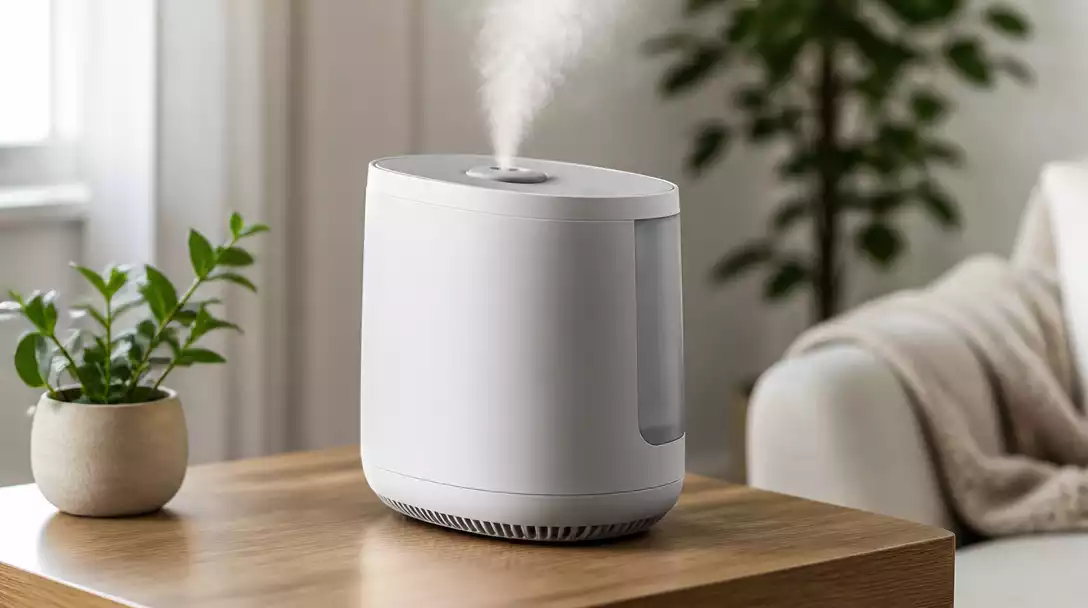
The placement of your humidifier is key to its effectiveness. You’ll want a location that is not only safe but also ensures maximum performance. Here are some essential considerations:
- Place it on a water-resistant surface to avoid damage.
- Ensure there’s ample clearance around the unit for airflow.
- Avoid placing it near heat sources like radiators or vents.
Choosing a good spot helps in distributing moisture evenly throughout your space, so take your time to find the best location.
Identifying Your Humidifier Model Number and Specifications
Knowing your specific Honeywell model number is crucial when it comes to setup and maintenance. This information can usually be found on the bottom or back of the unit. Understanding the specifications of your model helps you in the following ways:
- Ensures you fill it with the right amount of water.
- Guides you on the proper settings for your square footage.
- Informs you about any specific filters or accessories needed.
With this knowledge, you can tailor your usage to get the most out of your humidifier!
Filling Your Humidifier: Water Type and Amount
It’s important to use the correct type of water when filling your humidifier. For Honeywell models, it’s recommended to use either cool or distilled water. This helps in minimizing mineral buildup and ensures that your device operates efficiently.
As for the amount, refer to the markings inside the water tank. Typically, filling it to the “Max” line ensures that you have enough water for optimal performance. Just remember, overfilling can lead to leaks! For detailed instructions, check out our guide on how to fill a humidifier.
Assembling the Humidifier: Model-Specific Steps
Each Honeywell humidifier model has its own assembly steps, but they generally follow a similar pattern. Here’s a basic guide to help you:
- Attach the water tank securely to the base.
- Ensure any filters are properly inserted.
- Connect the power cord firmly.
Refer to your model’s manual for any unique assembly instructions. Following these steps carefully will ensure your humidifier is ready for action!
Connecting and Starting Your Humidifier Safely
Once assembled, it’s time to connect your humidifier to a power outlet. Make sure your hands are dry when plugging it in. Adjust the settings and power it on. Most models will have a simple interface to set your desired humidity level.
Remember, starting with a lower setting is often recommended. This allows you to monitor how the humidifier impacts your indoor air quality without overwhelming your space.
Humidistat Settings and Monitoring Humidity Levels
A humidistat is crucial for maintaining your desired humidity levels. Most Honeywell humidifiers come equipped with this feature, allowing you to set the humidity to your liking. Here’s what to keep in mind:
- The ideal indoor humidity level is usually between 30% and 50%.
- Monitor levels regularly, especially during changing seasons.
- Adjust as needed based on comfort and weather conditions.
Getting comfortable with your humidistat will help you create a cozy environment while safeguarding against excess moisture.
Maintenance Tips for Longevity After Setup
Once your humidifier is up and running, regular maintenance is essential to keep it in top shape. Simple tasks like cleaning the tank regularly can prevent mold and bacteria buildup.
Also, don’t forget about filter replacements as recommended in your model’s manual. Seasonal storage tips include completely draining the tank and cleaning all components before putting it away. These steps will extend the life of your unit!
Common Troubleshooting Tips for Honeywell Humidifiers
Sometimes, you might encounter issues like lack of mist or inaccurate humidity levels. Here are a few common troubleshooting tips:
- Check if the water tank is properly seated.
- Ensure the filters are clean and correctly installed.
- Monitor the humidistat settings for accuracy.
If problems persist, consulting the owner’s manual or reaching out to customer support can help you get back on track!
Enhancing Indoor Air Quality with Your Humidifier
Utilizing your Honeywell humidifier effectively can greatly enhance your indoor air quality. Proper humidity levels can aid in preventing mold growth and controlling bacteria.
Additionally, it can alleviate allergy symptoms for those sensitive to dry air. By ensuring your humidifier is set up and maintained correctly, you’ll enjoy a healthier and more comfortable living space!
Pro Tip
Did you know? Regularly changing the water in your humidifier can significantly enhance its performance. Stale water can lead to bacteria growth, which not only affects air quality but can also damage your unit. Make it a habit to refill the tank every few days, and remember to clean the water tank weekly to keep it running smoothly!
Frequently Asked Questions About Setting Up Your Honeywell Humidifier
Here are some common questions you might have when setting up your Honeywell humidifier:
- How do I start my Honeywell humidifier for the first time?
After unboxing and inspecting all parts, choose a suitable location, fill the water tank with distilled or cool water, assemble the unit according to your model’s instructions, then plug it in and set your desired humidity level using the humidistat.
- What kind of water should I use in my Honeywell humidifier?
It is recommended to use cool or distilled water to prevent mineral buildup and ensure efficient operation. Tap water can lead to scale and reduce the lifespan of your unit.
- Where is the best place to put my humidifier?
Place your humidifier on a water-resistant surface with ample clearance for airflow, away from heat sources like radiators or vents. This helps distribute moisture evenly and prevents damage to surrounding items.
- What is the ideal humidity level for a home?
The ideal indoor humidity level is typically between 30% and 50%. Maintaining this range can enhance comfort and prevent issues like mold growth or excessively dry air.
- How often should I clean my Honeywell humidifier?
Regular maintenance is crucial for longevity and preventing mold/bacteria. It’s recommended to clean the water tank weekly and replace filters as specified in your model’s manual.
Key Takeaways on Honeywell Humidifier Setup
Setting up your Honeywell humidifier doesn’t have to be complicated! Here are the key steps to ensure you have a smooth experience:
- Always unbox and inspect the unit before setup.
- Choose a safe location with enough clearance for optimal performance.
- Fill the humidifier with the right type of water—cool or distilled is best.
- Follow model-specific assembly instructions for proper setup.
- Adjust the humidistat to maintain a comfortable humidity level.
- Keep up with regular maintenance for longevity.
By keeping these essentials in mind, you can enhance your overall experience and ensure your humidifier operates effectively!
Frequently Asked Questions About Humidifiers
It’s common to have questions about your humidifier. Here are some frequently asked questions that I often encounter:
- What type of water should I use? Stick with cool or distilled water to prevent mineral buildup.
- What if there’s no mist coming out? Check for blockages or make sure the unit is filled properly. For further troubleshooting, you might find our guide on how to fix a humidifier helpful.
- What is the ideal humidity level? Aim for 30-50% humidity for optimal comfort.
If you’re unsure about something, don’t hesitate to reach out! I’m here to help you navigate all of your humidifier-related questions.
Next Steps for Optimal Usage and Care
Now that you’ve got your humidifier set up, it’s time to explore its features! I recommend checking your specific model manual for any advanced features and tips. Here’s what to look for:
- Additional settings you can customize.
- Recommended maintenance schedules and procedures.
- Energy-saving modes to help lower your bills.
Taking these steps can elevate your humidifier experience and help you make the most out of your investment!
Exploring Additional Features: Smart Home Compatibility and Energy Efficiency
Many Honeywell models come with exciting features that can enhance your experience. Smart home compatibility is a game changer! Here’s why you might want to consider these options:
- Control your humidifier remotely via smartphone apps.
- Set schedules to align with your daily routine.
- Monitor energy efficiency to save on costs.
By integrating your humidifier with smart home technology, you can enjoy both convenience and efficiency, making it a fantastic addition to your home!
Call to Action: Join the Conversation
I’d love to hear from you! Have you recently set up your Honeywell humidifier? Share your experiences or ask any further questions you might have. Your insights can help others in our community, and I’m always here to chat about your humidifying journey!
Recap of Key Points
Here is a quick recap of the important points discussed in the article:
- Always unbox and inspect the unit before setup to ensure all parts are included.
- Choose a safe location with enough clearance for optimal performance.
- Fill the humidifier with the right type of water—cool or distilled is best.
- Follow model-specific assembly instructions for proper setup.
- Adjust the humidistat to maintain a comfortable humidity level between 30% and 50%.
- Keep up with regular maintenance for longevity, including cleaning and filter replacements.



