
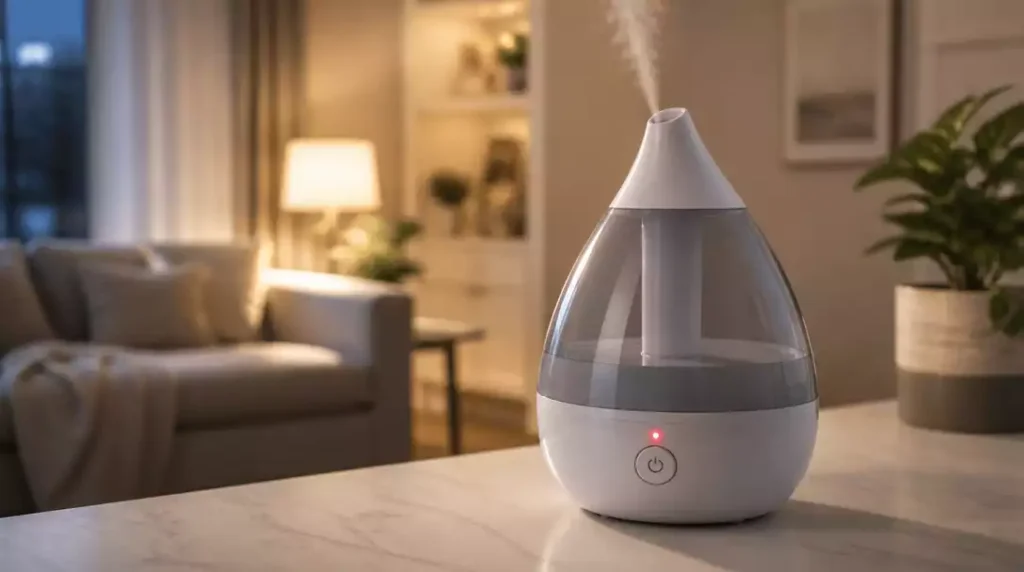
What if a simple blinking light could signify a range of underlying issues with your Crane humidifier? Understanding these alerts not only saves you time but also enhances your humidifier’s performance.
What You Will Learn
- The blinking red light on a Crane humidifier typically indicates low water levels or overheating.
- Common causes of the red light include dirty sensors, clogged atomizers, and misalignment of the water tank.
- Maintaining optimal humidity levels between 30-50% improves your humidifier’s efficiency and prevents alerts.
- Regular maintenance, such as cleaning with vinegar and changing water daily, can extend the lifespan of your humidifier.
Understanding the Crane Humidifier Blinking Red Light
If you’ve ever noticed a blinking red light on your Crane humidifier, you might feel a wave of concern. This indicator serves as a crucial alert system, letting you know that something needs your attention. In this section, we’ll explore what this red light means and the common scenarios that trigger it, like low water levels and overheating.
Whether you’re new to using a humidifier or a seasoned pro, it’s essential to recognize these signals. Let’s dive into the meaning behind that blinking light and what it could be telling you!
What Does a Blinking Red Light Mean on Your Crane Humidifier?
The blinking red light on your Crane humidifier can signify a few different issues. Typically, it indicates that the humidifier is struggling to operate correctly due to one of several common problems:
- Low water levels in the tank
- Overheating of the unit
- Sensor malfunctions or blockage
Understanding these signals can save you time and frustration. Next, let’s take a closer look at the common causes behind this pesky warning light.
Common Causes Behind the Red Light Warning
There are several reasons why your Crane humidifier might show a blinking red light. Each cause requires different attention:
- Low water level in the tank
- Overheating issues
- Dirty or clogged sensors and atomizers
- Water float and tank alignment problems
It’s crucial to address these issues promptly to ensure your humidifier operates efficiently. Let’s break down each cause so you can pinpoint what’s going on with your unit.
Low Water Level in the Tank
One of the most common reasons for a blinking red light is a low water level in the tank. When the tank runs low, the humidifier struggles to generate mist, which can disrupt your home’s humidity balance. Signs of low water include:
- Frequent blinking of the red light
- Reduced mist production
- Water level indicator being at or near empty
In this situation, refilling your tank should be your first step to restoring functionality.
Overheating Issues
Another possible cause for the red light warning is overheating. This can happen if the humidifier is running for an extended period without a break or if the filters are clogged. It’s important to ensure there’s proper airflow around the unit and that it’s not placed in a tight space.
- Check for dust accumulation around the air vents.
- Make sure filters are clean and replaced regularly.
Taking these preventative measures can help avoid overheating and keep your humidifier in great shape!
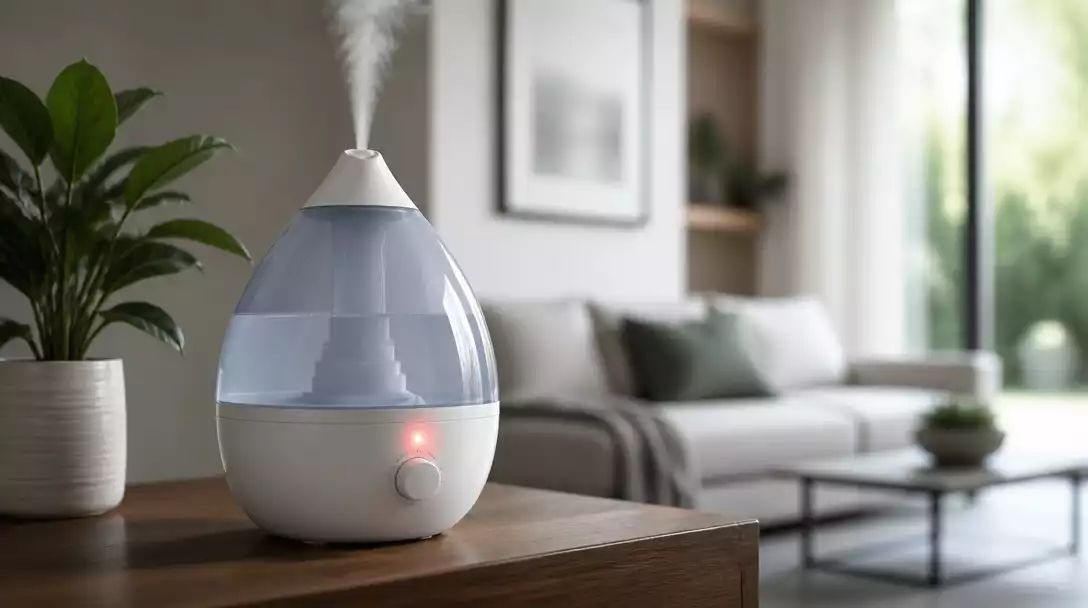
Dirty or Clogged Sensors and Atomizers
To ensure your humidifier operates correctly, it’s vital to maintain clean components, especially sensors and atomizers. Dust and minerals from the water can build up, affecting performance. Regular cleaning is key:
- Wipe down sensors and atomizers weekly.
- Use distilled water to minimize mineral deposits.
By keeping these parts clean, you can prevent the blinking red light from appearing unnecessarily.
Water Float and Tank Alignment Problems
Understanding the float mechanism in your humidifier is essential. If the float is stuck or if the tank isn’t aligned correctly, it can trigger the red light. Look for:
- Misalignment of the tank in its base.
- Any obstructions in the float mechanism.
Fixing these issues quickly can prevent unnecessary alerts and keep your humidifier functioning smoothly.
Understanding Humidity Levels and Their Impact on Your Humidifier
Humidity levels play a critical role in your Crane humidifier’s performance. Maintaining optimal indoor humidity is essential for both comfort and health. When humidity levels drop too low, your humidifier works overtime, which could lead to the blinking red light.
Ensuring that your home maintains a humidity level between 30-50% can help your humidifier work efficiently. Regularly monitoring the humidity levels can significantly improve your experience with your humidifier!
Pro Tip
Did you know? Regularly using distilled water in your Crane humidifier not only helps to minimize mineral buildup but also prevents the blinking red light from triggering due to clogged sensors. This simple practice can significantly enhance the performance and longevity of your unit!
Ensuring Safe Operation and Longevity of Your Crane Humidifier
Maintaining your Crane humidifier is essential for both safety and performance. Regular upkeep ensures that your unit operates effectively, providing the right amount of moisture without issues. Here are some best practices to keep your humidifier in top shape:
- Establish a cleaning schedule to prevent buildup.
- Inspect the water tank and base regularly for cracks or leaks.
- Ensure all components are properly aligned and in good condition.
By following these habits, you can significantly reduce the chances of encountering the dreaded blinking red light. This proactive approach not only extends the life of your humidifier but also enhances the air quality in your home!
Regular Maintenance Habits for Optimal Performance
To keep your Crane humidifier running smoothly, consistency is key! Here are some specific maintenance tasks to incorporate into your routine:
- Clean the tank and base weekly with a mixture of vinegar and water to eliminate mineral deposits.
- Change the water daily to maintain freshness and avoid stagnation.
- Inspect filters and replace them according to the manufacturer’s recommendations.
Implementing these simple steps can help avoid performance issues. Plus, it ensures that you and your family breathe healthy, clean air every day!
Understanding Safety Features and User Guidelines
Your Crane humidifier comes with built-in safety features designed to protect both the unit and your home. Knowing how to use these features correctly can prevent mishaps:
- Ensure the humidifier is placed on a flat, stable surface to avoid spills.
- Keep cords away from water and high-traffic areas to prevent tripping hazards.
- Always unplug the unit when performing maintenance or if you notice any issues.
These precautions can help ensure safe operation, minimizing the risk of encountering a blinking red light due to user error. Remember, a little attention goes a long way in safeguarding your investment!
Preventing Bacterial Growth and Mold in Your Humidifier
Keeping your humidifier clean is not just about performance; it’s also about health! Bacteria and mold can thrive in stagnant or dirty water, posing risks to your family’s well-being. Here are some effective strategies to maintain water quality:
- Use distilled or demineralized water to reduce mineral buildup.
- Change the water daily and clean the tank and atomizer weekly.
- Store the unit in a cool, dry place when not in use to prevent mold growth.
By taking these steps, you can enjoy the benefits of your humidifier without the hidden dangers. Staying proactive about cleanliness truly pays off!
Frequently Asked Questions About Your Crane Humidifier
- Q: What does a blinking red light on my Crane humidifier usually mean?
- A: A blinking red light typically indicates a low water level, overheating, or a sensor malfunction. It’s the humidifier’s way of signaling that it needs your attention.
- Q: What are the most common causes for the red light warning?
- A: The most frequent causes include low water levels in the tank, the unit overheating, dirty or clogged sensors/atomizers, and issues with the water float or tank alignment.
- Q: How can I prevent my Crane humidifier from overheating?
- A: To prevent overheating, ensure proper airflow around the unit, check for dust accumulation around air vents, and clean or replace filters regularly. Over-running the unit for extended periods without a break can also contribute to overheating.
- Q: How often should I clean the sensors and atomizers?
- A: It’s recommended to wipe down sensors and atomizers weekly to prevent dust and mineral buildup. Using distilled water can also significantly reduce mineral deposits.
- Q: What humidity level is ideal for my home when using a humidifier?
- A: Maintaining an indoor humidity level between 30-50% is generally recommended for both comfort and efficient humidifier operation. This range helps prevent the humidifier from working overtime.
- Q: Can I use tap water in my Crane humidifier?
- A: While you can use tap water, it’s highly recommended to use distilled or demineralized water. Tap water contains minerals that can lead to buildup, clogging, and potential bacterial growth, which can trigger the red light and reduce the humidifier’s lifespan. To learn more about common humidifier issues, check out our guide on how to fix a humidifier.
- Q: What should I do if my Crane humidifier won’t turn on?
- A: If your Crane humidifier won’t turn on, first check the power connection. Ensure it’s plugged in correctly and the outlet is working. Then, verify the water level; if it’s too low, the unit may not start. You might also need to clean the internal components or check for any obstructions. For a comprehensive guide, refer to our article on Crane humidifier won’t turn on.
- Q: Why is my Crane humidifier not producing mist or steam?
- A: If your Crane humidifier is not producing mist, it could be due to several reasons, such as insufficient water, a dirty transducer/atomizer, a clogged filter, or improper assembly of the water tank. Ensure all parts are clean and correctly seated. For detailed troubleshooting steps, consult our article on Crane humidifier not steaming.
Recap of Key Points
Here is a quick recap of the important points discussed in the article:
- The blinking red light on your Crane humidifier indicates issues such as low water levels, overheating, or sensor malfunctions.
- Common causes include low water levels, overheating, dirty sensors, and tank alignment problems.
- Regular maintenance, including cleaning and checking components, is essential for optimal performance.
- Maintaining humidity levels between 30-50% helps your humidifier function efficiently and prevents warning lights.
- Utilize safety features and follow user guidelines to ensure safe operation and longevity of your unit.
- Prevent bacterial growth by using distilled water and keeping the humidifier clean.




Pingback: how to reset crane humidifier
Pingback: how to clean crane humidifier