
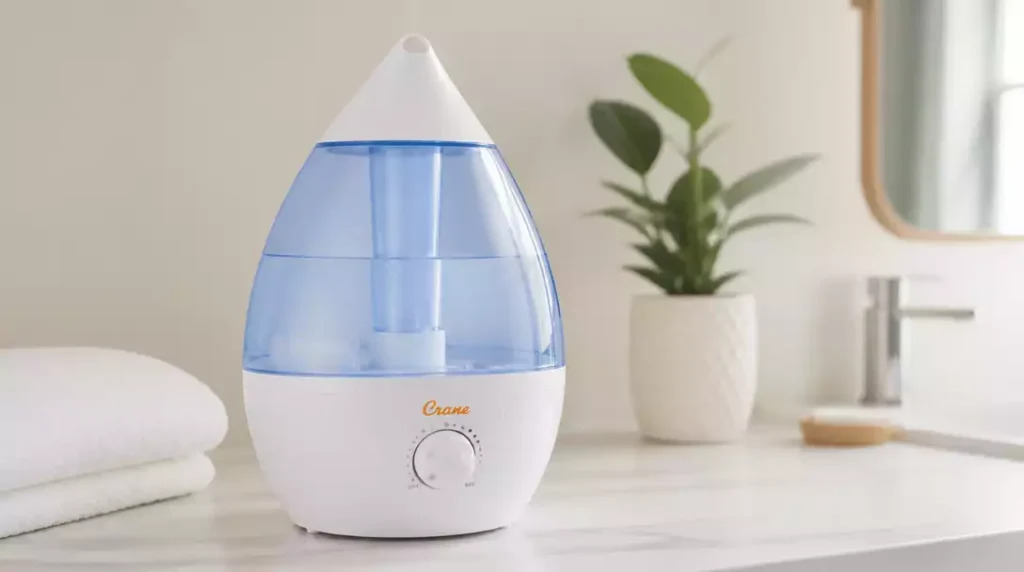
Have you ever wondered how a simple reset could dramatically improve the performance of your Crane humidifier? Understanding the importance of this straightforward action can save you from frustration and extend the life of your device.
What You Will Learn
- The essential reasons for resetting your Crane humidifier, including resolving malfunctions and error messages.
- Key signs that indicate a reset is necessary, such as no mist output or flashing error lights.
- Step-by-step reset instructions tailored for different Crane humidifier models.
- The importance of regular maintenance and monitoring to prevent issues that require frequent resets.
Importance of Resetting Your Crane Humidifier
Resetting your Crane humidifier is crucial for several reasons. Whether it’s a minor malfunction or necessary maintenance, knowing when and how to reset can keep your device running smoothly. As someone who has been in the humidifier business for years, I’ve seen firsthand how a simple reset can resolve many common issues.
Often, users may not realize that their humidifier requires a reset until they encounter performance hiccups. Regular maintenance and quick resets can prolong the life of your humidifier and enhance its efficiency. Trust me; it’s worth taking the few minutes to ensure everything is working as it should!
Why Should You Reset Your Humidifier?
There are several common reasons why you might need to reset your humidifier:
- Device malfunctions due to power surges.
- To clear error messages or lights.
- After regular maintenance checks.
- When performance dips below expectations.
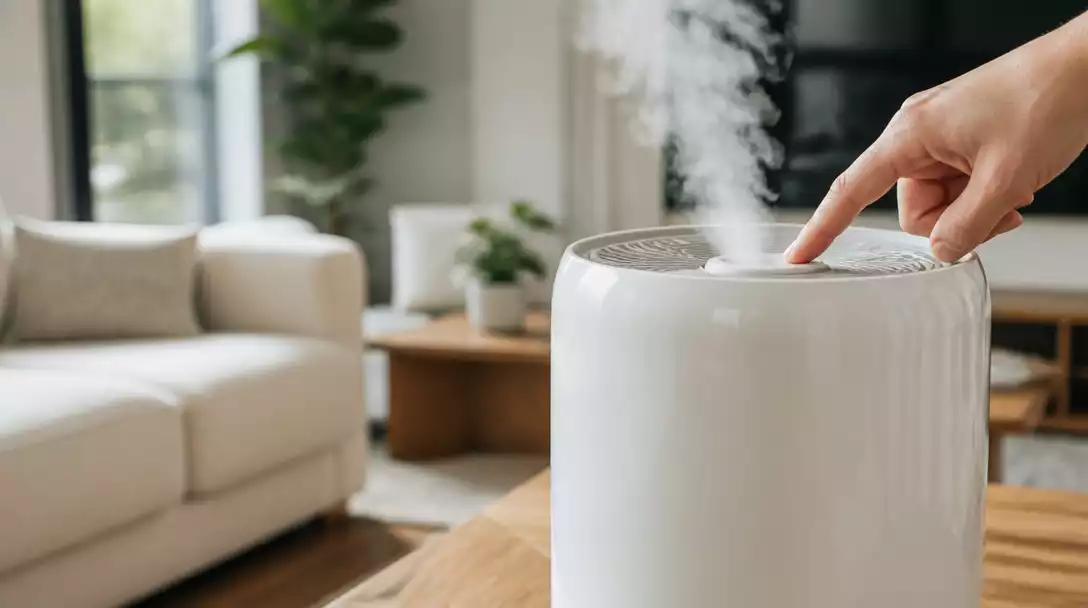
In my experience, many customers find that a reset often resolves issues such as the humidifier not producing mist or displaying error codes. It’s generally the first step I recommend before diving into more extensive troubleshooting!
Signs That Indicate a Reset Is Necessary
Look out for these signs that can indicate your humidifier needs a reset:
- Error lights flashing or solidly illuminated. For issues with specific indicators, learn more about why your Crane humidifier is blinking red.
- No mist output from the unit.
- Unusual noises or performance issues.
- Device shuts off unexpectedly.
If you notice any of these symptoms, it’s time to take action. Resetting the humidifier can often restore normal function. I always advise my clients to keep an eye on these signals to avoid further complications down the line!
Step-by-Step Guide to Resetting Your Crane Humidifier
Quick Answer: How to Reset Your Crane Humidifier
If you need a quick overview of the reset steps, here they are:
- Unplug the humidifier for 30 seconds.
- Check for any visible blockages or issues.
- Plug it back in and observe the lights.
- If needed, press the reset button.
These steps are simple but effective! I’ve had many customers tell me that a quick reset does the trick without the need for further troubleshooting.
Model-Specific Reset Instructions
Top Fill Models
For Crane top fill humidifiers, follow these steps to reset:
- Ensure the tank is properly filled.
- Unplug the unit, wait for 30 seconds, and plug it back in.
- Press the reset button, usually located on the back.
This method usually resolves any operational issues with top fill models. I often recommend checking the water level before resetting since this can be a common oversight!
Warm Mist Models
To reset warm mist models, use the following instructions:
- Remove the water tank and empty it completely.
- Wipe down the base and the tank connection points.
- Plug it back in after waiting for 30 seconds.
- Press the reset button if there are still issues.
Keeping the unit clean not only helps with resets but also improves overall performance. I always emphasize that maintenance is key!
Cool Mist Models
For cool mist models, resetting involves these steps:
- Check the tank for any clogs or buildup.
- Unplug the device for about a minute.
- Reassemble and plug it back in.
- Observe for any error indicators.
These steps have proven effective for many of my customers who use cool mist models. If the issue persists, further inspection may be needed!
Ultrasonic Models
For ultrasonic models such as the EE-4140 and EE-3186, the reset process is slightly different:
- Empty the tank completely and clean the base.
- Unplug for 30 seconds, then replug.
- Press the reset button, which is typically on the control panel.
Ultrasonic models can be sensitive to water quality, so regular cleaning is essential to avoid resets due to mineral buildup!
Understanding the Crane Humidifier Reset Button
The reset button on Crane humidifiers serves a crucial function. It’s usually located on the back or side of the unit, and pressing it can often resolve minor issues. Knowing where to find this button can save you time and frustration, especially during those moments when your humidifier isn’t performing as expected.
In my years of experience, I’ve guided countless customers through resets, and they always appreciate knowing exactly what the button looks like and where it’s located. It’s a small but essential part of ensuring your Crane humidifier operates at its best!
Pro Tip
To maximize the efficiency of your Crane humidifier, consider using distilled water instead of tap water. This can significantly reduce mineral buildup, which often leads to the need for resets and maintenance. Keeping your humidifier clean and free from hard water deposits will not only improve its performance but also extend its lifespan!
Frequently Asked Questions About Resetting Crane Humidifiers
Here are some common questions about resetting Crane humidifiers:
- Why is my Crane humidifier not producing mist after a reset?
If your humidifier isn’t producing mist even after a reset, check for blockages in the mist output, ensure the water tank is correctly seated, and verify that the water level sensor is clean. Sometimes, mineral buildup can prevent proper misting, even if the unit appears to be running. If it’s still not working, you may need to investigate why your Crane humidifier is not steaming. - How often should I reset my Crane humidifier?
You should reset your Crane humidifier whenever you notice performance issues, error lights, or after performing maintenance like cleaning. There’s no fixed schedule for resets; it’s typically done as needed to troubleshoot problems. - Can resetting fix all problems with my Crane humidifier?
While resetting can resolve many common issues like minor malfunctions, error codes, and temporary performance dips, it may not fix mechanical failures, severe clogs, or component damage. For persistent problems, further troubleshooting or professional repair might be necessary. - Where is the reset button located on most Crane humidifiers?
The reset button on Crane humidifiers is usually located on the back or side of the unit. For ultrasonic models, it might be on the control panel. Refer to your specific model’s user manual for the exact location if you cannot find it. - What should I do if my Crane humidifier won’t turn on after a reset?
If your Crane humidifier still won’t turn on after a reset, ensure it is properly plugged into a functional outlet. Check the power cord for damage and inspect the unit for any visible issues. If the problem persists, it could indicate a deeper electrical issue, and you might need to consult the manufacturer’s support or a technician. You can also refer to our guide on why your Crane humidifier won’t turn on for more detailed troubleshooting.
Conclusion: Keeping Your Crane Humidifier in Top Shape
In summary, maintaining your Crane humidifier is essential for its performance and longevity. By regularly resetting your unit and following maintenance steps, you can ensure that it operates smoothly. Remember, the main points include checking for error indicators, ensuring the water tank is filled, and performing routine cleanings to prevent build-up.
Additionally, the model-specific reset instructions we’ve discussed will help you tackle any issues efficiently. Whether it’s a top fill or ultrasonic model, knowing how to reset your device is key to keeping humidity levels just right for your home!
Recap of Resetting and Maintenance Steps
- Identify the need for a reset by checking error lights or mist output.
- Follow the model-specific instructions for resetting your Crane humidifier.
- Perform regular cleaning of components such as the water-level sensor and base.
- Monitor water levels to avoid empty tank shutdowns.
By keeping these steps in mind, you can avoid many common problems that lead to frequent resets. It’s all about being proactive and attentive to your humidifier’s needs!
Encouragement to Stay Proactive with Crane Humidifier Care
It’s crucial to take a proactive approach to your Crane humidifier care. Regular maintenance not only boosts performance but can also extend the lifespan of your appliance. Don’t hesitate to reach out for help when you encounter any issues! Remember, I’m just an email away if you need advice or assistance!
By investing a little time in your humidifier, you’re ensuring a comfortable and healthy environment in your home. So, let’s keep that air nice and fresh!
Get More Help and Information
Explore Additional Resources for Crane Humidifier Users
If you’re looking for more detailed insights or troubleshooting strategies, I recommend checking out additional articles or user manuals. These can provide deeper information tailored to your specific model.
- Visit the Crane official website for manuals and FAQs.
- Check out online forums for user-shared tips and experiences.
- Explore video tutorials for visual guides on resets and maintenance.
Having these resources at your fingertips will make managing your humidifier even easier and more effective!
Share Your Experiences with Crane Humidifiers
I’d love to hear about your experiences with Crane humidifiers! Sharing your tips and stories in the comments below not only helps me but also assists other users in our community. Whether it’s a unique trick for keeping your humidifier clean or a funny story about a mishap, your input can make a difference!
So go ahead and join the conversation – we’re all in this together to ensure our homes stay comfortable and healthy!
Recap of Key Points
Here is a quick recap of the important points discussed in the article:
- Resetting your Crane humidifier is essential for resolving common issues and maintaining performance.
- Look for signs indicating a reset is necessary, such as error lights, no mist output, or unusual noises.
- Follow model-specific reset instructions for effective troubleshooting.
- Regular maintenance, including cleaning and monitoring water levels, can prevent issues.




Pingback: Equate Humidifier Flashing Blue Light? What It Means