
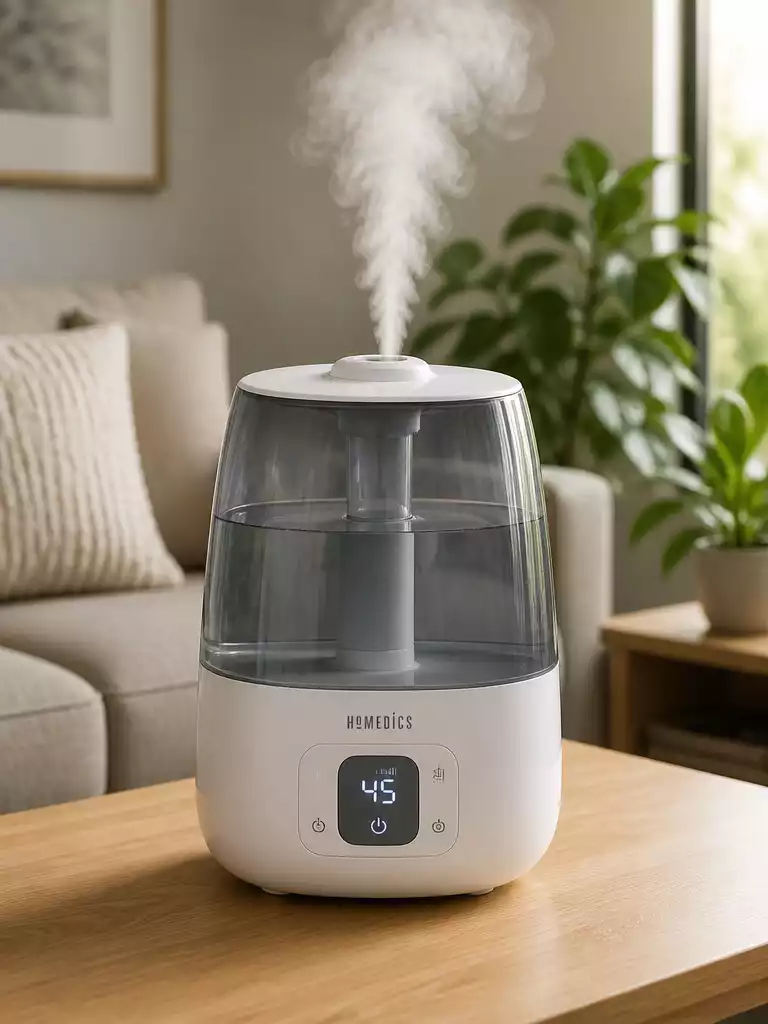
Did you know that maintaining optimal humidity levels can significantly enhance your comfort at home? Understanding how to effectively set up and manage your HoMedics humidifier is key to achieving that.
What You Will Learn
- The ideal indoor humidity range is between 30-50%, which is crucial for health and comfort.
- Proper placement of your humidifier on a flat, elevated surface improves air circulation.
- Regularly inspect and clean your humidifier to prevent issues like weak mist and mold growth.
- Using distilled water can reduce white dust and prevent leaks from the humidifier.
Essential Steps for Setting Up Your HoMedics Humidifier
Setting up your HoMedics humidifier can greatly enhance the comfort of your home, especially during dry months. Before diving into the setup, there are a few essential considerations to keep in mind. First, you’ll want to check the humidity levels in your space. Ideally, indoor humidity should be between 30% and 50%. Too much or too little can negatively impact your health and your home.
Next, think about the placement of your humidifier. It’s best to position it on a flat, elevated surface like a table or shelf, away from walls and furniture to allow for better air circulation. And don’t forget about safety tips—keep the humidifier out of reach of children and pets, and ensure it’s unplugged when you’re filling it or cleaning it.
Before You Begin: What You Need to Know
To set up your humidifier effectively, understanding a few key points can make a world of difference. Start by identifying the ideal location based on the size of your room and the airflow. For example, a larger room may require more than one humidifier or a larger model to ensure even distribution.
- Check the humidity level in your room using a hygrometer.
- Choose a location away from drafts or direct sunlight.
- Ensure the surface can handle the weight of your humidifier when filled.
By taking these precautions, you’ll not only optimize the performance of your HoMedics humidifier but also prolong its lifespan. Now, let’s move on to unpacking your new appliance!
Unpacking Your HoMedics Humidifier
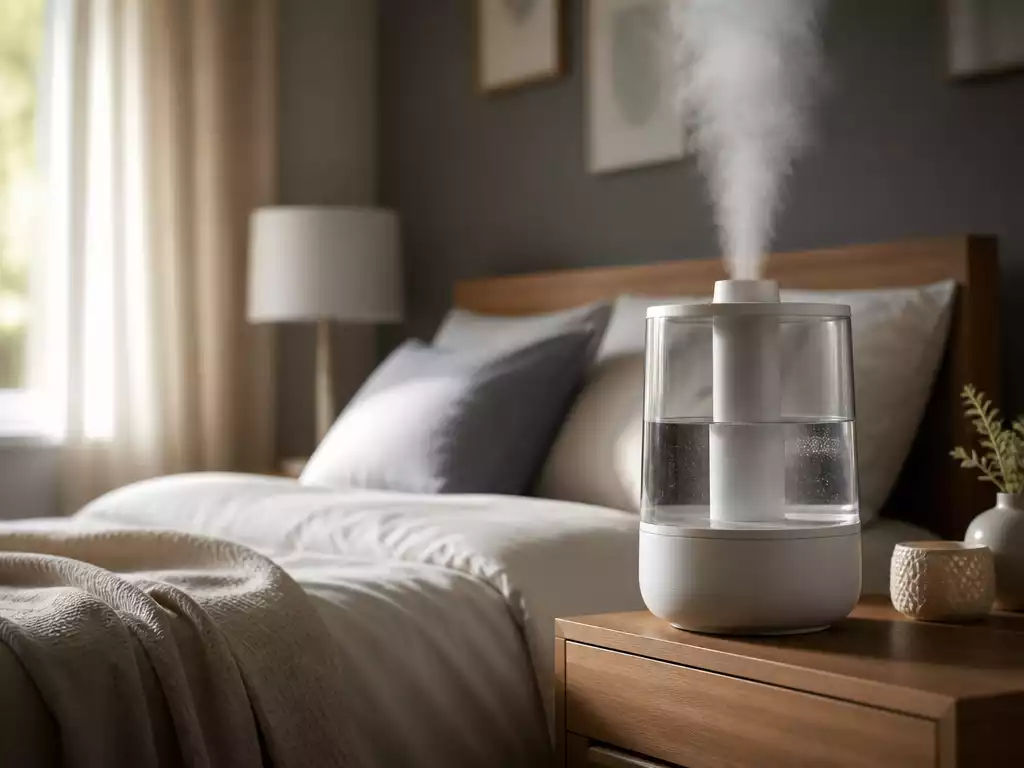
When you first receive your HoMedics humidifier, it’s important to carefully unpack it to ensure all components are in good condition. Begin by checking the contents against the provided manual. This typically includes the humidifier unit, the water tank, and any additional accessories like a demineralization cartridge.
- Carefully remove each item from the box.
- Inspect for any visible damage or missing parts.
- Read through the user manual before proceeding with the setup.
Once everything is checked, you can prepare for setup by gathering your tools and finding a suitable spot for your humidifier. Having everything ready will make the process smoother and more efficient!
We Want to Hear From You!
What has been your experience with your HoMedics humidifier? Have you encountered any issues or found any tips that worked well for you? Share your thoughts below:
Troubleshooting Your HoMedics Humidifier: Common Issues and Solutions
Sometimes, even the best humidifiers can run into issues. This section will help you troubleshoot your HoMedics humidifier and resolve common problems effectively. It’s essential to understand these potential issues to ensure your device operates smoothly and provides the benefits you expect!
No Mist or Weak Mist: What to Check
One of the most common complaints we hear is about the humidifier not producing mist or producing only weak mist. This can be frustrating, but don’t worry! Here are some potential causes and their quick fixes:
- Check the Water Level: Ensure the water tank is filled properly. If it’s empty or too low, the humidifier won’t function correctly.
- Inspect the Filter: A clogged or dirty filter can impede mist production. Make sure to clean or replace it as needed.
- Review the Settings: Sometimes, the mist output settings may be set too low. Adjusting the mist level can help.
- Look for Blockages: Ensure that the mist outlet is not blocked, which can affect airflow and mist output.
By following these quick tips, you can usually resolve mist-related issues without much hassle. Always remember to consult your user manual for specific troubleshooting steps unique to your model!
Managing White Dust and Leaks
White dust can be a common issue with humidifiers, especially if you’re using tap water. It’s crucial to know how to prevent and resolve this issue effectively to keep your space clean. Here are some strategies:
- Use Distilled Water: Switching to distilled water can significantly reduce the amount of white dust produced.
- Check for Leaks: Inspect the tank and base for leaks regularly, and ensure all parts are correctly secured to prevent water from escaping.
- Maintain Regular Cleaning: Regularly clean your humidifier as per the guidelines to prevent mineral buildup that can lead to leaks.
Addressing these issues not only improves your indoor air quality but also extends the lifespan of your humidifier. Keeping your device in top shape is essential for the best performance!
Addressing Mold and Bacteria Control
Another concern many users have is the potential for mold and bacteria to grow inside the humidifier. Regular cleaning and maintenance are your best defenses. Here’s how to keep your humidifier safe and clean:
- Regularly Clean the Unit: Aim for a thorough cleaning at least once a week to prevent mold buildup.
- Use Cleaning Solutions: Utilize a recommended cleaning solution or a mixture of vinegar and water to disinfect the tank and base.
- Change Water Daily: Fresh water minimizes the chance for bacteria growth, so refill your tank every day.
- Monitor Humidity Levels: Keeping humidity levels between 30-50% prevents excess moisture, which can lead to mold.
By taking these steps, you can enjoy cleaner air and ensure your HoMedics humidifier stays free of mold and bacteria, contributing positively to your health and comfort at home!
Frequently Asked Questions About Your HoMedics Humidifier
- What is the ideal indoor humidity level?
- The ideal indoor humidity level is between 30% and 50% for optimal health and comfort.
- Where should I place my HoMedics humidifier?
- Position your humidifier on a flat, elevated surface like a table or shelf, away from walls and furniture to allow for better air circulation.
- What should I do if my humidifier produces no mist or weak mist?
- Check the water level, inspect the filter for clogs, review the mist output settings, and look for any blockages in the mist outlet.
- How can I prevent white dust from forming?
- Using distilled water instead of tap water can significantly reduce white dust. Regular cleaning also helps prevent mineral buildup.
- How often should I clean my humidifier to prevent mold and bacteria?
- It is recommended to clean your humidifier thoroughly at least once a week. Additionally, change the water daily to prevent bacteria growth.
Recap of Key Points
Here is a quick recap of the important points discussed in the article:
- Check humidity levels in your space; ideal indoor humidity is between 30% and 50%.
- Position your humidifier on a flat, elevated surface away from walls and furniture for optimal air circulation.
- Carefully unpack the humidifier, ensuring all parts are intact and the user manual is reviewed before setup.
- To troubleshoot mist production issues, check the water level, inspect the filter, and review mist settings.
- Use distilled water to minimize white dust and regularly clean the unit to prevent leaks and mineral buildup.
- Maintain cleanliness by regularly cleaning the unit and changing the water daily to prevent mold and bacteria growth.



