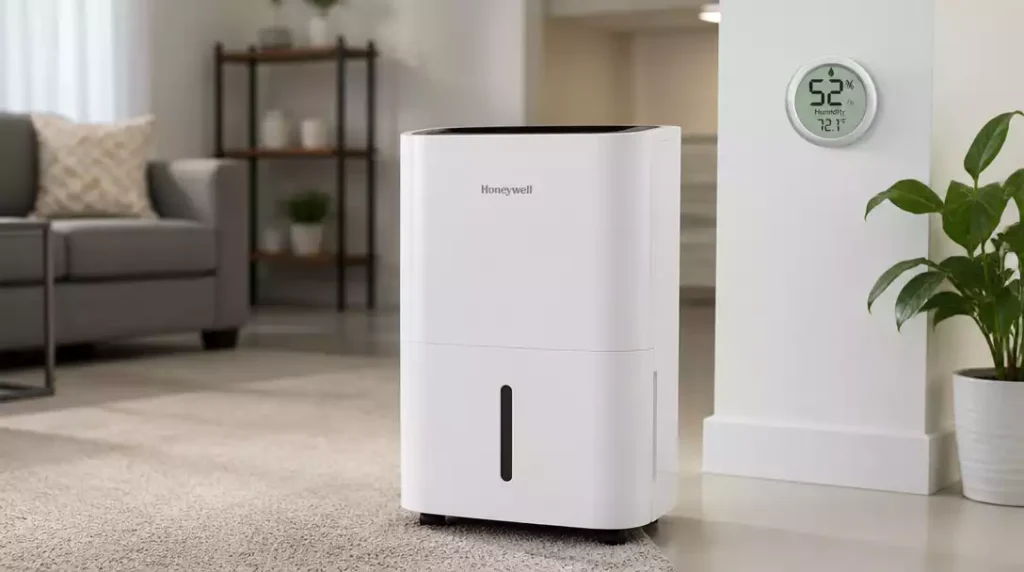
Have you ever faced the frustration of a dehumidifier that just won’t start? Understanding the common pitfalls can save you time and restore comfort to your home.
What You Will Learn
- How to troubleshoot power issues with your Honeywell dehumidifier.
- Essential checks for the water tank and humidity settings to ensure optimal operation.
- Factors like room temperature and airflow that influence humidity control.
- Common performance problems and how to address them effectively.
- Recognizing sensor malfunctions and their impact on your dehumidifier’s performance.
- Maintaining your dehumidifier to prolong its life and efficiency.
Common Issues with Honeywell Dehumidifiers
Dehumidifiers are essential for maintaining comfortable humidity levels in your home, and Honeywell models are particularly popular. However, like any appliance, they can encounter common issues that may hinder their performance. Let’s explore the reasons your Honeywell dehumidifier might not start and why humidity levels might not be dropping as expected.
Why Your Honeywell Dehumidifier Might Not Start
If your Honeywell dehumidifier has stopped running, the first thing to consider is the power source. Checking these elements might save you time and hassle:
- Ensure the unit is plugged in securely.
- Check the outlet for power by testing with another device.
- Investigate whether the safety switch has been triggered.
Sometimes, even a simple reset can get things back in action! If everything seems fine with the power, it’s time to look at the water tank and humidity settings. For more general troubleshooting tips, you might find our guide on how to fix a dehumidifier helpful.
Checking Power Sources and Safety Switches
Power issues can often be misdiagnosed. First, it’s critical to verify that the power cable is not damaged and the outlet is functioning. Additionally, many Honeywell models come with safety switches that prevent operation when the water tank is full. Make sure to check:
- If the water tank is seated properly.
- Whether the tank is full and needs to be emptied.
- If the float switch is stuck, preventing operation.
By taking these steps, you can often troubleshoot startup issues without needing professional help!
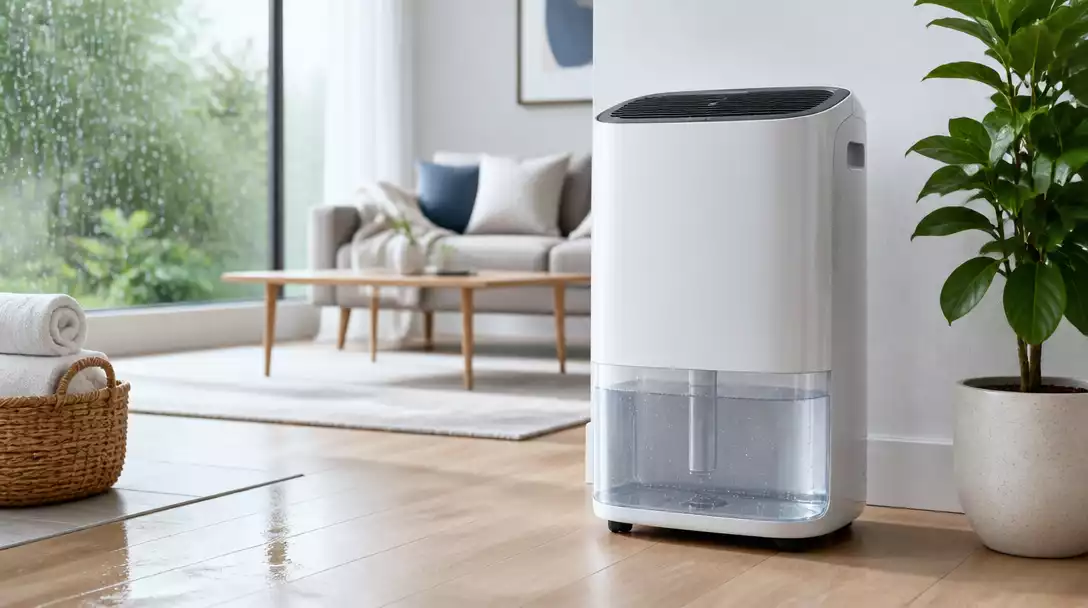
Investigating the Water Tank and Humidity Settings
A quick look at the water tank and humidity settings can reveal a lot! Sometimes, the dehumidifier won’t start because the tank is full or improperly positioned. Make sure to:
- Check the water level; empty the tank if it’s full.
- Adjust the humidity settings to ensure they are appropriate for your space.
- Verify that the unit is set to continuous operation if needed.
These simple checks can often solve the problem, allowing your dehumidifier to function effectively! If you’re experiencing issues with other brands, you might find similar troubleshooting steps for a Hisense dehumidifier not working.
Diagnosing Why Humidity Levels Aren’t Dropping
If your dehumidifier is running but the humidity levels aren’t decreasing, it’s essential to evaluate the room conditions. Factors like temperature and airflow can significantly affect performance:
- Ensure the room temperature is ideal for dehumidification.
- Check if there are any air leaks in the room.
- Assess airflow around the unit; it should not be obstructed.
By addressing these common environmental factors, we can often pinpoint why your dehumidifier is struggling to keep up!
Evaluating Room Conditions: Temperature and Airflow
The effectiveness of your Honeywell dehumidifier can be heavily influenced by room conditions. A higher temperature can increase humidity levels, while poor airflow can prevent proper moisture extraction. Here’s what to check:
- Ensure the room is well-ventilated, allowing air to circulate freely.
- Consider using fans to enhance airflow and help your dehumidifier.
- Keep doors and windows closed when the unit is operating.
These adjustments can make a world of difference in performance!
Common Performance Problems and Solutions
Even with the right settings and conditions, dehumidifiers can run into performance problems. Some common issues include:
- Insufficient moisture extraction due to a dirty filter.
- Unusual noises indicating mechanical issues.
- Frequent cycling on and off, suggesting an electrical fault.
By identifying these performance issues early, you can implement solutions or seek professional advice before they escalate!
Recognizing Sensor Problems Affecting Performance
Sometimes, the problem could lie with the sensors in your Honeywell dehumidifier. If you notice inconsistent humidity readings or if the machine isn’t responding as expected, it could be time to look at:
- The accuracy of the humidistat.
- Whether the sensors are dirty or obstructed.
- How often the unit is cycling based on the readings.
By keeping an eye on these factors, we can ensure your dehumidifier operates efficiently!
Identifying Humidistat Malfunctions
The humidistat is crucial for regulating your dehumidifier’s operation. If it’s malfunctioning, your unit may run continuously or not at all. Check for:
- Calibration issues with the humidistat.
- Physical blockages preventing accurate humidity readings.
- Wiring problems that could disrupt signals to the unit.
Getting these issues fixed can help restore your dehumidifier’s functionality!
Understanding the Impact of Fan Speed on Humidity Control
The fan speed of your dehumidifier plays a significant role in how effectively it can remove moisture from the air. Consider:
- Adjusting the fan speed settings based on room conditions.
- Keeping the fan on a higher setting for faster moisture removal.
- Checking for fan malfunctions if you notice performance issues.
By optimizing fan speed, you can enhance humidity control in your space!
Pro Tip
Did you know? Regularly cleaning the air filter of your Honeywell dehumidifier can significantly enhance its efficiency and lifespan. A clean filter ensures optimal airflow, allowing the unit to operate at its best, especially during high humidity seasons!
Frequently Asked Questions About Honeywell Dehumidifiers
- Q: What should I do if my Honeywell dehumidifier won’t turn on?
- A: Start by checking the power source. Ensure the unit is securely plugged in, the outlet is working, and the power cable isn’t damaged. Also, verify that the water tank is properly seated and not full, as a full tank or improperly seated tank can trigger safety switches preventing operation.
- Q: Why is my Honeywell dehumidifier running but not collecting water?
- A: If your dehumidifier is running but not effectively reducing humidity, evaluate the room conditions. Check if the room temperature is too low (most dehumidifiers work best above 65°F/18°C), ensure there are no air leaks, and verify that airflow around the unit is not obstructed. A dirty air filter can also significantly reduce its efficiency.
- Q: How often should I clean my Honeywell dehumidifier’s filter?
- A: It’s recommended to clean the air filter regularly, typically every two weeks or monthly, depending on usage and environmental dust levels. A clean filter ensures optimal airflow and efficiency, prolonging the unit’s lifespan.
- Q: Can a malfunctioning humidistat prevent my dehumidifier from working?
- A: Yes, a malfunctioning humidistat can cause various issues, including the unit running continuously or not at all. Check for calibration issues, physical blockages, or wiring problems that might disrupt accurate humidity readings and signals to the unit.
- Q: What are the key maintenance tips for a Honeywell dehumidifier?
- A: Regular maintenance includes routine cleaning of the air filter, monthly checks on the water tank and drainage systems, and annual servicing for more in-depth inspections. These practices help extend the unit’s life and efficiency.
Recap of Troubleshooting Honeywell Dehumidifiers
Having a reliable dehumidifier is essential for maintaining a comfortable home environment. When troubleshooting your Honeywell dehumidifier, it’s important to grasp the key aspects that can lead to successful diagnosis and restoration. Here are the crucial takeaways:
- Always start with power checks and safety switches.
- Make sure the water tank is properly positioned and empty.
- Evaluate room conditions, such as temperature and airflow.
- Look out for common sensor and performance issues.
By focusing on these areas, you can identify and resolve many common problems swiftly. Remember, sometimes it’s the simplest checks that can save you time and effort!
Key Takeaways for Effective Diagnosis
Diagnosing issues with your Honeywell dehumidifier doesn’t have to be overwhelming. Here are some key pointers to keep in mind:
- Check for error codes that provide specific information about the problem.
- Maintain regular cleaning of filters and coils to enhance performance.
- Ensure the humidity settings align with your current environment needs.
- Be familiar with your model’s unique features and specifications.
These takeaways not only help in troubleshooting but also in ensuring that your dehumidifier runs efficiently for a long time. I’ve often seen that with a little attention, many issues can be avoided altogether! If you’re interested in general maintenance, check out our guide on how to clean a dehumidifier.
Final Thoughts on Maintaining Your Dehumidifier
Regular maintenance can extend the life of your Honeywell dehumidifier and enhance its efficiency. I always recommend setting a maintenance schedule that includes:
- Routine cleaning of the air filter.
- Monthly checks on the water tank and drainage systems.
- Yearly servicing for more in-depth inspections.
By implementing these practices, you’ll not only troubleshoot effectively when issues arise but also keep your dehumidifier in tip-top shape. It’s all about prevention as much as it is about problem-solving!
Next Steps for Honeywell Dehumidifier Users
As you continue using your Honeywell dehumidifier, knowing where to find more information can be incredibly helpful. Here are some next steps I recommend:
Resources for Further Assistance and Information
When in doubt, don’t hesitate to reach out for more help! Here are some excellent resources:
- Honeywell’s official website for manuals and troubleshooting guides.
- Online forums and community support for user tips.
- YouTube tutorials for visual troubleshooting guidance.
- Local appliance repair services for professional assistance.
These resources can empower you to handle issues more effectively and learn from others’ experiences!
Encouragement to Share Experiences and Solutions
I find that sharing experiences can foster community support. I encourage you to share your own tips and tricks for maintaining Honeywell dehumidifiers. You might discover new methods or solutions that others have found successful, and your insights could help fellow users!
Exploring User Reviews and Product Comparisons for Better Choices
If you’re contemplating an upgrade or simply want to explore your options, checking user reviews and product comparisons can be invaluable. Here’s what to consider:
- Look for reviews that detail long-term performance.
- Compare features and specifications of different Honeywell models.
- Consider user feedback on customer support experiences.
By being informed, you can make decisions that best suit your needs and enhance your environment!
Recap of Key Points
Here is a quick recap of the important points discussed in the article:
- Start troubleshooting with power source checks and safety switches.
- Ensure the water tank is properly positioned and emptied when full.
- Evaluate room conditions like temperature and airflow for optimal performance.
- Be aware of common sensor and performance issues that may affect operation.
- Regular maintenance, including cleaning filters and checking settings, is essential.