
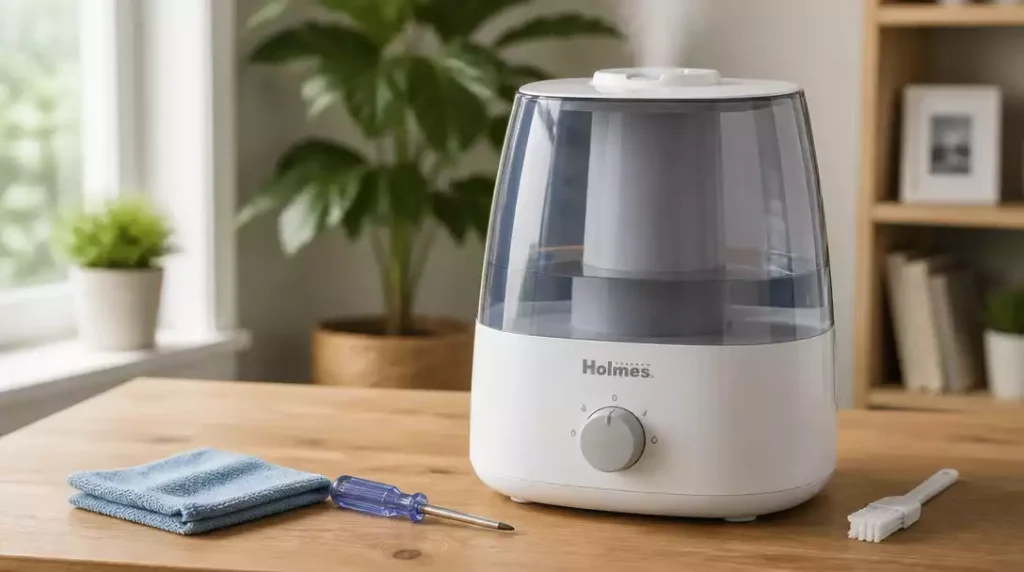
Did you know that regular maintenance can significantly extend the life of your humidifier? Understanding common troubleshooting techniques can help you keep your Holmes humidifier running smoothly.
What You Will Learn
- Steps to troubleshoot why your Holmes humidifier isn’t turning on.
- How to diagnose and improve minimal or no mist output.
- Essential checks to address water tank and fill problems.
- The importance of maintaining optimal humidity levels in your home.
- Key maintenance tips for optimal performance and lifespan of your humidifier.
- Resources for additional support, including manuals and online forums.
- How to engage with the community for shared experiences and solutions.
- Tips on understanding warranty details and customer service options.
- Insights from user reviews to help evaluate performance issues.
Troubleshooting Your Holmes Humidifier: Common Issues Explained
If your Holmes humidifier isn’t functioning as expected, you’re not alone! Many users encounter common issues that can easily be resolved with a bit of troubleshooting. Let’s explore the potential problems and their solutions to get your humidifier back in action.
Before diving into specific issues, always start by checking the basics. Ensure your humidifier is plugged in and that the outlet is working. Sometimes, the circuit breaker might trip, cutting off power to the unit. A few simple checks can save you a lot of headaches!
Why Your Holmes Humidifier Won’t Turn On
Experiencing trouble getting your humidifier to power on? This can be frustrating, but let’s tackle the common culprits. Here are steps you can take to troubleshoot:
- Check that the power cord is securely plugged into the wall outlet.
- Inspect the circuit breaker or fuse box to ensure power is flowing to the outlet.
- Look for any visible damage on the power cord that may prevent it from functioning.
Addressing these steps usually resolves the problem. If your humidifier still won’t start, there might be internal electrical issues that require professional assistance. For more in-depth solutions when your humidifier won’t power on, you might find our guide on humidifiers not turning on after cleaning particularly useful.
Diagnosing Minimal or No Mist Output
If your humidifier is running but isn’t producing much mist, it might be a sign of a few key issues. Here’s what to check:
- Ensure the water tank is filled to the appropriate level. Low water can lead to weak mist.
- Inspect the filter for clogs or mineral buildup, as this can restrict airflow.
- Look for any obstructions in the nozzle that could be affecting mist production.
Regular maintenance, including checking for these common issues, can significantly improve the mist output of your humidifier! If you’re encountering issues with other humidifier brands, you might find helpful troubleshooting tips in our article on Dyson humidifier not misting.
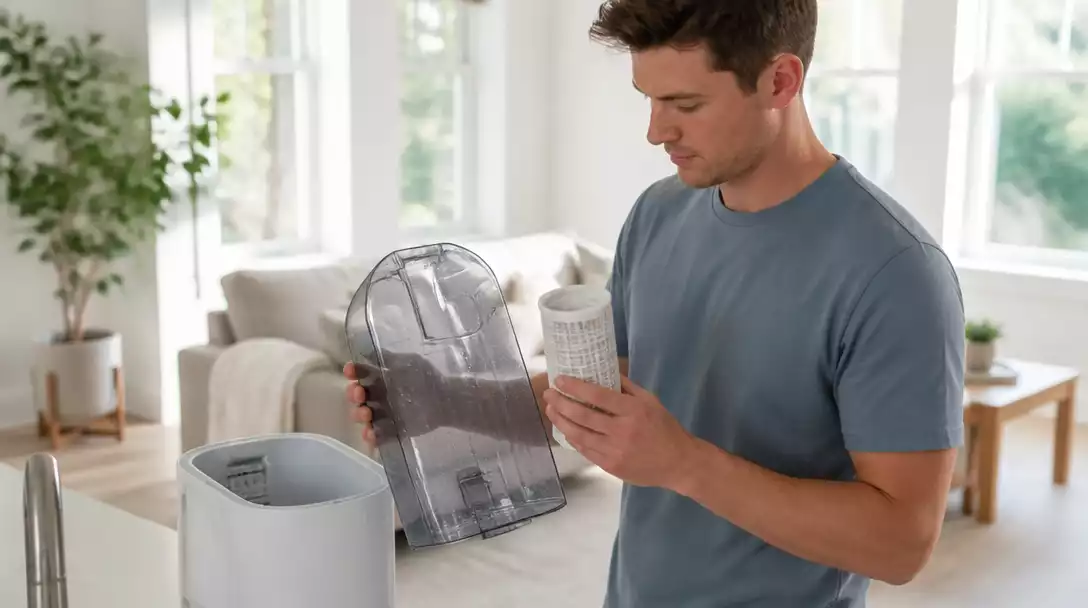
Addressing Water Tank and Fill Problems
Water tank issues can be a real hassle. If your tank appears empty or your refill/reset light is on, follow these steps:
- Check that the tank is seated properly on the base of the unit.
- Look for leaks around the tank and ensure all seals are intact.
- Refill the tank carefully, making sure to avoid overfilling.
Fixing these water tank problems often leads to smoother operation and a more efficient humidifier experience.
Humidity’s Impact on Your Home Environment
Maintaining proper humidity levels is essential for a comfortable home. Too little humidity can lead to dry skin, irritated sinuses, and static electricity. Conversely, too much humidity can encourage mold growth and dust mites. A well-functioning humidifier helps manage these levels effectively!
By understanding the role of humidity in your environment, you can create a healthier living space. Regularly monitor your home’s humidity to ensure it stays within the ideal range of 30-50%.
Maintenance Tips for Optimal Performance
To keep your Holmes humidifier running smoothly, a few routine maintenance tasks go a long way. Consider the following:
- Clean the tank and base weekly to prevent mold and bacteria.
- Descale the unit monthly to remove mineral buildup, especially if you have hard water.
- Replace or clean the filter according to the manufacturer’s recommendations.
Sticking to a maintenance schedule helps prolong the life of your humidifier, ensuring you always have a reliable source of moisture in your home.
Pro Tip
Did you know? Regularly replacing or cleaning your humidifier’s filter can significantly enhance its performance. A clean filter ensures optimal mist output and helps maintain the quality of the air in your home. Don’t wait until you notice a decline in performance; make it a part of your monthly maintenance routine!
Frequently Asked Questions About Your Holmes Humidifier
- Q: My Holmes humidifier isn’t turning on. What should I do first?
A: First, check if the power cord is securely plugged into a working wall outlet. Also, inspect your circuit breaker or fuse box and ensure there’s no visible damage to the power cord. - Q: Why is my humidifier producing minimal or no mist?
A: This could be due to a low water level, a clogged or mineral-ridden filter, or obstructions in the mist nozzle. Ensure the water tank is filled, and regularly clean the filter and nozzle. - Q: How often should I clean my Holmes humidifier?
A: It’s recommended to clean the water tank and base weekly to prevent mold and bacteria growth. A monthly descaling is also advised, especially if you have hard water, and replace/clean filters as per the manufacturer’s guidelines. - Q: What are the ideal humidity levels for a home?
A: The ideal humidity range for a comfortable and healthy home environment is typically between 30% and 50%. - Q: Where can I find additional support or resources for my humidifier?
A: You can find support on the official Holmes website for model-specific guides, user manuals, video tutorials, and online forums where other users share tips and solutions.
Summary and Next Steps for Your Holmes Humidifier
As we wrap up, it’s essential to recap some common issues you might face with your Holmes humidifier. Regular maintenance and timely troubleshooting are key to keeping your humidifier running smoothly! Addressing problems early can save you time and prevent further complications.
By following the insights shared in this article, you’ll be better equipped to handle any challenges that arise. Remember, a little attention goes a long way in ensuring your humidifier performs its best!
Finding Support and Resources
When you’re facing issues, don’t hesitate to seek out additional support and resources! Here are some places where you can find useful information:
- The official Holmes website for model-specific guides
- User manuals that provide troubleshooting steps
- Video tutorials on maintenance and repairs
- Online forums where enthusiasts share tips
These resources can make a big difference in your repair process, helping you understand your unit better and find effective solutions quickly. Consider checking out our comprehensive guide on how to set up your Holmes humidifier for initial setup and operational tips.
Engaging with the Community
Connecting with fellow users can be incredibly beneficial! I encourage you to share your experiences and solutions on forums or through social media. Here are a few ways to engage:
- Join online groups dedicated to home appliances
- Participate in discussions about humidifier issues
- Share tips and tricks you’ve learned along the way
Learning from others can enhance your understanding and might even introduce you to new troubleshooting methods!
Understanding Warranty and Customer Service Options
It’s always a good idea to know your warranty details. If you run into persistent issues, here’s what to keep in mind:
- Check the duration and coverage of your warranty
- Keep your purchase receipt for warranty claims
- Contact customer service for professional assistance
When reaching out, expect guidance on diagnosing issues or information about repair options. This support can be invaluable when you need it most!
Evaluating Performance Issues and User Reviews
Finally, it’s helpful to take a look at common performance issues reported by other users. Here are some insights you might find useful:
- Check reviews for similar problems others have faced
- Learn which solutions have been effective for them
- Keep an eye out for any recurring themes in feedback
These insights can guide your troubleshooting process, making it easier to identify and resolve issues with your humidifier!
Recap of Key Points
Here is a quick recap of the important points discussed in the article:
- Always start troubleshooting by checking if the humidifier is plugged in and the outlet is functional.
- Ensure the water tank is filled, and check the filter for clogs to maintain optimal mist output.
- Regularly clean and descale the humidifier to prevent mold, bacteria, and mineral buildup.
- Monitor your home’s humidity levels to keep them within the ideal range of 30-50%.
- Utilize resources like user manuals, online forums, and the official Holmes website for support and troubleshooting.
- Engage with the community to share experiences and learn from others’ solutions.
- Know your warranty details and keep your purchase receipt for any future claims.



