
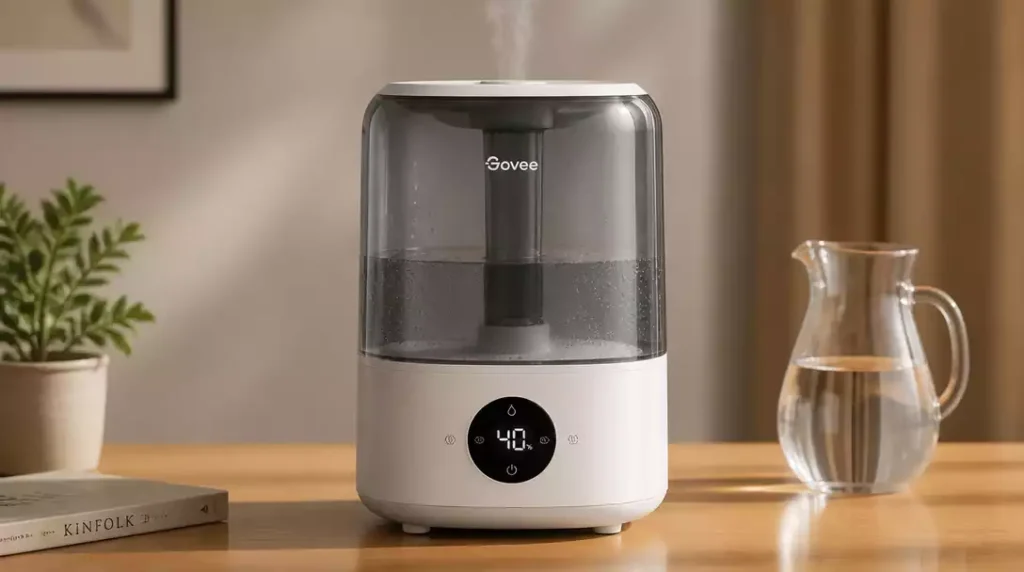
What if the solution to your humidifier issues is as simple as a loose plug? Many users encounter frustrating problems with their Govee humidifiers, but with a few straightforward troubleshooting steps, you can quickly resolve them and enjoy the benefits of a well-functioning device.
What You Will Learn
- Ensure your humidifier is plugged in and the power outlet is functional.
- Check that the water tank is properly seated and filled to the required level.
- Inspect the mist nozzle for blockages and mineral buildup to ensure mist production.
- Maintain regular cleaning and filter replacement to enhance performance and longevity.
Troubleshooting Your Govee Humidifier: Initial Steps
If your Govee humidifier isn’t performing as expected, you’re not alone! Many users experience common issues like the unit not turning on, no mist production, or even water shortage alerts. Let’s dive into the typical symptoms you might encounter and how to tackle them effectively.
Here are some common problems you might face:
- Unit fails to power on
- No mist is produced
- Water shortage alerts despite having water in the tank
Verifying Power and Setup Conditions
Checking the Power Connection and Outlet
First things first, let’s check the basics! Make sure that your humidifier is plugged in securely. It’s easy to overlook a loose connection. After that, test the outlet to ensure it’s functioning properly. You can do this by plugging in another device to see if it gets power.
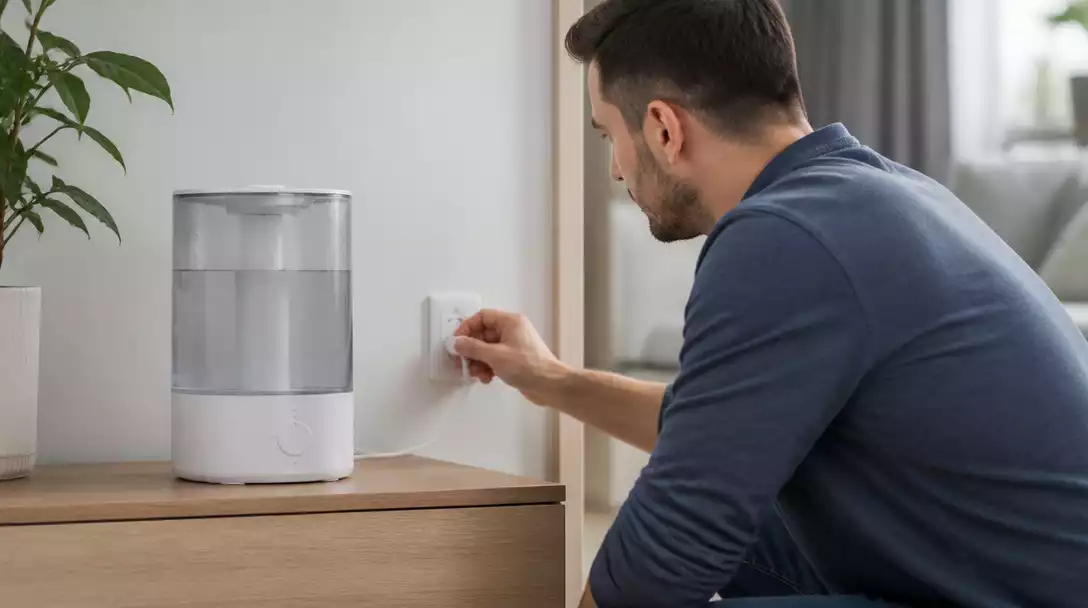
Remember, even the best devices can fail to work if they’re not getting the right power supply. Don’t underestimate the importance of this step! If your humidifier still isn’t turning on, you might want to investigate why a humidifier won’t turn on after cleaning, as this can sometimes be a related issue.
Confirming Water Tank Placement and Level
Next, let’s check the water tank. It’s essential that the tank is properly seated in the base of the humidifier. If it’s not, the sensors may not activate correctly. Also, ensure the tank is filled to the required level to avoid any warnings or malfunctions!
A simple tip: remove the tank and reseat it, making sure it clicks into place. This small step can save you a lot of hassle! For general guidance on how to fill a humidifier correctly, refer to our detailed guide.
Pro Tip
Did you know? Regularly cleaning the water tank and mist nozzle not only prevents mineral buildup but also enhances the lifespan of your Govee humidifier. A simple vinegar solution can be effective in breaking down any deposits!
Frequently Asked Questions About Govee Humidifiers
Here are some common questions users have about their Govee humidifiers:
- Q: What should I do if my Govee humidifier isn’t turning on?
- A: First, check if the power cord is securely plugged into both the humidifier and a functional wall outlet. You can test the outlet with another device. If it still doesn’t turn on, ensure the water tank is correctly seated.
- Q: Why is my Govee humidifier not producing mist?
- A: Inspect the mist nozzle for any blockages or mineral buildup. Cleaning the nozzle with a soft brush or a vinegar solution can often resolve this. Also, ensure the water tank is filled to the appropriate level.
- Q: How can I prevent water shortage alerts when there’s water in the tank?
- A: This often indicates improper water tank placement. Remove the tank and reseat it firmly into the base. Ensure it’s filled adequately, as some sensors require a minimum water level to operate correctly.
- Q: How often should I clean my Govee humidifier?
- A: Regular cleaning is crucial for optimal performance and longevity. It’s recommended to clean the water tank and mist nozzle weekly, especially if used frequently. Use a vinegar solution to break down mineral deposits.
- Q: What maintenance is required for a Govee humidifier?
- A: Beyond regular cleaning of the tank and nozzle, ensure you follow the manufacturer’s recommendations for filter replacement, if applicable. Consistent maintenance prevents buildup and ensures efficient operation.
Summary of Troubleshooting Steps for Your Govee Humidifier
As we wrap up our troubleshooting guide, let’s recap the critical areas you should check to get your Govee humidifier back to functioning optimally:
- Power Checks: Always ensure that your unit is plugged in and that the outlet is working.
- Mist Production: Inspect the mist nozzle for blockages and check for mineral buildup.
- Sensor Alerts: Identify any issues related to the sensors and how they can lead to false warnings.
- Regular Maintenance: Keep up with cleaning and filter replacements to ensure longevity.
By following these steps, you can effectively troubleshoot common issues and enhance your humidifier’s performance. Remember, these guidelines not only help with immediate concerns but also lay the groundwork for regular upkeep.
Next Steps: Keeping Your Humidifier Functional
To keep your Govee humidifier running smoothly, I encourage you to implement regular maintenance practices. Consistency is key! By establishing a cleaning schedule and staying on top of filter replacements, you can enjoy refreshing air quality year-round.
I’d love to hear about your experiences with your Govee humidifier! Feel free to share any tips or ask questions if you need further assistance. Together, we can make sure your humidifier is always at its best! For general maintenance, learn how to clean a humidifier effectively to extend its life.
Recap of Key Points
Here is a quick recap of the important points discussed in the article:
- Power Checks: Ensure your humidifier is plugged in and that the outlet is functioning properly.
- Mist Production: Check the mist nozzle for blockages and inspect for mineral buildup.
- Sensor Alerts: Address any sensor-related issues to prevent false warnings.
- Regular Maintenance: Maintain a cleaning schedule and replace filters regularly to extend the unit’s lifespan.




Pingback: how to clean govee humidifier
Pingback: how to set up holmes humidifier