
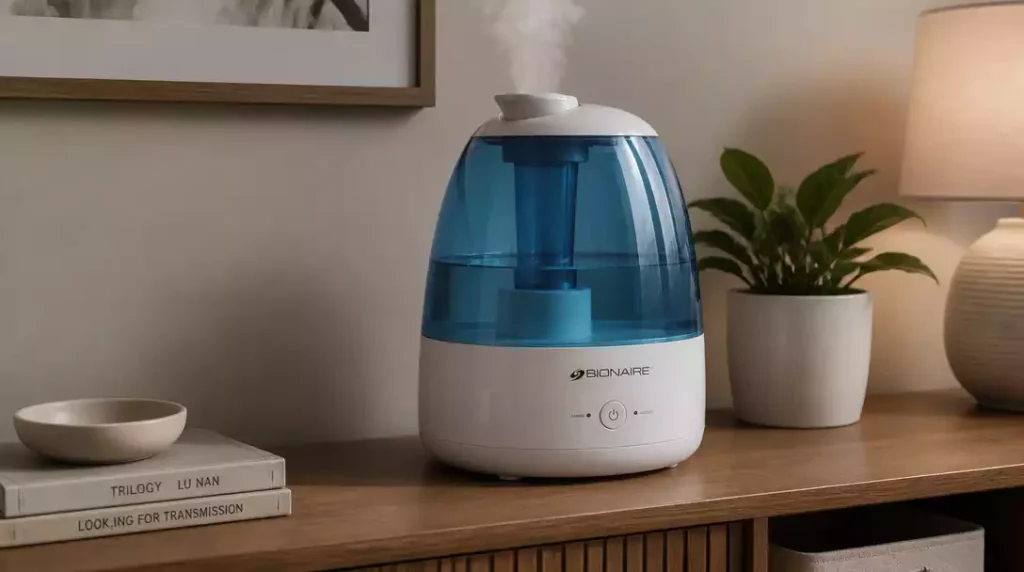
Regular maintenance can significantly extend the life of your Bionaire humidifier. Are you making the most of yours?
What You Will Learn
- Common issues that prevent your Bionaire humidifier from working, such as power supply interruptions and clogged filters.
- Important steps to check power sources and connections to troubleshoot your humidifier effectively.
- How to identify and resolve water level issues that may hinder mist production.
- Maintenance tips, including cleaning filters and descaling the unit, to keep your humidifier performing optimally.
Troubleshooting Your Bionaire Humidifier: Common Issues and Solutions
If your Bionaire humidifier isn’t working as expected, you’re not alone! Many users encounter similar issues. Let’s dive into some common problems and their fixes, so you can get your humidifier back to enhancing your indoor air quality.
“Bionaire Humidifier Not Working” Problem
When your humidifier is on the fritz, it can be frustrating. The most frequent causes for a Bionaire humidifier not functioning properly include:
- Power supply interruptions
- Improper settings
- Water tank malfunctions
- Clogged filters or mineral buildup
By identifying these issues early, you can troubleshoot effectively and maintain a comfortable humidity level in your home.
Top Reasons Why Your Humidifier Isn’t Turning On
Checking Power Sources and Connections
First things first, let’s ensure your humidifier is getting power. Check these essential components:
- Verify if the power outlet is working by plugging in another device.
- Inspect the plug for any damage or loose connections.
- Check your home’s circuit breaker to ensure it hasn’t tripped.
Taking these steps can often resolve the issue quickly. After all, power supply is crucial for your humidifier to operate!
Assessing Humidifier Settings and Controls
Sometimes, the problem lies in the settings. Double-check that the buttons and switches are functioning correctly:
- Ensure the unit is set to the desired humidity level.
- Confirm that the power switch is turned on.
- Look at the control panel for any error indications.
By verifying these settings, you can determine if the humidifier just needs a little adjustment or if there’s a deeper issue at play.
Common Performance Issues: When Your Humidifier Isn’t Producing Mist
Identifying Water Level and Tank Issues
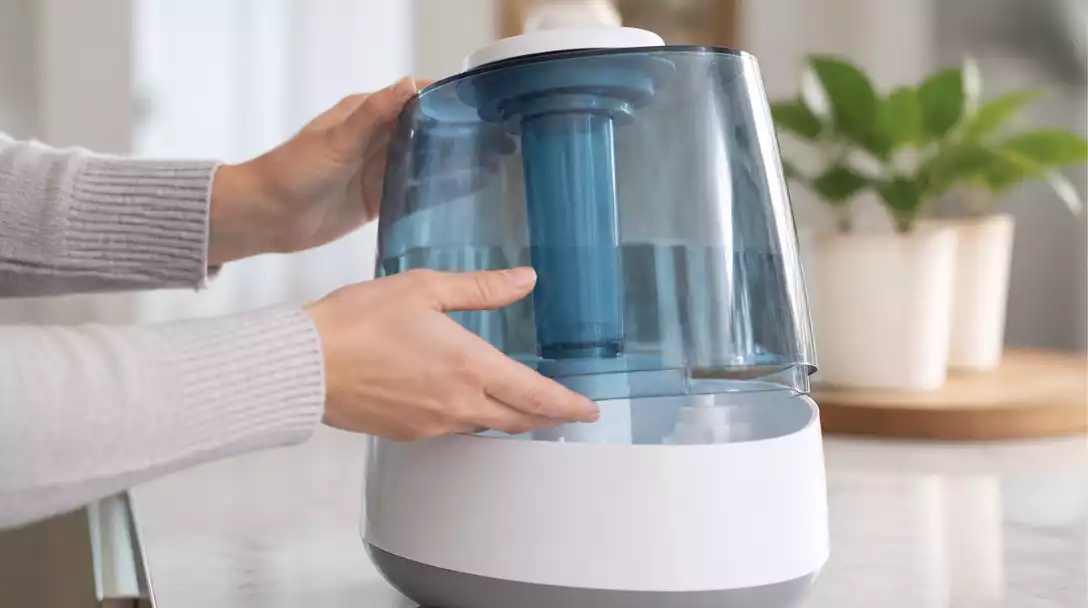
Not seeing any mist? First, let’s check the water tank:
- Make sure the reservoir is filled with water.
- Inspect that the tank is properly seated in the base.
- Look for any gasket or seal problems that could cause leaks.
These simple checks can help eliminate common causes of low mist output. It’s essential to keep the water tank in good condition for optimal performance.
Understanding Humidity Level and Performance Problems
If your humidifier is functioning but not producing enough mist, there might be other underlying concerns:
- Check the humidity settings to ensure they match your needs.
- Look for obstructions in the mist outlet.
- Listen for unusual sounds that might indicate mechanical issues.
Addressing these factors will help maintain effective humidity levels in your space, keeping the air comfortable and healthy!
Addressing Noise Issues in Your Humidifier
A noisy humidifier can be just as bothersome as one that doesn’t work! Common sources of noise include:
- Vibrations from the water tank or base
- Airflow obstructions
- Worn-out or damaged parts
If you hear any strange noises, taking a closer look can often lead to a quick fix. Remember, a quiet humidifier is a happy humidifier! If your humidifier is making a clicking noise, it could be a sign of mineral buildup or a loose component.
Maintenance Tips: Keeping Your Humidifier in Top Shape
Cleaning and Replacing Filters
Regular maintenance is key for optimal performance. Here are some tips:
- Clean filters every month to ensure they are free from dust and debris.
- Replace filters as recommended by the manufacturer.
- Use distilled water to reduce mineral buildup.
These steps play a crucial role in maintaining the air quality in your home and can prolong the life of your humidifier. For a comprehensive guide on how to clean a humidifier, check out our detailed article.
Dealing with Mineral Scale and Cleaning the Transducer
Over time, mineral scale can build up, affecting performance. Here’s how to tackle it:
- Use a vinegar solution to soak and clean the transducer.
- Descale your humidifier regularly to prevent buildup.
- Follow the manufacturer’s instructions for deep cleaning.
Keeping your humidifier clean will not only improve its efficiency but also enhance your indoor air quality!
Pro Tip
Did you know? Regularly cleaning your humidifier not only prevents mineral buildup but also enhances its lifespan. Using distilled water can significantly reduce the amount of minerals that accumulate, ensuring your humidifier operates efficiently and provides optimal air quality in your home.
Frequently Asked Questions About Bionaire Humidifiers
Here are some common questions users have about troubleshooting and maintaining their Bionaire humidifiers:
- Why is my Bionaire humidifier not turning on?
Common reasons include power supply interruptions (check outlet, plug, and circuit breaker), improper settings (verify power switch and desired humidity level), or issues with the control panel. - What should I do if my Bionaire humidifier isn’t producing mist?
First, ensure the water tank is filled and properly seated. Check for any gasket or seal problems. Also, verify humidity settings and inspect the mist outlet for obstructions. - How often should I clean my Bionaire humidifier’s filters?
It’s recommended to clean filters every month to remove dust and debris. Replace them as recommended by the manufacturer. - How can I prevent mineral buildup in my humidifier?
Use distilled water to reduce mineral deposits. Regularly descale your humidifier with a vinegar solution, especially the transducer, and follow the manufacturer’s deep cleaning instructions. - What causes unusual noises in a Bionaire humidifier?
Noises can be caused by vibrations from the water tank or base, airflow obstructions, or worn-out/damaged parts. Inspect these components for a quick fix.
Conclusion: Keeping Your Bionaire Humidifier Running Smoothly
In summary, troubleshooting your Bionaire humidifier can greatly enhance its performance. By following the essential steps outlined in this guide—like checking power sources, ensuring water levels, and maintaining cleanliness—you can prevent many common issues. Regular maintenance not only keeps your humidifier functioning well but also improves your indoor air quality, which is something I always emphasize to my clients!
Next Steps for Humidifier Care
To keep your humidifier in top shape, it’s crucial to implement a few simple maintenance practices. I encourage you to regularly:
- Check and clean the filters to ensure proper airflow.
- Monitor the water levels and refill as needed.
- Inspect the unit for any signs of wear or mineral buildup.
- Adjust settings based on humidity levels in your space.
By making these steps part of your routine, you can significantly enhance the longevity and efficiency of your Bionaire humidifier. Remember, a little proactive care goes a long way in ensuring your humidifier runs smoothly!
Resources for Further Assistance
If you encounter any challenges that go beyond these tips, don’t hesitate to reach out for further assistance. Bionaire offers a range of resources that are incredibly useful:
- Bionaire’s official support page for FAQs and troubleshooting resources.
- User manuals for model-specific guidance.
- Troubleshooting guides that can help you diagnose issues quickly.
Having these resources at your fingertips ensures that you can tackle any humidifier challenge that comes your way. As always, I’m here to help you make the most of your Bionaire experience! If you’re encountering issues where your humidifier won’t turn on after cleaning, our guide offers further troubleshooting steps.
Recap of Key Points
Here is a quick recap of the important points discussed in the article:
- Identify common issues such as power supply interruptions, improper settings, and water tank malfunctions for effective troubleshooting.
- Check power sources and connections by verifying outlets, inspecting plugs, and ensuring circuit breakers are not tripped.
- Regular maintenance, including cleaning and replacing filters, is crucial for optimal performance and air quality.
- Monitor water levels and ensure the tank is properly seated to prevent low mist output.
- Address any unusual noises promptly, as they can indicate mechanical issues or airflow obstructions.



