
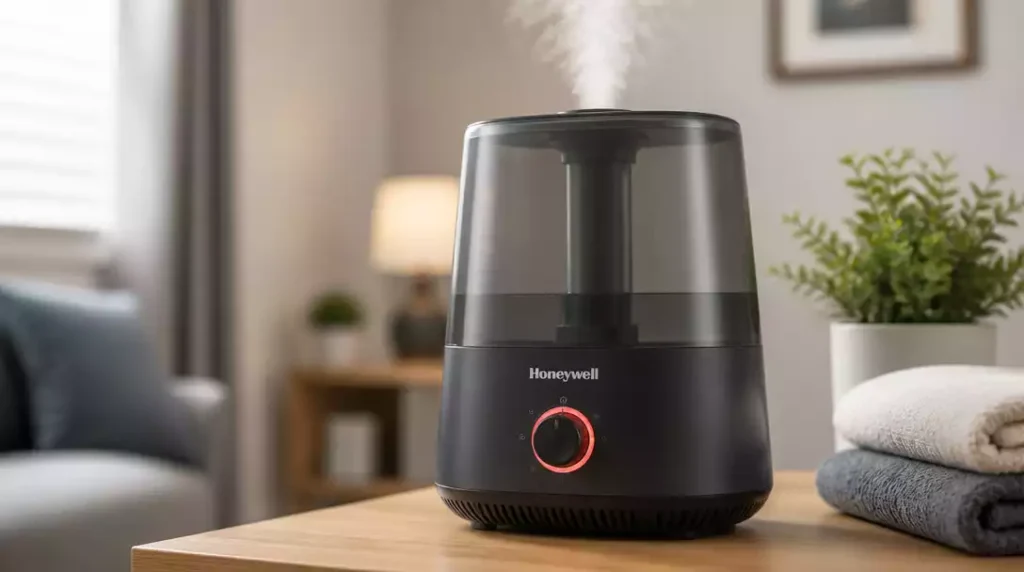
Understanding the indicators of your Honeywell humidifier can save you from unnecessary stress and help maintain optimal humidity levels in your home. Let’s explore the key insights you’ll gain about the red light indicators.
What You Will Learn
- The red light signals various issues, including low water levels, filter reminders, and sensor alerts.
- Common causes for the red light activation include an empty water tank, improper sensor function, and blockage in vents.
- Humidity levels in your home can significantly impact the operational status of your humidifier and the red light indicator.
- Regular maintenance practices, such as cleaning the tank and replacing filters, are essential for preventing red light issues.
Honeywell Humidifier Red Light Explained
When you see a red light on your Honeywell humidifier, it can be puzzling! This indicator light serves various purposes depending on the model you own. In this section, we’ll dive into what those red lights mean, common triggers, and how humidity levels factor in.
What Does the Red Light Indicate?
The red light on your Honeywell humidifier is usually a signal that something needs your attention. Here are a few common indicators:
- Low Water Levels: One of the most frequent reasons for the red light activation is a low water level in the tank.
- Filter Reminder: Some models feature a reminder light indicating that it’s time to check or replace the filter.
- Sensor Alerts: If there are issues with the internal sensors that detect humidity, the red light may also activate.
Each model may have its own specific indicators, so it’s vital to refer to your user manual for precise meanings. By staying informed, you can quickly address any issues that arise!
Common Causes for the Red Light Activation
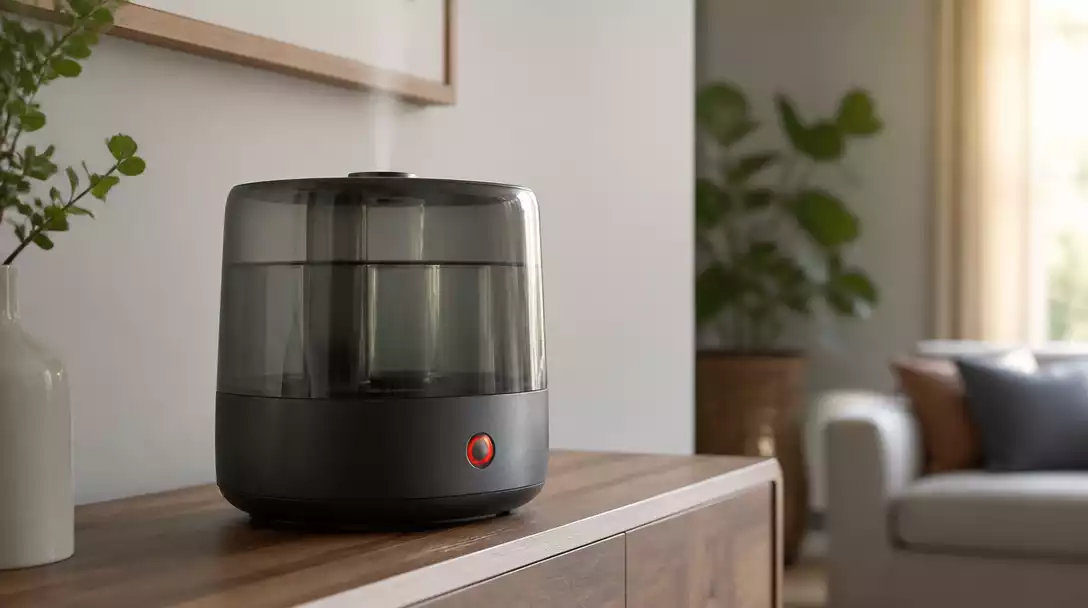
There are several reasons why the red light might be glowing. Here are the most common scenarios:
- Empty Water Tank: If the water tank is empty, the humidifier will stop functioning and activate the red light.
- Improper Sensor Function: Sometimes, the sensors may inaccurately read humidity levels due to dust or scale buildup. You might also encounter issues if your humidifier sensor is not working correctly.
- Blockage in Vents: If the humidifier’s air intake or output vents are blocked, this can cause performance issues that trigger the red light.
Identifying these common causes can save you time and help get your humidifier back to normal operation. If the red light persists, further inspection may be needed.
Impact of Humidity Levels on Red Light Status
The humidity levels in your home can significantly affect how your Honeywell humidifier operates. Here’s how:
- Low Ambient Humidity: If the surrounding air is excessively dry, the humidifier may struggle to maintain optimal levels, potentially activating the red light.
- High Humidity: Conversely, if the humidity levels are too high, the humidistat may signal for reduced operation, which can impact red light status.
- Seasonal Changes: Be aware that different seasons can lead to changes in indoor humidity, thus affecting your unit’s performance.
Monitoring your home’s humidity levels can not only enhance your comfort but also help prevent unnecessary red light issues. Maintaining a balanced environment is key!
Pro Tip
To prevent the red light from activating frequently, consider investing in a hygrometer. This device measures the humidity levels in your home, allowing you to maintain an optimal environment for your Honeywell humidifier. By monitoring the humidity closely, you can adjust your humidifier’s settings proactively, ensuring that it operates efficiently and effectively.
Final Thoughts on Addressing the Red Light Issue
Addressing the red light on your Honeywell humidifier is essential to keep it running smoothly. It’s crucial to recognize what the red light indicators mean and the steps needed to troubleshoot effectively. By ensuring you are proactive, you can prevent minor issues from becoming significant problems!
Remember, the red light doesn’t have to be a cause for alarm. With the right knowledge, you can easily identify the issue and take appropriate actions to resolve it. I recommend keeping this guide handy for quick reference!
Additional Resources and Support Options
If you find yourself needing more detailed help, don’t hesitate to consult your humidifier’s manual for model-specific troubleshooting. Honeywell also offers excellent support resources that can guide you through more complex issues. Here are a few options:
- Owner’s manual for your specific model
- Honeywell customer support hotline
- Online troubleshooting guides on the Honeywell website
Having these resources on hand can make all the difference when you encounter problems!
Frequently Asked Questions About Honeywell Humidifier Red Light
What Should I Do If the Red Light Stays On After Refilling?
If the red light remains on after refilling the water tank, it’s often a sign that there’s an issue with the sensor. You might want to try the following:
- Make sure the water tank is seated properly.
- Check for any blockages in the water inlet.
- Inspect for scale buildup around the sensor.
These steps can usually help resolve the issue quickly!
When Is It Time to Replace Parts or the Humidifier?
There are several signs that indicate it might be time to replace parts or even the entire humidifier. Here are some key indicators:
- Frequent activation of the red light despite regular maintenance.
- Unusual noises or leaks from the unit.
- A noticeable decline in humidity output.
If you notice these symptoms, it may be time to consider replacements for optimal performance.
How to Maintain Your Humidifier for Optimal Performance
Regular maintenance is key to keeping your humidifier running efficiently and preventing red light issues. Here are some essential practices:
- Clean the tank and base every week to prevent bacteria growth.
- Replace filters as recommended by the manufacturer.
- Use distilled water to minimize mineral buildup.
Following these tips can extend the lifespan of your humidifier and enhance its performance!
What Role Does a Humidistat Play in Humidifier Functionality?
A humidistat is an important component of your humidifier that helps maintain comfortable humidity levels. It works by automatically adjusting the humidifier’s operation based on the humidity in your home. This prevents unnecessary red light activation and ensures you are not wasting energy. Keeping your humidistat in good working condition is vital for effective humidifier operation!
Can a Dirty Filter Cause the Red Light to Activate?
Yes, a dirty or clogged filter can definitely cause the red light to activate on some Honeywell humidifier models. Many humidifiers have a filter reminder light that turns red when it’s time to check or replace the filter. A dirty filter can also restrict airflow, making the humidifier work harder and potentially triggering other error indicators. Regularly checking and replacing your filter, as recommended by the manufacturer, is crucial for optimal performance and to avoid these red light issues. You can learn more about how to clean a humidifier thoroughly to prevent such problems.
Recap of Key Points
Here is a quick recap of the important points discussed in the article:
- Red Light Indicators: The red light may indicate low water levels, filter reminders, or sensor alerts.
- Common Causes: An empty water tank, improper sensor function, or blocked vents can trigger the red light.
- Humidity Levels: Low or high humidity can affect the operation of your humidifier, potentially leading to the red light activation.
- Maintenance Tips: Regular cleaning, timely filter replacements, and using distilled water can enhance performance and prevent issues.
- When to Replace: Frequent red light activation, unusual noises, or a decline in humidity output may indicate the need for replacement.




Pingback: How to Turn a Honeywell Humidifier On and Off
Pingback: boneco humidifier flashing red light