
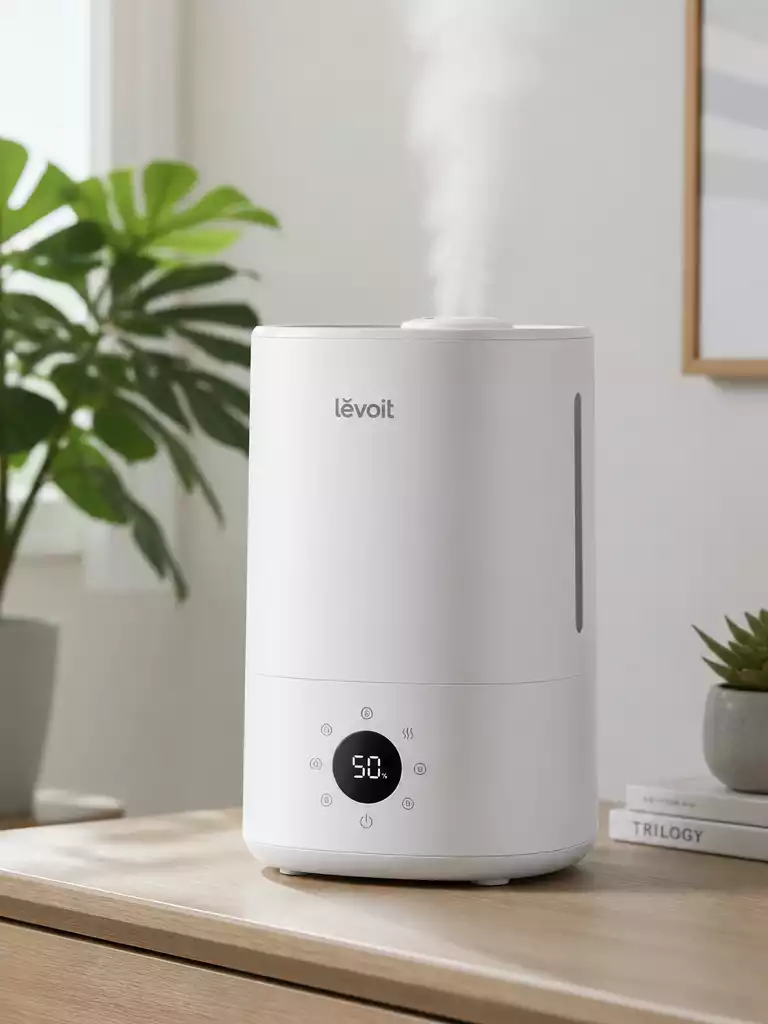
Did You Know? Levoit Humidifier Troubleshooting and Maintenance Guide
Did you know that routine maintenance can significantly extend the lifespan of your Levoit humidifier? Understanding how to troubleshoot effectively can enhance not just the device’s performance but also the air quality in your home.
What You Will Learn
- Common reasons why your Levoit humidifier may not turn on, including power supply issues and safety triggers.
- Essential troubleshooting steps to quickly identify and resolve power issues.
- Importance of keeping the water tank filled and properly seated for optimal operation.
- Best practices for routine cleaning to prevent clogs and maintain performance.
- How to reset your humidifier and when it may be necessary.
Why Your Levoit Humidifier Won’t Turn On
It can be frustrating when your Levoit humidifier just refuses to power on, especially when you rely on it for comfort. There are several common reasons for these power issues, and most of them are quite manageable. Let’s dive into some typical scenarios that might be causing your humidifier to stay silent!
First, let’s consider the obvious, like the outlet and power supply. Sometimes, the issue can be as simple as a faulty power outlet or an unplugged power cord. Other times, there might be issues with the water tank that we need to check.
Common Reasons for Power Issues
- Faulty power outlet
- Unplugged or damaged power cord
- Water tank not properly seated
- Safety features triggered due to low water levels
Addressing these issues isn’t difficult. Start by checking the outlet with another device to ensure it’s working. If that’s not the problem, check if the power cord is in good condition. A damaged cord can lead to power failures.
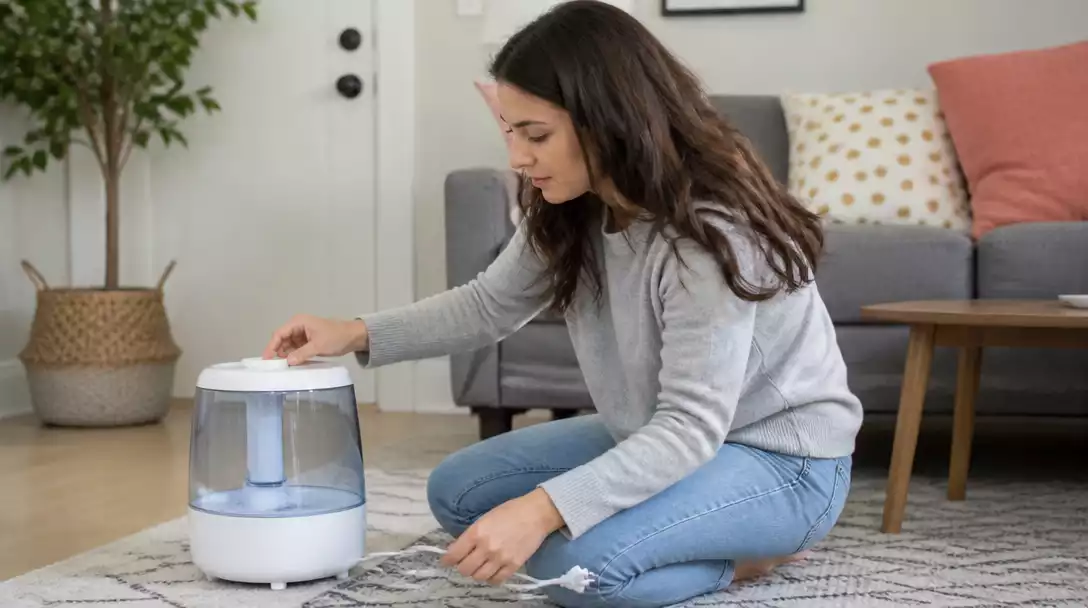
Another frequent issue is the water tank. If it’s not seated correctly in the base, the humidifier simply won’t turn on as a safety precaution. Make sure it’s locked in place and filled to the required level.
Safety Features That May Affect Operation
Your Levoit humidifier is equipped with safety features designed to keep it—and you—safe. One of the most common triggers is low water levels. If your water tank is running low, the humidifier won’t operate until it detects enough water.
Additionally, if the tank isn’t properly seated, it can activate these safety locks. So, if your humidifier won’t turn on, it’s a good idea to check these features first!
Step-by-Step Troubleshooting for Your Levoit Humidifier
Before You Start: Essential Checklist
Before diving into troubleshooting, let me share a quick checklist of items to review. This will save you time and frustration!
- Check the power outlet
- Inspect the power adapter and cord for damage
- Ensure the water tank is filled
- Verify that the tank is properly seated
Taking these simple steps can help you pinpoint the problem quickly. If everything checks out, we can move on to more detailed troubleshooting.
Power Source Verification
Next, let’s make sure that the power source is functioning correctly. Start by plugging in another device to the same outlet to see if it gets power. If that device works, the outlet is fine, and we can check the power adapter and cord. For more details on common humidifier problems, check out our guide on how to fix a humidifier.
- Test the cord for any visible damage
- Ensure the adapter is securely connected to the outlet
- Look for any unusual smells or signs of overheating
If you find any issues with the cord or adapter, it’s best to replace them to avoid any safety hazards. Keeping your humidifier in working condition is all about ensuring it has a reliable power source!
Water Tank and Placement Checks
After verifying the power source, let’s check the water tank and its placement. The water tank needs to be filled to the appropriate level to function. If it’s too low, the humidifier won’t turn on.
- Fill the tank to the indicated level
- Make sure the tank is seated properly in the base
- Confirm that the humidifier is on a flat and stable surface
Proper seating and positioning can significantly affect the humidifier’s performance. If these checks don’t resolve the issue, we’ll need to look at cleaning and maintenance.
Cleaning the Humidifier: Unclogging Steps
Routine maintenance is key to keeping your Levoit humidifier running smoothly. One common issue is blockage in the air inlet, which can prevent the unit from operating effectively.
- Turn off and unplug the humidifier
- Remove the water tank and inspect the inlet
- Use a soft brush to clean out any dust or debris
Regular cleaning can prevent clogs and enhance performance, so make it a habit! If after cleaning your humidifier still won’t turn on, we might need to explore model-specific issues. Learn more about maintaining your device with our comprehensive guide on how to clean a humidifier.
Model-Specific Considerations for Levoit Humidifiers
Not all Levoit humidifiers are the same, and troubleshooting steps can vary by model. For instance, the Classic, OasisMist, and Superior lines each have unique features and settings.
- Check the user manual for model-specific troubleshooting tips
- Look for error codes specific to your model
- Consider any unique features that may affect operation
If you’re unsure which model you have, the user manual is an excellent resource that can help guide you through the specific steps needed to resolve the issue.
Resetting Your Humidifier: When and How
If all else fails, a reset might be just what your humidifier needs! Most Levoit models have a reset button located on the unit itself. Pressing this button can help resolve minor technical glitches.
- Locate the reset button (check your manual if needed)
- Press and hold the button for a few seconds
- Turn the humidifier back on to see if the issue is resolved
Resetting can clear any temporary issues, helping your humidifier to get back to work. If this doesn’t fix it, we might need to consider more serious issues.
Pro Tip
Did you know? Regularly changing the water in your Levoit humidifier not only enhances its performance but also helps prevent the growth of mold and bacteria. Aim to replace the water every day, especially in high-use seasons, to maintain a healthy living environment!
Frequently Asked Questions (FAQs)
Here are some common questions about Levoit humidifiers and their operation:
- Why isn’t my Levoit humidifier turning on?
Common reasons include a faulty power outlet, an unplugged or damaged power cord, the water tank not being properly seated, or safety features triggered by low water levels. - How do I check if my power source is working correctly?
Plug another device into the same outlet to confirm it has power. Inspect your humidifier’s power cord and adapter for visible damage or signs of overheating. - What should I do if the water tank isn’t the problem?
Ensure the tank is filled to the indicated level and properly seated in the base. Also, confirm the humidifier is on a flat, stable surface. - How often should I clean my Levoit humidifier?
Routine cleaning is crucial. Regularly clean the air inlet with a soft brush to remove dust or debris, and aim to change the water daily to prevent mold and bacteria growth. - Can I reset my Levoit humidifier?
Yes, most Levoit models have a reset button. Consult your user manual to locate it, then press and hold for a few seconds to clear minor technical glitches.
Final Thoughts on Troubleshooting Your Levoit Humidifier
In summary, troubleshooting your Levoit humidifier can often be straightforward when you follow the steps outlined earlier. Regularly checking the power source, ensuring the water tank is seated correctly, and keeping up with routine maintenance are critical for optimal performance.
Remember, a well-maintained humidifier not only operates more effectively but also contributes to a healthier living environment. Take a moment to reflect on these key troubleshooting steps:
- Check the power outlet and adapter
- Verify the water tank is full and seated properly
- Regularly clean the humidifier to prevent blockages
By keeping these points in mind, you can ensure your humidifier continues to serve its purpose effectively!
Next Steps for Users with Ongoing Issues
If you find yourself facing persistent problems even after troubleshooting, don’t hesitate to consult your user manual. This resource can provide model-specific insights that might just be the solution you need!
If issues continue, reaching out to Levoit support is a wise next step. They can offer expert guidance tailored to your situation. Here are a few tips on how to prepare for that call:
- Have your model number ready
- Document any troubleshooting steps you’ve already taken
- Note any error messages or indicators displayed on the unit
Having this information at hand will ensure a smoother experience when contacting support!
Enhancing Air Quality with Your Levoit Humidifier
With your Levoit humidifier functioning optimally, you can focus on enhancing the air quality in your home. Maintaining proper humidity levels is vital for comfort, respiratory health, and even the preservation of wood furniture. For more comprehensive insights into how these devices work, read our article on how a humidifier works.
To maximize the benefits, consider the following practices:
- Set your humidifier to maintain humidity levels between 30-50%
- Use distilled or purified water to minimize mineral buildup
- Regularly clean the unit to prevent mold and bacteria growth
By following these guidelines, you’re not just troubleshooting—you’re actively improving your home’s air quality for you and your loved ones! Always feel free to reach out if you have questions or need further assistance with your Levoit humidifier.
Recap of Key Points
Here is a quick recap of the important points discussed in the article:
- Check the power outlet and ensure the power cord is undamaged.
- Verify that the water tank is full and properly seated in the humidifier.
- Regularly clean the humidifier to prevent blockages and maintain performance.
- Familiarize yourself with model-specific features and troubleshooting steps.
- Consider resetting the humidifier if issues persist.




Pingback: homvana humidifier not working
Pingback: junichy humidifier not working
Pingback: pore humidifier not working