
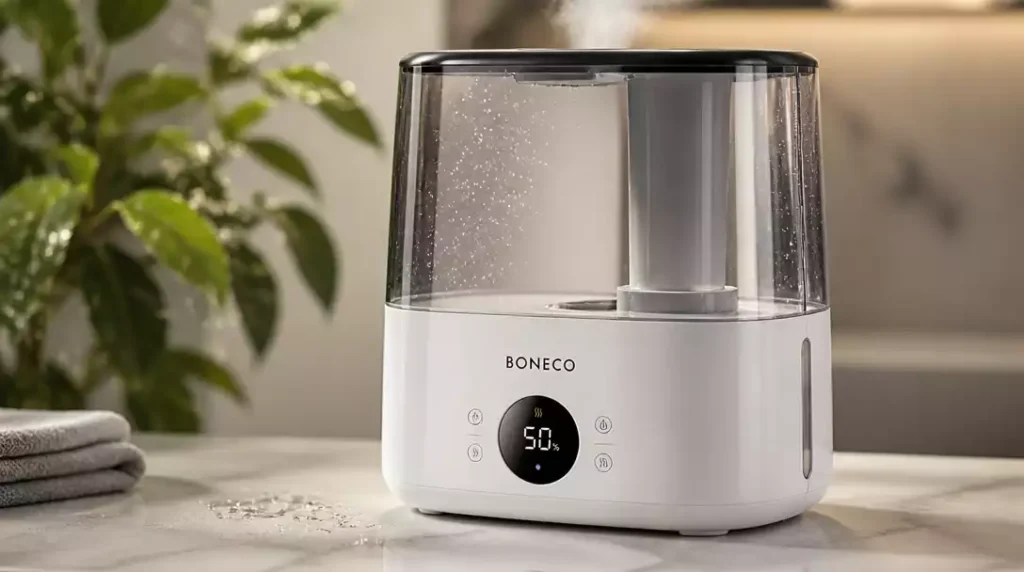
Have you ever found yourself frustrated with an unresponsive humidifier? Understanding how to reset your Boneco humidifier can save you time and restore comfort to your home.
What You Will Learn
- Recognize the signs that indicate a reset is necessary.
- Familiarize yourself with various types of resets available for Boneco humidifiers.
- Follow specific instructions tailored to your model for effective troubleshooting.
- Stay proactive with regular maintenance to enhance your humidifier’s performance.
Boneco Humidifier Resets Explained
Resetting your Boneco humidifier can be a straightforward solution for various issues. Whether you encounter unresponsive controls or annoying error messages, knowing when and how to reset your device is essential. As someone who has dealt with these devices, I can tell you that proper maintenance helps avoid reset situations in the first place.
Common reasons for needing a reset often include maintenance needs or just general wear and tear. If your humidifier is not performing as expected, this simple step might just do the trick and get it back on track!
Why You Might Need to Reset Your Boneco Humidifier
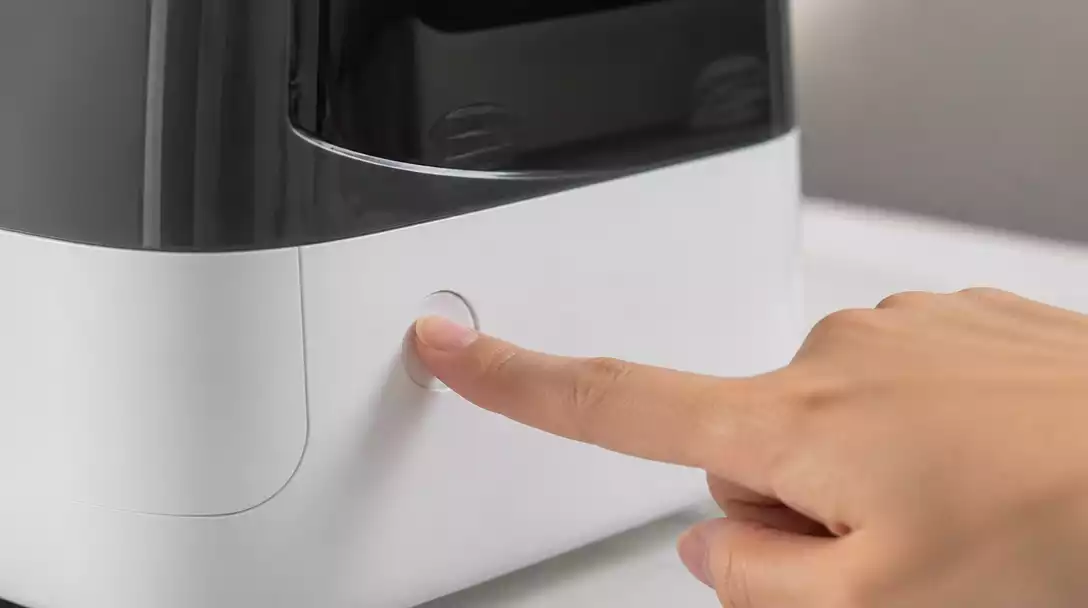
There are several scenarios that might prompt you to reset your Boneco humidifier:
- Controls become unresponsive after prolonged use.
- Error messages appear that don’t clear with normal operation.
- It’s time for routine maintenance or cleaning.
These situations can be frustrating, especially when you rely on your humidifier for comfort. Resetting the unit can refresh its system and resolve many of these common issues. For example, if your Boneco humidifier is flashing a red light, a reset might be one of the first troubleshooting steps to take.
Types of Resets for Boneco Humidifiers
Boneco humidifiers offer different types of resets to handle various situations effectively. Familiarizing yourself with these options can save time and headaches:
- Factory Default Reset: Restores the humidifier to its original settings.
- Cleaning Indicator Reset: Clears reminders for maintenance.
- Power Cycle Troubleshooting: Simply unplugging the device to reset the system.
Each reset type serves its purpose, and knowing which one to use can be invaluable. Understanding these resets will help you maintain optimal performance throughout the year.
Pro Tip
Did you know? Regularly changing the water in your Boneco humidifier can significantly reduce the risk of mineral buildup and prolong the life of your device. This simple maintenance tip can help prevent the need for frequent resets and ensure your humidifier operates at peak performance!
Key Takeaways on Resetting Boneco Humidifiers
Resetting your Boneco humidifier can significantly enhance its performance. Regular maintenance and a good understanding of the reset processes are essential for keeping your humidifier in top shape. This means you’ll enjoy a more comfortable environment with consistent humidity levels.
It’s important to know that a reset may not always solve every issue, but it often helps resolve minor glitches or errors. A proactive approach to both resetting and maintaining your device ensures you get the best performance.
- Recognize the signs that a reset is needed.
- Familiarize yourself with the various types of resets.
- Follow specific instructions for your model.
- Stay on top of regular maintenance tasks.
By keeping these points in mind, you’ll be well-equipped to manage your Boneco humidifier effectively!
Engaging with Further Questions
If you have lingering doubts or queries, I encourage you to dive deeper into common FAQs surrounding Boneco humidifiers. Topics such as dealing with persistent cleaning lights or other troubleshooting inquiries often arise and can help clarify any confusion.
- What should I do if the cleaning light stays on?
- How can I reset the Boneco filter icon?
- Are there differences in resets among different models?
These FAQs can be invaluable when troubleshooting your humidifier, ensuring you have the answers you need to keep it running smoothly!
FAQs on Boneco Humidifier Resets
Here are some common questions I’ve encountered related to resetting your Boneco humidifier:
- Why is the cleaning light still on? This can indicate that a reset didn’t fully take effect or that maintenance is still required. Sometimes, a thorough cleaning might be needed, similar to when you learn how to clean a humidifier properly.
- How do I reset the Boneco filter icon? This typically involves a specific button combination, which can vary by model. Always consult your user manual for precise instructions.
- Can I perform a factory reset on all models? Most Boneco models allow for a factory reset, but the method may differ. Check your specific model’s manual for details.
- What if my humidifier is still unresponsive after a reset? If a reset doesn’t resolve the issue, check for other common problems like a low water level, a clogged filter, or issues with the power supply.
- How often should I reset my Boneco humidifier? Resets should generally only be performed when troubleshooting an issue or after significant maintenance. Frequent, unnecessary resets are usually not beneficial.
These answers can clear up common concerns and help you get back to enjoying the humidified air in your home.
Understanding User Manuals and Guides for Boneco Humidifiers
Consulting the user manual for your Boneco humidifier is crucial! These manuals provide detailed information tailored to your specific model, including reset procedures and troubleshooting tips. They offer insights into maintenance schedules and operational guidelines that can prolong your humidifier’s lifespan.
- Check the manual for model-specific reset instructions.
- Look for troubleshooting sections to address common issues.
- Refer to technical specifications to understand your humidifier’s features.
Utilizing your user manual can empower you to tackle issues confidently and make the most of your Boneco humidifier! For general maintenance, understanding how to clean a humidifier tank is a critical step.
Contact Us for More Help
If you’re still feeling unsure or encounter persistent issues, don’t hesitate to reach out! We offer personalized troubleshooting tips and additional support tailored to your needs. You can find links to relevant manuals or customer service contacts right on our website, ensuring you have access to all the resources necessary to keep your humidifier running smoothly.
Your comfort is our priority, and we’re here to help you navigate any challenges with your Boneco humidifier!
Recap of Key Points
Here is a quick recap of the important points discussed in the article:
- Recognize when your Boneco humidifier needs a reset, such as unresponsive controls or error messages.
- Familiarize yourself with different types of resets: Factory Default, Cleaning Indicator, and Power Cycle Troubleshooting.
- Follow specific reset instructions tailored to your model for optimal results.
- Stay proactive with regular maintenance to prevent the need for frequent resets.
- Consult your user manual for detailed troubleshooting and maintenance guidelines.



