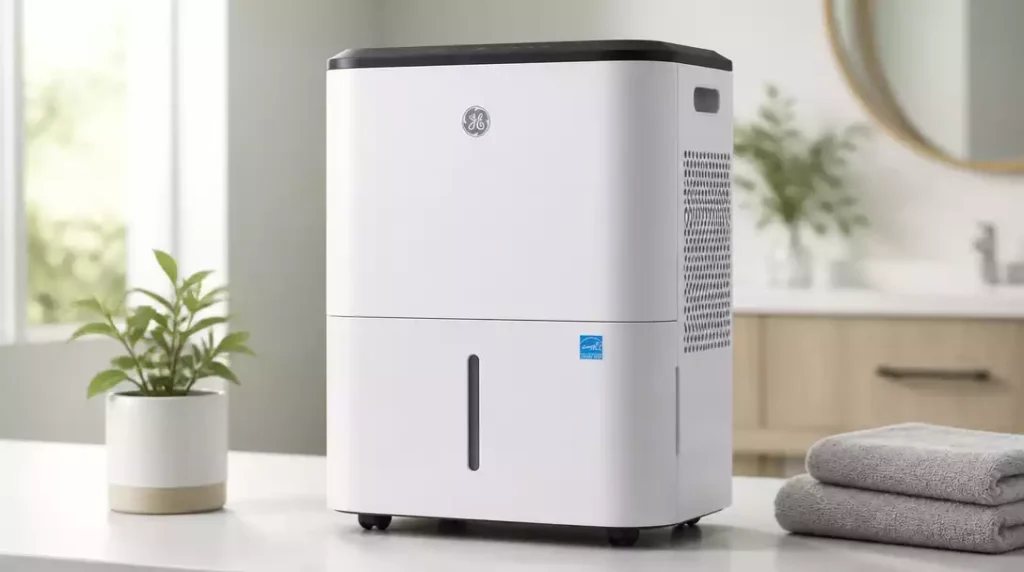
Understanding the nuances of your GE dehumidifier can save you time, money, and hassle. With a few straightforward troubleshooting tips, you can ensure optimal performance and longevity for your unit. Here’s a quick guide to what you will learn!
What You Will Learn
- Identify common power supply and environmental factors affecting your dehumidifier.
- Follow a simple reset process to resolve minor issues quickly.
- Troubleshoot water collection problems and understand the importance of humidity levels.
- Recognize error codes and what they mean for your unit’s functionality.
- Ensure proper airflow by maintaining clean filters and checking for obstructions.
- Understand when to call for professional service to avoid further complications.
- Learn about Energy Star ratings to make informed purchasing decisions.
Troubleshooting Your GE Dehumidifier: Common Issues and Solutions
Why Is My GE Dehumidifier Not Working?
If your GE dehumidifier isn’t functioning correctly, it can be frustrating. There are several common reasons why this might happen. From power issues to excessive humidity levels in your home, pinpointing the problem is the first step toward resolving it.
Here are some frequent culprits to consider:
- Power supply problems—check if it’s plugged in and the outlet is functioning.
- Dirty filters that can block airflow.
- Environmental factors like very low temperatures affecting performance.
Taking the time to investigate these areas can often lead to a quick fix, so don’t hesitate to troubleshoot!
Resetting Your GE Dehumidifier: Step-by-Step Instructions
Sometimes, a simple reset can solve minor problems with your GE dehumidifier. Here’s how to do it:
- Unplug the dehumidifier from the power source.
- Wait for about 10 minutes to allow the internal components to reset.
- Plug the unit back in and turn it on.
By following these straightforward steps, you might find that your dehumidifier is back to normal operation in no time! It’s a quick method that can save you from more significant headaches down the line.
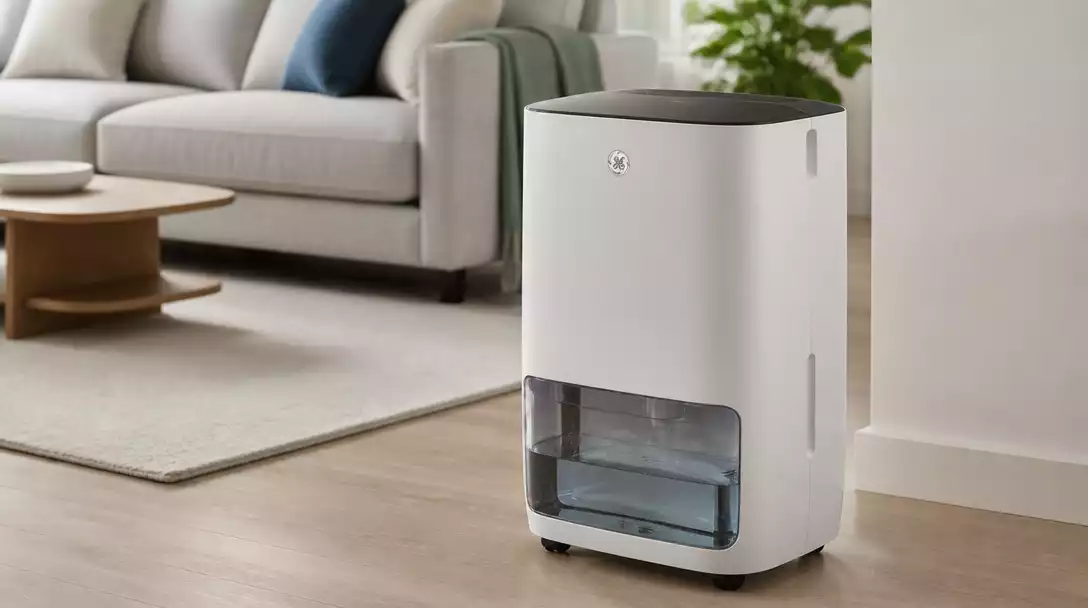
Getting to the Bottom of Water Collection Problems
Is your dehumidifier not collecting water as it should? This can be a common issue! Here are some potential reasons why this might be happening and tips to troubleshoot:
- The collection tank may be full or improperly placed.
- Ambient humidity levels are too low, making water collection difficult.
- There could be a blockage or issue with the drain hose.
These troubleshooting tips can help you identify the root cause of the problem and get your GE dehumidifier back to efficiently collecting moisture from the air! For more specific guidance on drain hose issues, you might find our article on GE dehumidifier hose not working helpful.
Airflow and Filter Concerns
One of the key reasons a dehumidifier may not perform well is due to airflow issues, often caused by dirty filters. A clogged filter can reduce efficiency and impact moisture removal.
Here’s what you can do:
- Check and clean the filter regularly.
- Ensure the unit is placed in a location with sufficient airflow.
- Look out for any obstructions around the unit.
Keeping these factors in check can greatly improve your unit’s performance!
Humidity Sensor Issues
If your GE dehumidifier is not operating correctly, it could be due to faulty humidity sensors. These sensors are vital for determining when to run and when to shut off.
To troubleshoot sensor issues:
- Ensure that the sensor is clean and not blocked.
- Consider recalibrating the unit if possible.
- Monitor the humidity levels; if they seem inconsistent, the sensor may need professional attention.
Addressing these sensor concerns can help restore your dehumidifier to its optimal function.
Error Codes Explained: What Do They Mean?
Error codes can be a telling sign of your unit’s health. Common codes like E0 and P1 indicate specific issues, such as low temperature or a full tank. Understanding these codes can significantly simplify your troubleshooting process.
For a quick reference, here are some common GE dehumidifier error codes along with their meanings:
- E0: Indicates a temperature issue.
- P1: Tank is full or not properly seated.
- F0: Sensor failure detected.
These codes are there to help you identify what’s wrong and how to fix it quickly!
Pump and Drain Issues: Ensuring Proper Functionality
If you’re having trouble with the pump or drain hose, it can greatly affect your dehumidifier’s ability to function efficiently. Here are some troubleshooting steps you can take:
- Check for clogs in the drain hose.
- Ensure the pump is working and not blocked or damaged.
- Make sure the unit is level for proper drainage.
Tackling these issues early on can prevent more significant problems down the road.
Understanding Indoor Humidity Levels: Ideal Ranges for Your Home
Maintaining the right indoor humidity levels is crucial for comfort and mold prevention. Generally, the optimal range is between 30-50% humidity. Your GE dehumidifier plays a key role in achieving this balance!
Knowing how your dehumidifier contributes helps you appreciate its importance. If you notice the humidity creeping up, it might be time to adjust the settings or troubleshoot any issues!
Common Dehumidifier Issues: Maintenance Tips for Longevity
Regular maintenance can help extend the life of your GE dehumidifier and ensure it operates efficiently. Here are some best practices:
- Clean or replace filters regularly.
- Check the water collection tank frequently.
- Inspect hoses and connections for leaks.
By keeping on top of these maintenance tasks, you can avoid many common issues and keep your dehumidifier running smoothly!
How Energy Efficiency Affects Your Dehumidifier Performance
Energy efficiency is not just a buzzword; it directly affects your dehumidifier’s performance and operational costs. A unit with a high energy efficiency rating can save you money on your electricity bill and reduce environmental impact.
It’s essential to consider energy-efficient models when selecting or troubleshooting your dehumidifier. Look for the Energy Star label to ensure you’re making a smart choice!
Consulting Your Owner’s Manual: A Valuable Resource
Your owner’s manual is an invaluable resource when it comes to troubleshooting your GE dehumidifier. It contains model-specific information that can guide you through various issues and solutions.
Don’t hesitate to refer to it for troubleshooting tips tailored to your unit, ensuring you’re taking the right steps toward resolution!
Pro Tip
Did you know? Regularly checking the humidity levels in your home can help you determine if your GE dehumidifier is working effectively. Aim for a range of 30-50% humidity to ensure optimal performance and comfort!
Frequently Asked Questions About GE Dehumidifiers
- Q: What are the most common reasons a GE dehumidifier might not be working?
- A: Common reasons include power supply issues, dirty filters blocking airflow, or very low ambient temperatures affecting performance.
- Q: How do I reset my GE dehumidifier?
- A: To reset, unplug the unit for about 10 minutes, then plug it back in and turn it on. This can resolve many minor issues.
- Q: Why is my GE dehumidifier not collecting water?
- A: This could be due to a full or improperly seated collection tank, low ambient humidity levels, or a blockage in the drain hose.
- Q: What do common GE dehumidifier error codes like E0 and P1 mean?
- A: E0 typically indicates a temperature issue, while P1 means the collection tank is full or not properly seated. F0 often points to a sensor failure.
- Q: When should I call a professional for my GE dehumidifier?
- A: You should call for service if you experience persistent error codes, unusual noises, water leaks or pooling, or significantly reduced performance despite regular maintenance.
Wrapping Up: Ensuring Your GE Dehumidifier Works Effectively
To keep your GE dehumidifier running smoothly, it’s essential to remember key troubleshooting techniques and maintenance practices. By staying proactive, you can extend the life of your unit and enjoy a more comfortable home environment. Here are some key takeaways that can make a significant difference:
- Regularly check and clean filters for optimal airflow.
- Monitor humidity levels to ensure your dehumidifier operates effectively.
- Stay alert to error codes for timely troubleshooting.
- Investigate water collection issues promptly to avoid further problems.
Adopting these practices not only keeps your dehumidifier in good shape but also enhances its overall efficiency. A little attention goes a long way!
When to Call for Service: Recognizing the Signs
While many issues can be resolved with basic troubleshooting, there are times when it’s best to seek professional help. Here are some clear signals that indicate it’s time to consult a technician:
- Persistent error codes that don’t clear after resetting.
- Unusual noises coming from the unit.
- Water leaks or pooling around the dehumidifier.
- Significantly reduced performance despite regular maintenance.
If you notice any of these signs, don’t hesitate to reach out for service. A qualified technician can help diagnose and resolve complex issues that you may not be equipped to handle. For guidance on a specific repair, you might consider reading our article on GE dehumidifier repair.
Energy Star Ratings and Their Importance in Dehumidifiers
When selecting a new dehumidifier, understanding Energy Star ratings can help you make a more informed choice. These ratings indicate how efficiently a unit operates compared to standard models. Here’s why they matter:
- Lower energy consumption helps reduce your utility bills.
- Environmentally friendly options contribute to a smaller carbon footprint.
- Higher efficiency often correlates with better performance and longevity.
Choosing an Energy Star-rated dehumidifier not only benefits your wallet but also supports a sustainable future. I always recommend checking for these ratings when you’re making a purchase! If you’re looking for more general advice on selecting the right unit, check out our guide on how to choose a dehumidifier.
Engaging With the Community: Sharing Your Experiences
We believe that sharing experiences can be incredibly helpful for everyone! I invite you to connect with our community and share your troubleshooting stories or tips. Whether you’ve faced common issues or found unique solutions, your insights can empower others to tackle similar challenges.
- Share your own troubleshooting successes or failures.
- Ask questions about specific problems you’re facing.
- Offer advice based on your personal experiences.
Let’s foster a supportive network where everyone can learn from each other. Together, we can create a space that helps everyone keep their GE dehumidifiers functioning optimally!
Recap of Key Points
Here is a quick recap of the important points discussed in the article:
- Regularly check and clean filters for optimal airflow.
- Monitor humidity levels to ensure your dehumidifier operates effectively.
- Stay alert to error codes for timely troubleshooting.
- Investigate water collection issues promptly to avoid further problems.
- Consult your owner’s manual for model-specific troubleshooting tips.
- Consider energy efficiency when selecting or troubleshooting your unit.