
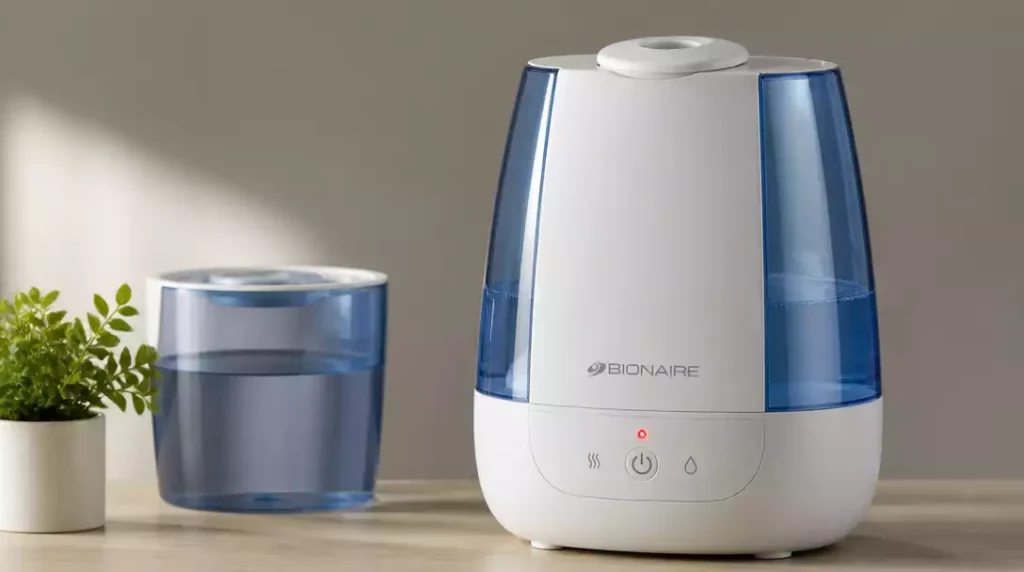
Have you ever been puzzled by that blinking red light on your Bionaire humidifier? Understanding what it signifies is crucial for maintaining optimal performance and ensuring your home stays comfortable.
What You Will Learn
- The blinking red light often signals a low water level, indicating it’s time to refill your humidifier.
- If the red light persists, your humidifier may need a reset due to system glitches or power surges.
- Automatic shutoff features protect your unit but can also trigger the blinking light when issues arise.
- Mineral buildup can affect performance, making regular cleaning essential to prevent the blinking light.
- Familiarizing yourself with error codes can help you quickly diagnose and address specific problems.
The Bionaire Humidifier Blinking Red Light
If you’ve noticed your Bionaire humidifier’s red light blinking, it’s essential to know what it means. This indicator isn’t just a random alert; it plays a crucial role in your humidifier’s performance. Understanding the significance of this light can help keep your device functioning optimally!
The blinking red light typically indicates that something needs your attention, whether it’s a low water level or a need for maintenance. Let’s dive into the specifics so you can tackle these issues head-on.
What Does the Blinking Red Light Indicate?
The red light on your humidifier serves as a warning signal. It’s your humidifier’s way of saying, “Hey, I need some help!” This can include various conditions, from needing a refill to requiring a reset or cleaning. Recognizing these signs early can prevent further complications down the line.
- Low water level in the tank
- Need for a reset due to a malfunction
- Automatic shutoff triggered by safety features
- Mineral buildup affecting performance
By understanding these signals, you can ensure that your humidifier operates smoothly and efficiently. It’s always better to take action before the blinking light becomes a bigger problem!
Common Causes of the Blinking Red Light
There are several reasons your Bionaire humidifier may be blinking red. Here are some of the most common causes:
1. Empty Water Tank
One of the simplest explanations for the blinking light is an empty water tank. If you don’t regularly check the tank, it could run dry, leading to the red light flashing. Make it a habit to monitor your water levels to prevent this issue!
2. Need for Reset
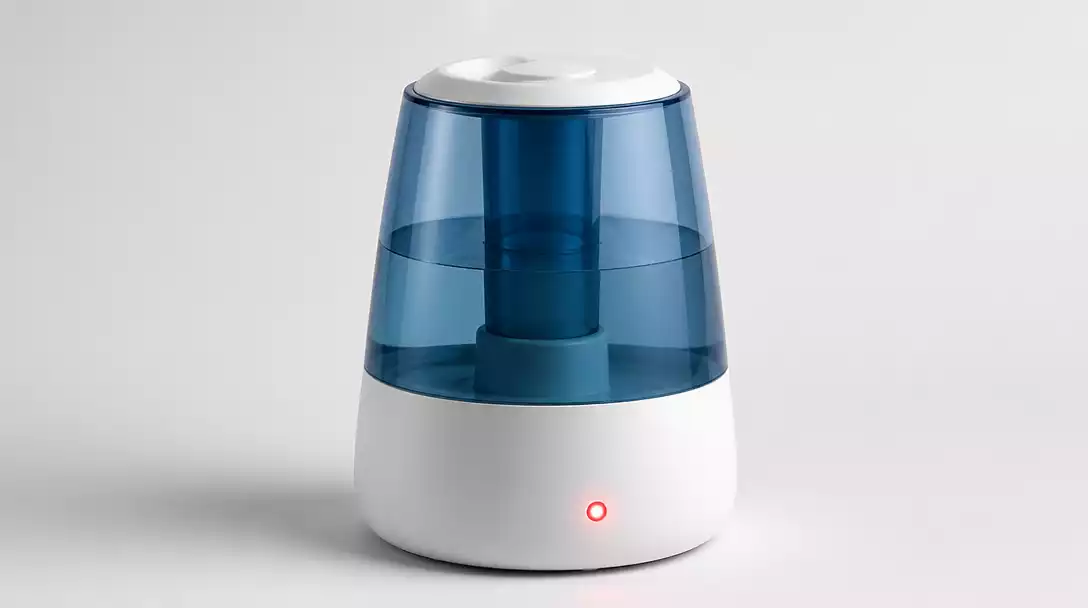
Sometimes, your humidifier may need a reset to function correctly. This can happen after power surges or if there are glitches in the system. If your red light won’t stop blinking, try resetting the device by turning it off and unplugging it for a few minutes.
3. Automatic Shutoff Features
Bionaire humidifiers are designed with safety features that automatically shut off the unit if it detects issues. This can mean the red light blinks to warn you of a malfunction, ensuring that you don’t overheat or damage the unit. Understanding these features can help you troubleshoot effectively!
4. Mineral Buildup and Cleaning Issues
Mineral deposits from hard water can accumulate in your humidifier, affecting its performance. This buildup can lead to the blinking red light, signaling that it’s time for a deep clean. Regular cleaning your Bionaire humidifier is key to keeping it in top shape!
5. Understanding Error Codes Related to Humidifiers
Some models might display specific error codes along with the blinking red light. Familiarizing yourself with these codes can help you identify the problem quickly. Refer to your manual or the manufacturer’s website for a list of potential error codes and what they mean.
We Want to Hear From You!
Have you ever encountered the blinking red light on your Bionaire humidifier? What steps did you take to resolve the issue? Share your thoughts and experiences with us:
Frequently Asked Questions (FAQs)
Here are some common questions about the Bionaire humidifier’s blinking red light:
- Q: What does a blinking red light on my Bionaire humidifier usually mean?
A: A blinking red light typically indicates a low water level, a need for a system reset, or mineral buildup. It’s a warning that your humidifier requires attention. - Q: How do I fix a blinking red light caused by a low water level?
A: Simply refill the water tank to the recommended level. The light should turn off once the tank is adequately filled. - Q: What if refilling the tank doesn’t stop the red light from blinking?
A: If the light persists, try resetting the humidifier. Unplug it for a few minutes, then plug it back in and turn it on. This can resolve minor glitches. - Q: Can mineral buildup cause the red light to blink?
A: Yes, mineral deposits from hard water can impede your humidifier’s performance, triggering the blinking red light. Regular cleaning is crucial to prevent this. - Q: Where can I find information about error codes for my Bionaire humidifier?
A: Refer to your humidifier’s user manual or visit the official Bionaire support website for a list of error codes and their corresponding solutions.
Summarizing Solutions for the Bionaire Humidifier
Key Takeaways on the Blinking Red Light
We’ve explored the blinking red light on the Bionaire humidifier in detail, and here are the key points to keep in mind:
- Empty Water Tank: Ensure your tank is filled to prevent the blinking light. If your Bionaire humidifier is not working, check this first.
- Reset Needs: Sometimes a quick reset can clear up issues.
- Automatic Shutoff: This feature is designed to protect your unit, but it can also trigger the red light.
- Mineral Buildup: Regular cleaning helps avoid performance issues related to deposits.
- Error Codes: Familiarize yourself with common codes to diagnose problems quickly.
By keeping these points in mind, you can address the blinking red light effectively and maintain your humidifier’s functionality.
Encouragement for Regular Maintenance
To keep your Bionaire humidifier running smoothly, regular maintenance and monitoring are essential! This not only helps prevent the blinking red light but also ensures that your humidifier operates at its best. A few simple practices can make a huge difference:
- Clean the water tank weekly to prevent mineral buildup.
- Check the filter regularly and replace it as needed.
- Ensure the water level is always adequate for operation.
Implementing these habits will help you enjoy the benefits of optimal humidity levels in your home!
Next Steps for Bionaire Humidifier Owners
Utilizing Available Resources
Don’t forget to check out the official Bionaire support page. They provide manuals and many additional troubleshooting resources that can assist you further. Having the right information at your fingertips can save you time and effort when resolving issues. For general humidifier maintenance, you might find our guide on how to clean a humidifier helpful.
Connecting with Bionaire Customer Support
If you’re facing persistent problems, contacting Bionaire customer service is a great step. They can provide specialized assistance tailored to your exact model. Here’s how you can reach them:
- Visit the Bionaire official website.
- Look for the ‘Contact Us’ section.
- Choose your preferred method: email, phone, or live chat.
Engaging with customer support ensures you get expert advice when you need it most!
Share Your Experience
I encourage you to share your troubleshooting experiences in the comments below! Your insights can be incredibly helpful to others facing similar issues. Plus, feel free to ask any further questions—let’s build a supportive community together!
Recap of Key Points
Here is a quick recap of the important points discussed in the article:
- Empty Water Tank: Ensure your tank is filled to prevent the blinking light.
- Reset Needs: Sometimes a quick reset can clear up issues.
- Automatic Shutoff: This feature is designed to protect your unit, but it can also trigger the red light.
- Mineral Buildup: Regular cleaning helps avoid performance issues related to deposits.
- Error Codes: Familiarize yourself with common codes to diagnose problems quickly.



